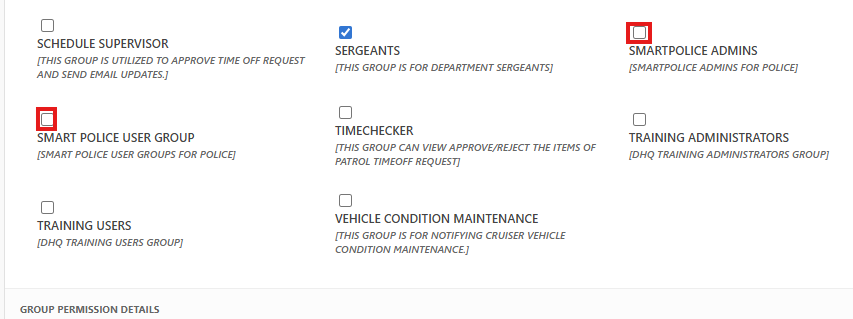
Add Users to Smart Police Groups
Created by Greg Katz, Modified on Wed, 2 Apr, 2025 at 10:33 AM by Greg Katz
From Site Settings
- Logged in as Administrator account.
- Click on site Action and select site settings.
- Select people and groups and add users to training group.
- Add all officers in “Smart Police user group” group and add other officers (Admin users) in the Smart police Admins (Who can create, Delete and canceled the Smart police records).
From user personnel card
- Click on "Administrative Links" on your DHQ home page
- Click on "Officer Personnel Card
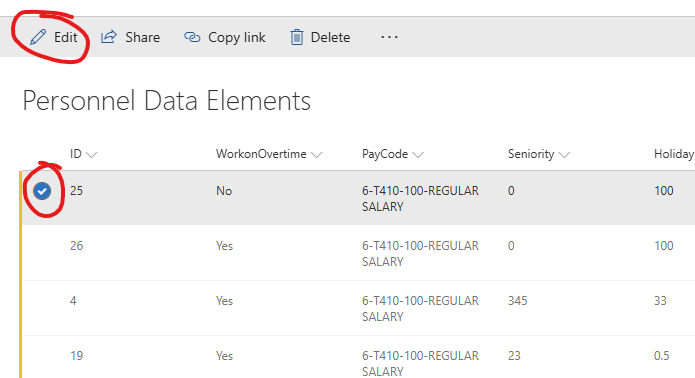
- Select a user and click on "Edit"
- Scroll down to "Group Permission Details"
- Select the appropriate Smart Police group and click save