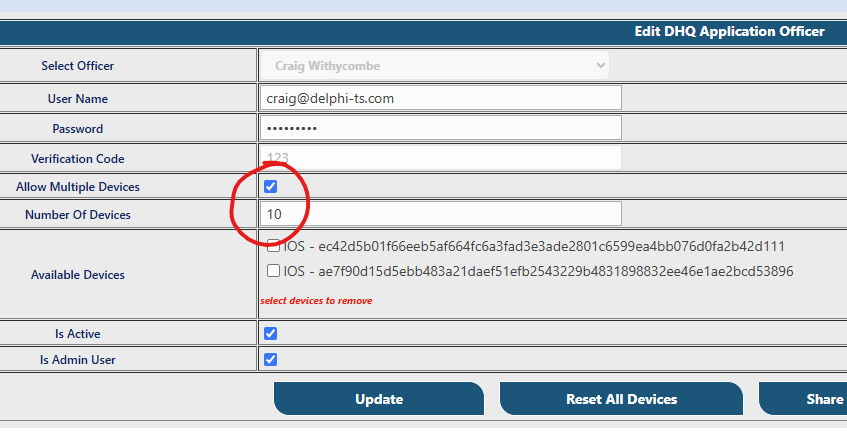
This process is completed automatically when adding new users to a local DHQ directory. If you're using Single Sign On (SSO) with your site, you will need to add these manually as shown.
From the Administrative Action menu
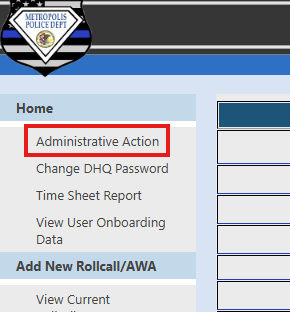
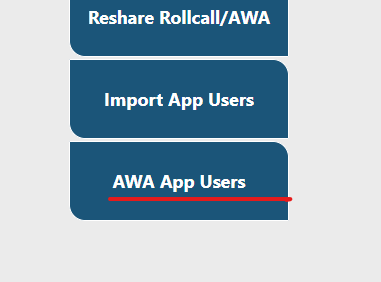
Select AWA App Users or Mobile App Config
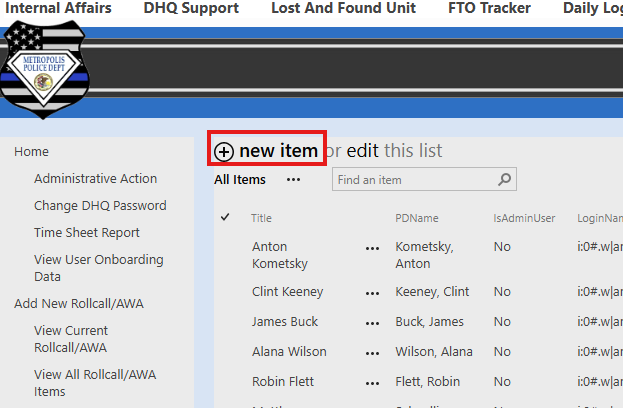
Select New Item
Select the user from the drop down list
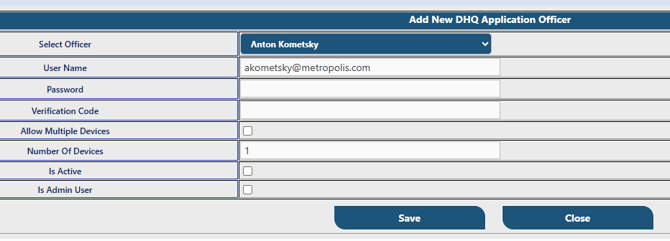
Assign a password (this is separate from the DHQ website). The user can update their DHQ app password later from the website or the app.
Assign a verification code. This can be unique and the user will require it to connect the mobile app the first time.
To allow multiple devices check the appropriate box and specify the device limit and click save.