
Quartermaster - Bulk Import (New Customer or New Module User)
Created by Greg Katz, Modified on Tue, 24 Jun, 2025 at 12:21 PM by Greg Katz
New customers or module users may have many items to add to Quartermaster. Depending on the amount it may be easier to import these items than to enter them in the application. DHQ can accommodate bulk uploads using an excel spreadsheet. This import can be used for equipment, assignments at the same time or assignments separately.
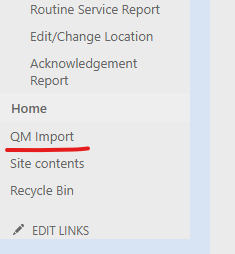
To begin, download the import template by clicking on QM Import from your Quartermaster site (if you don't see this link, let support know):
On the next screen, download the template here:
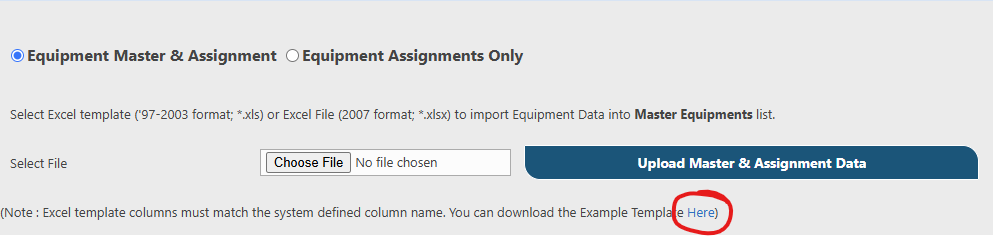
The template has two sheets EquipmentMaster and Assignment with example columns and data. Many agencies find it easier to use separate spreadsheets for each type of equipment, but it is not necessary.
There are some important considerations when using the importer:
- Serial numbers must be unique
- Items without serial numbers should have one row with a quantity listed
- Column data needs to match the list values already in Quartermaster. If the data (e.g. Make, Model) isn't found in the database, the list value will be created during the import.
- When using the assignment sheet, the email ID must match the email used in Quartermaster
- Column headers must match what is shown on the template
- There can be no trailing blank spaces in any of the cells
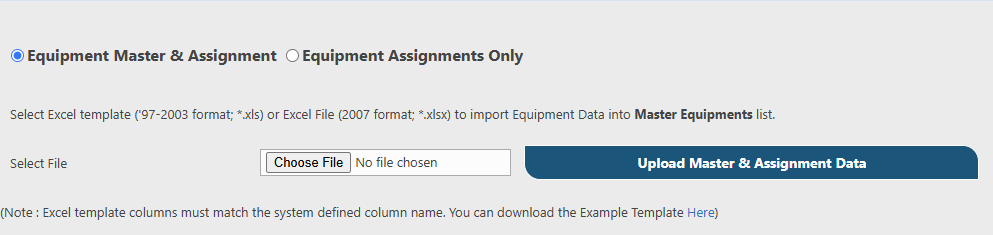
Once the spreadsheet is completed, return to the import page in Quartermaster:
Select whether you're uploading equipment and assignment or just assignment, choose the file to be uploaded and click upload.
If there is an issue with the upload data a message will appear and a txt file with more information will download. The txt file will contain information that will assist you in troubleshooting any data issues.
After uploading, review the data that was imported