
DHQ 5.0 Permissions (Full Guide)
Created by Greg Katz, Modified on Wed, 16 Apr, 2025 at 9:14 AM by Greg Katz
Full Access:
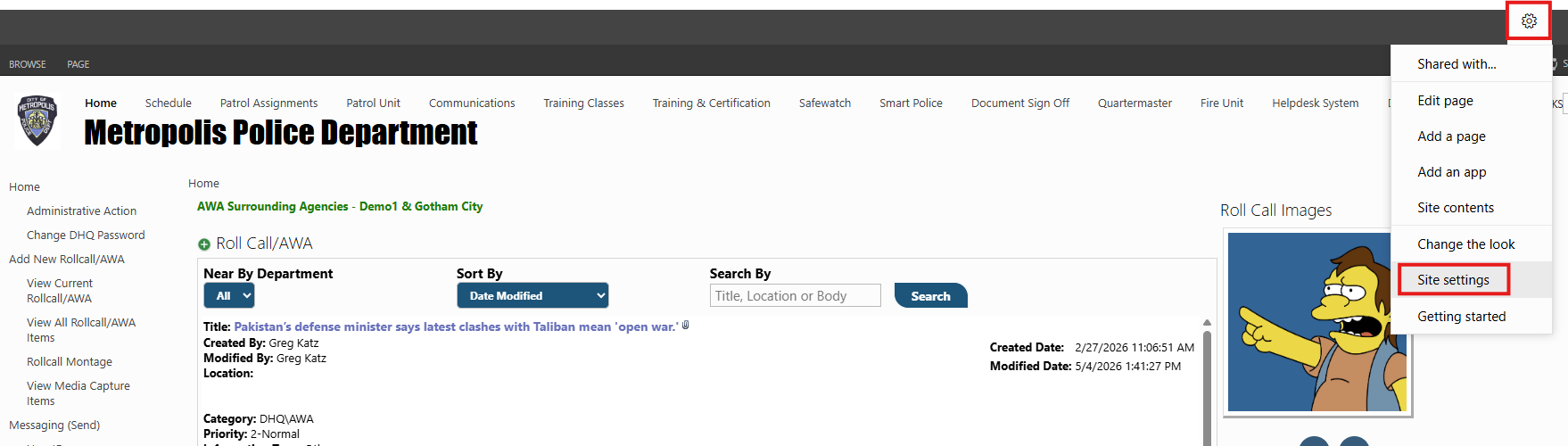
Admin Permissions (Full access)- Open DHQ with another admin account and go to the top right corner gear icon and select “Site settings”.
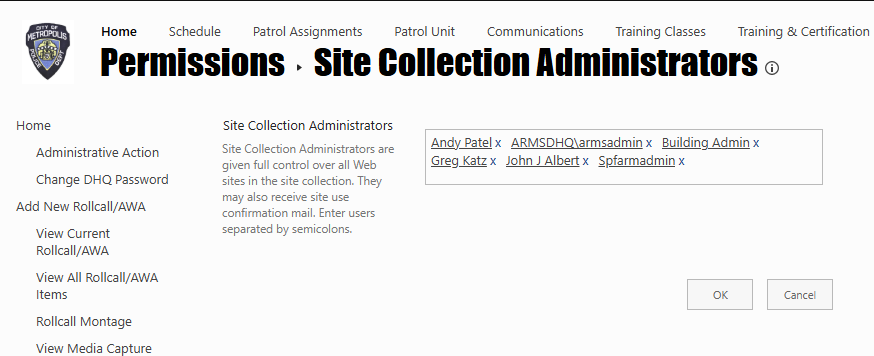
Now select “Site collection administrators” under “Users and Permissions” and add the usernames which you want to give full access to.
Specific Group permissions:
Go to left nav “Administrative links” and click on “Officer personnel Card" button.
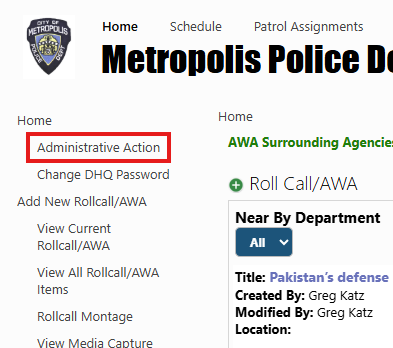
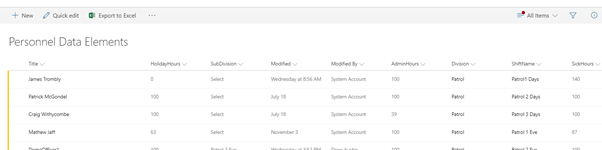
Click on Officer Personnel Card. It will open officer card list view, now click, and open specific user in edit mode.
Scroll to the bottom and expand "Groups"
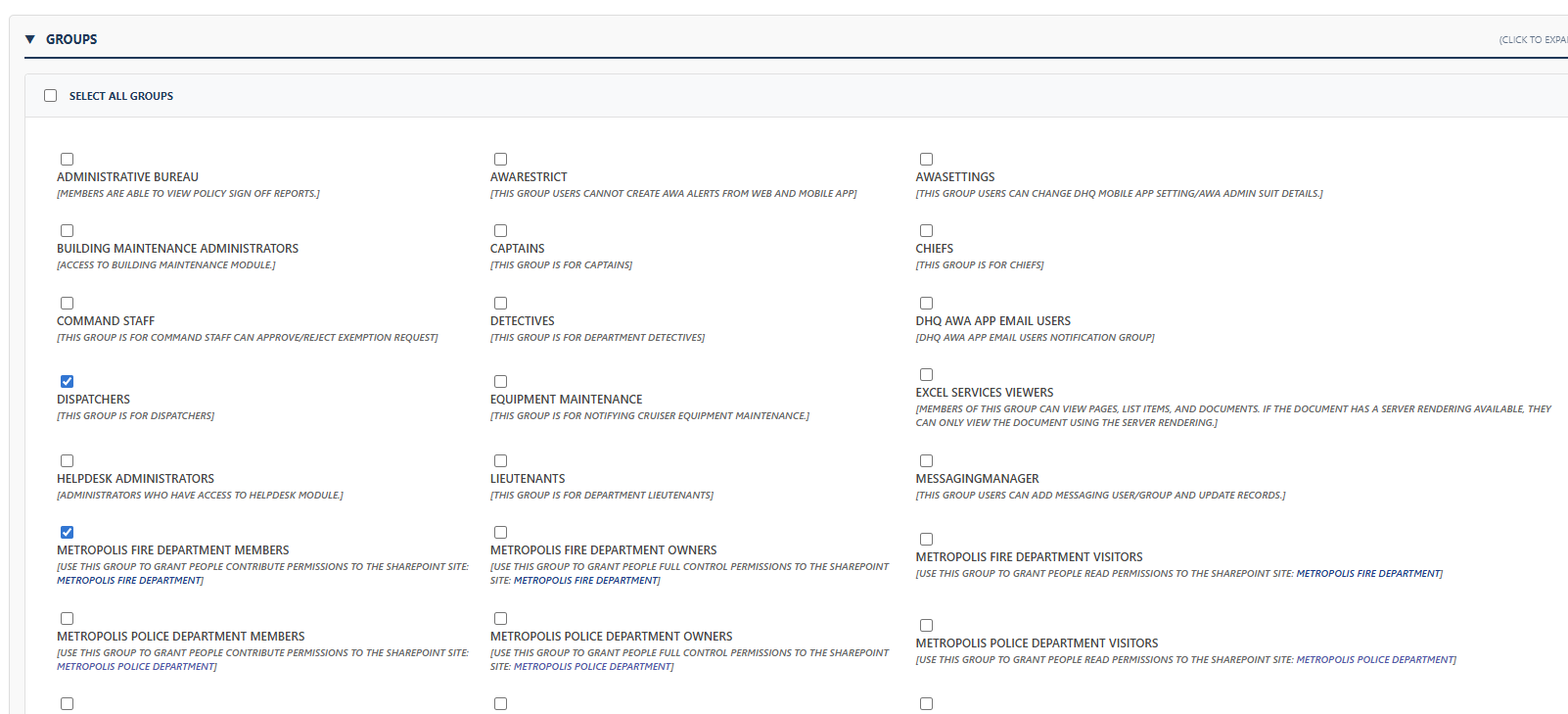
Here select your desired group as per the need to give permission to selected user and hit "save record".