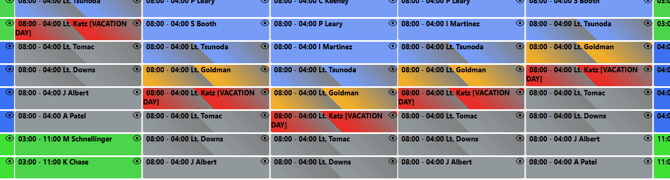
Click on "Add Multiple Days Off" from left navigation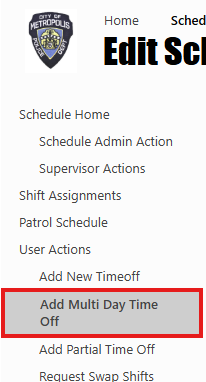
Admin can add/apply multiple days’ time off from this screen for an officer, in this page Admin need to select Officer name from dropdown, start date and end date and time off type.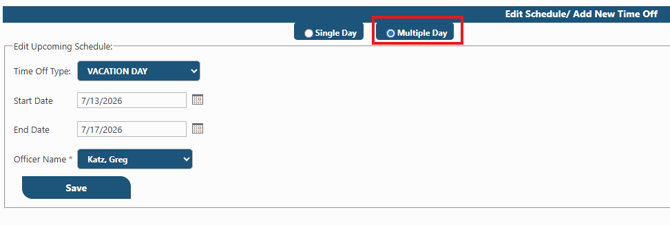
Once admin hit save system will ask for Overtime entries for complete range.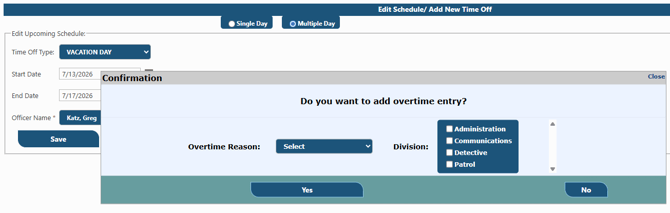
Once you hit "Yes" it will create OT entry for all days and mark all the time off approved, as it was done by admin itself.