Search for DHQ/AWA and download from the App Store.
Apple IOS- Apple Store
IOS - Google Play
Logging in:
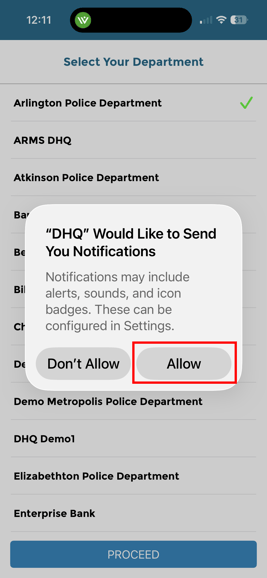
Allow notifications and pick your department. Then click Proceed.
To link the DHQ mobile app to your department, enter your department email address on the email line. Enter the verification code issued by your agency. This is only required one time.
AAft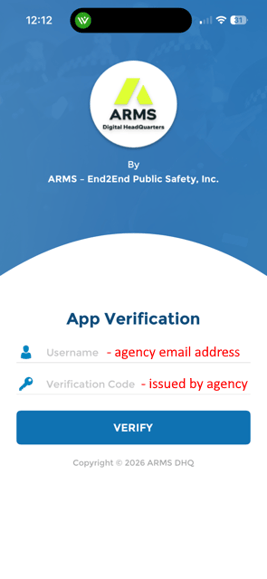
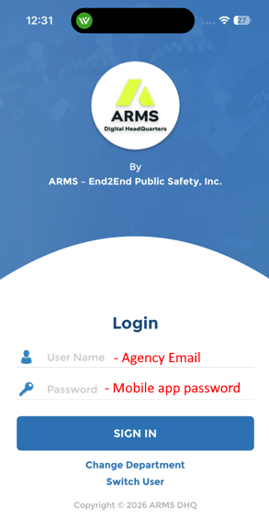
After successfully connecting your department, you will need to login.
Your username will be your department email address. Use the default password issued by your agency.
Change your password (Mobile App):
After logging on, tap on "Settings"
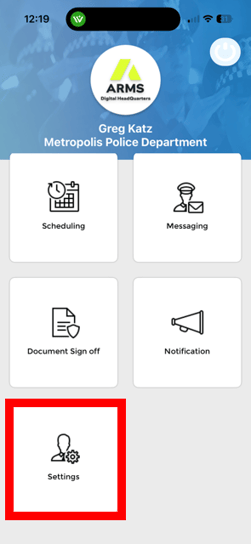
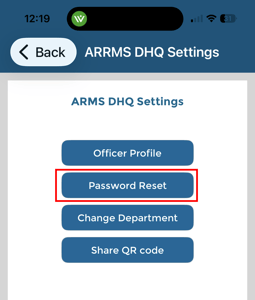
Then "Password Rest" to change your mobile app password
Change your password (Website):
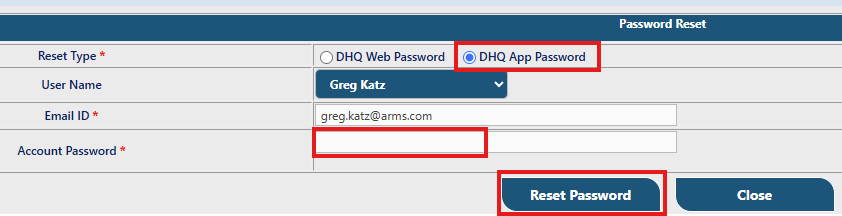
Click on "Change DHQ Password
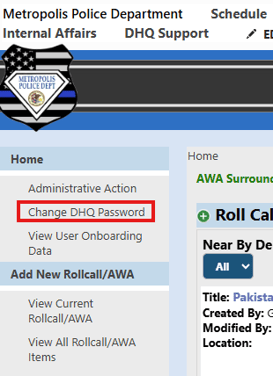
Select "DHQ App Password"
Enter your new password
Click "Reset Password"