
Passwords - How to Change/Reset
Created by Greg Katz, Modified on Wed, 8 Oct, 2025 at 9:08 AM by Greg Katz
Before attempting to change or reset your DHQ website password you must determine how your agency authenticates to DHQ. There are two methods:
- Microsoft Azure Active Directory (Office 365)
- DHQ Active Directory
If you see this box on login, your agency uses Microsoft Azure Active Directory
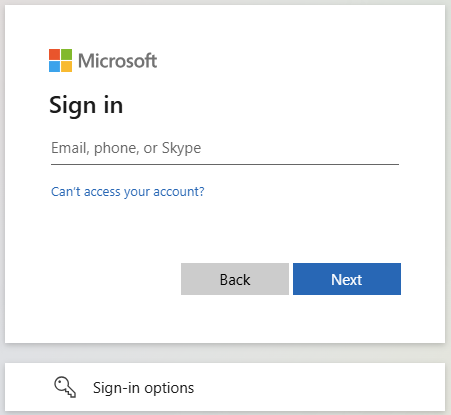
If your agency uses Microsoft Azure, you must contact your local IT Department.
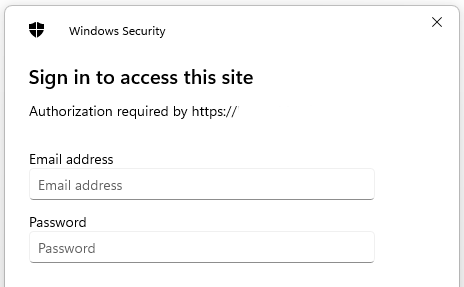
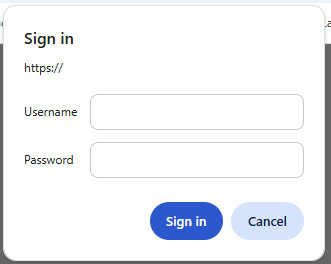
If you see the login prompts shown below than we can continue with managing your DHQ password
Microsoft Edge
Google Chrome
Administrators can change and reset a user's passwords from the Administrative Action menu: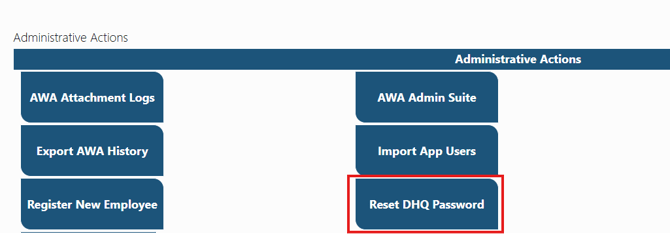
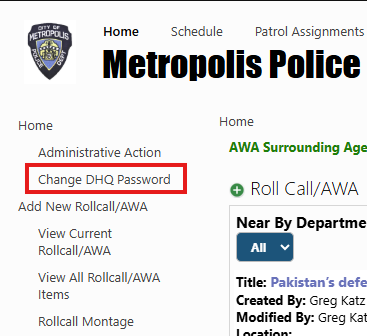
Or, click on the "Change DHQ Password" link from the Quick Launch menu if available.
Select the appropriate reset (Web or App), select the user and assign a new password:
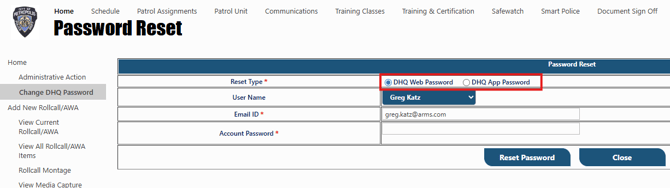
Users may also reset their mobile app PW from here, but they may only edit their own.