Click on "Add/Request Multiple Days Off" from left navigation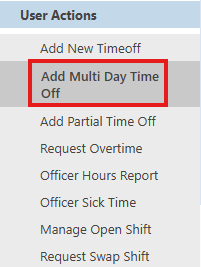
Select "Multiple Day" at the top of the form shown below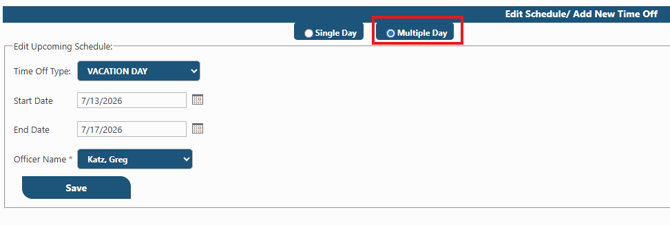
Click "Save"
Your request will move to pending and await approval by a supervisor.
Mobile App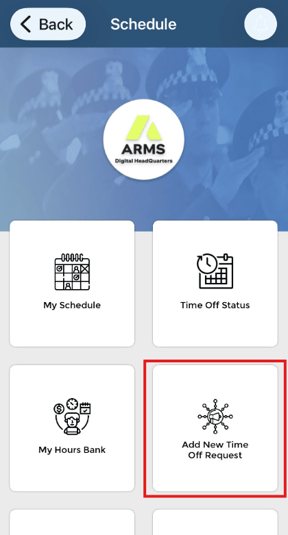
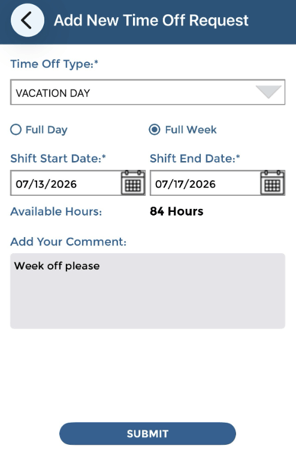
Select "Full Week", the time off type and date range and tap "Submit"
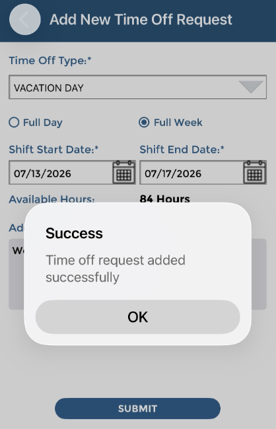
Your request moves to pending status and awaits supervisor action
The mobile app will send push notifications when there are status updates. You may also check time off status by tapping "Time Off Status"
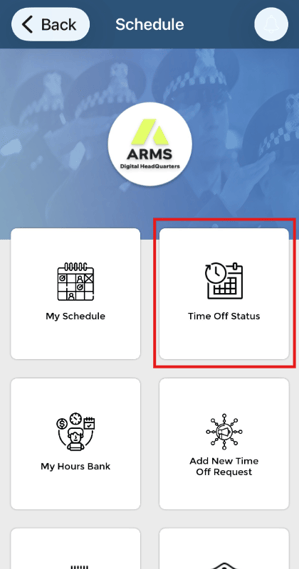
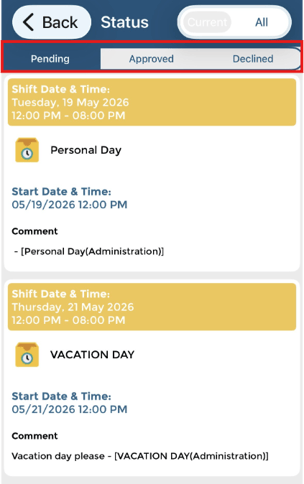
Pending, approved and declined requests are organized with tabs at the top of the screen