
Website
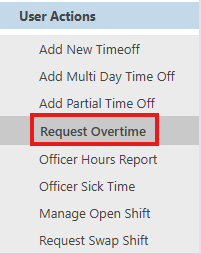
Click "Request Overtime" from the left navigation
To submit the request, fill in the form shown below based on your agency's criteria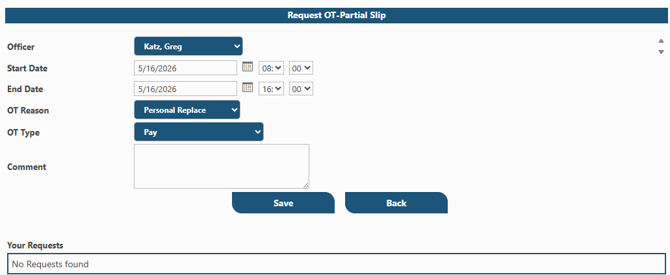
Click on "Save"
Your request will move to pending and await approval by a supervisor.
Mobile App
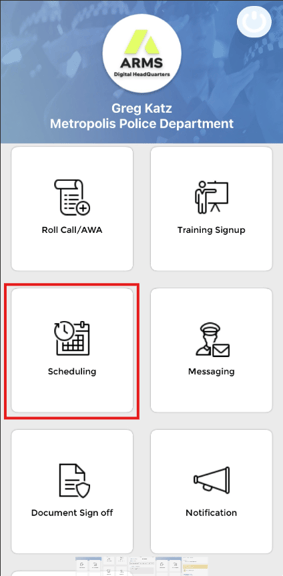
From the mobile app home screen click on "Scheduling"
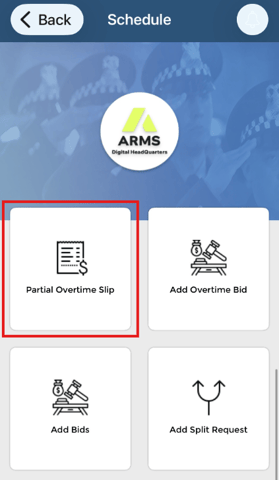
Tap on "Partial Overtime Slip"
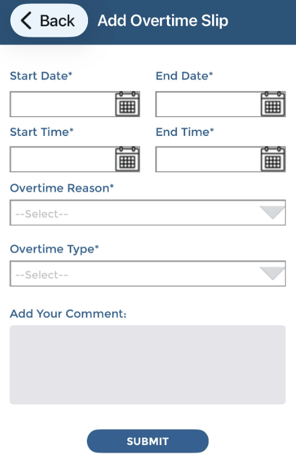
Tap on the add button at the top of the screen and complete the form according to your agency configuration and tap "Submit"
Your request moves to pending status and awaits supervisor action