Website
From the schedule site, click on "Add/Request Partial Time Off' or "Request Split Shift"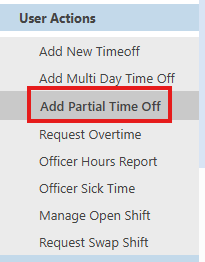
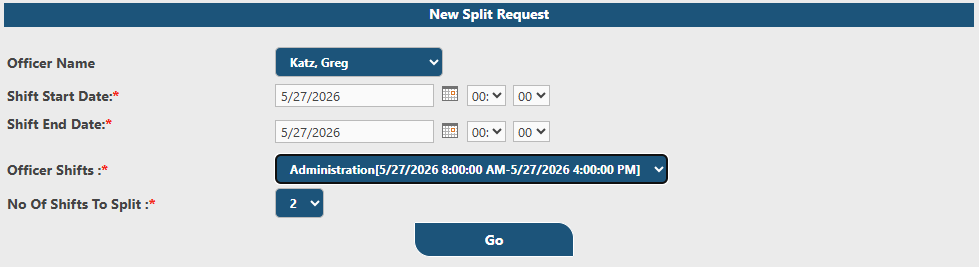
Fill in the date of the shift, connect the scheduled shift in the "Officer Shifts" field, then select how many splits you are requesting (2 or 3) and click "Go"
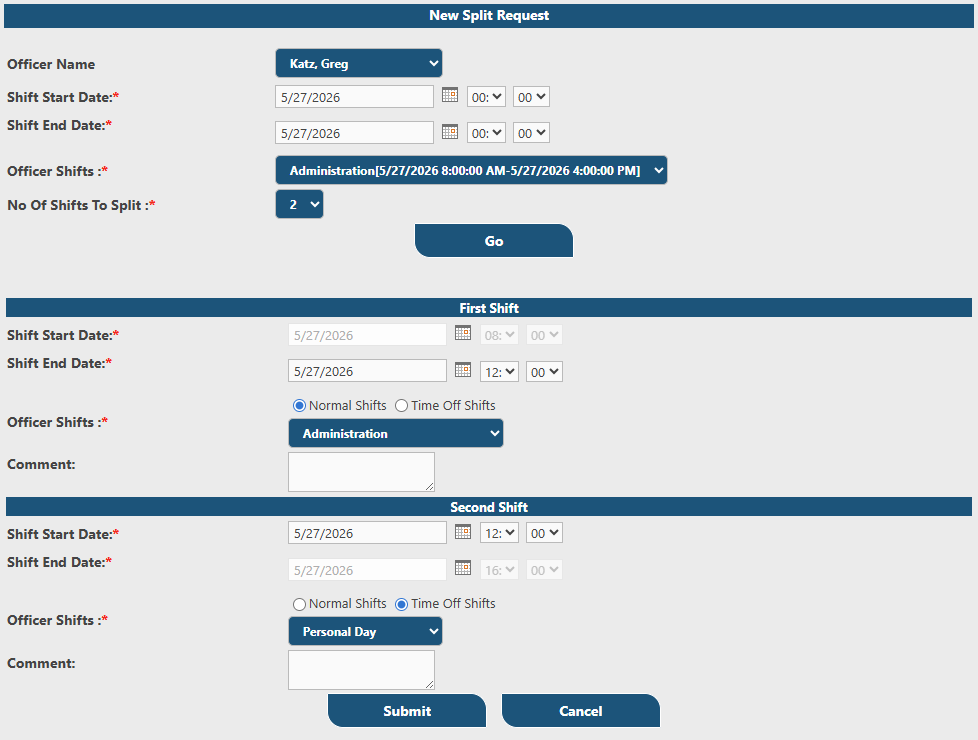
Here you can specify your "Normal Shift" and your "Time Off" shift. In the case above, the user is working a normal shift from 0800-1200 and requesting personal time from 120-1600. Click "Submit" to request.
The request will now be moved to pending and await supervisor action
Mobile App
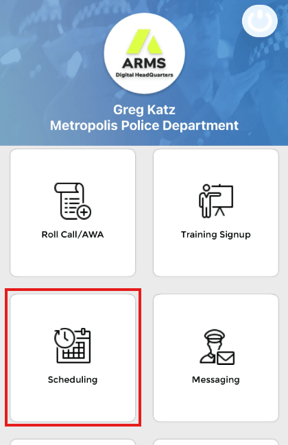
From the mobile app home page, select "Scheduling"
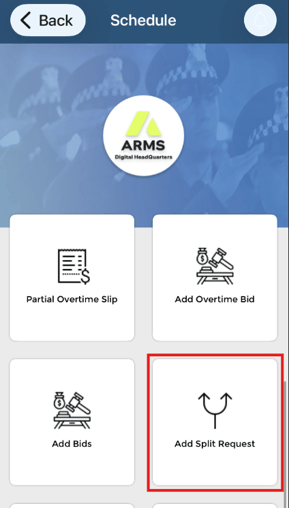
Now tap on "Add Split Request"
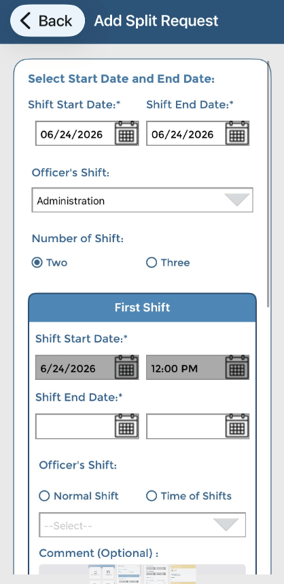
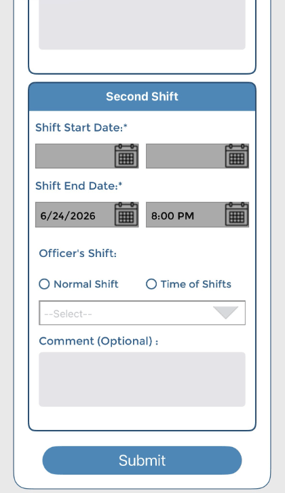
Entering the request is performed as it is on the DHQ website outlined above. When completed, tap "Submit"
The request will be moved to pending, awaiting supervisor review.
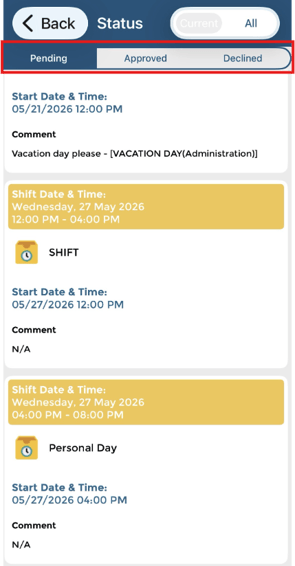
The mobile app will send push notifications when there are status updates. You may also check time off status by tapping "Time Off Status"
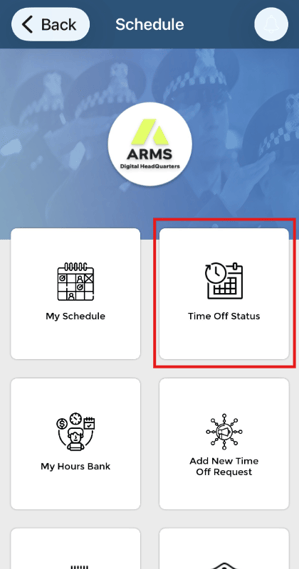
Pending, approved and declined requests are organized with tabs at the top of the screen