Training Class Sign Up
Created by Greg Katz, Modified on Wed, 2 Apr, 2025 at 11:44 AM by Greg Katz
Sign up for a Course
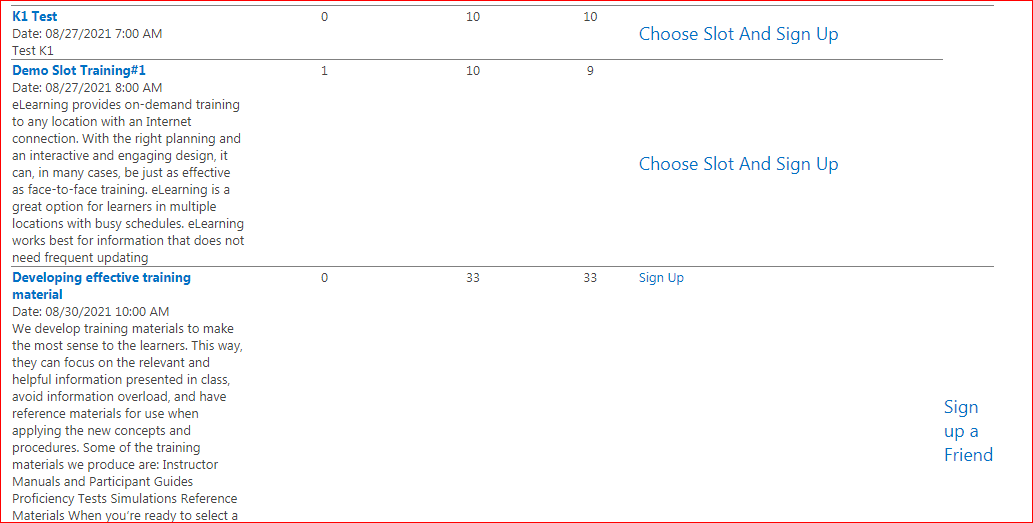
Once Administrator finished creating courses now Training user need to be logged in and training user can sign up for course by clicking Sign up link in All available Course webpart, after signing in for a course an email notification will send to that user as well.

Sign up for a friend
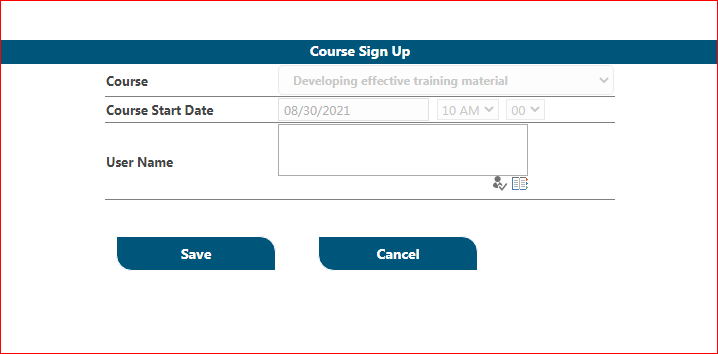
Training user can also sign up his/her friend for any course that has available seats. Training user can click on the Signup a Friend link in all available Course webpart.
Select the training username in username field and click Save button
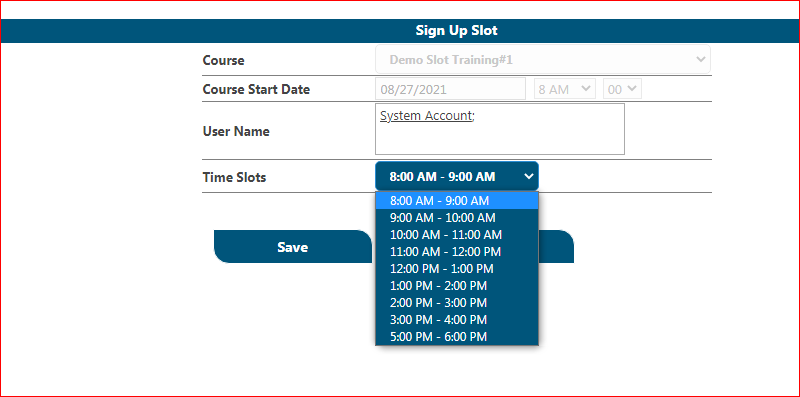
Slot sign up
If user/officer want to signup on gym or health related program so we have opt slot signup feature here where slots will be displayed corresponding to available slots.
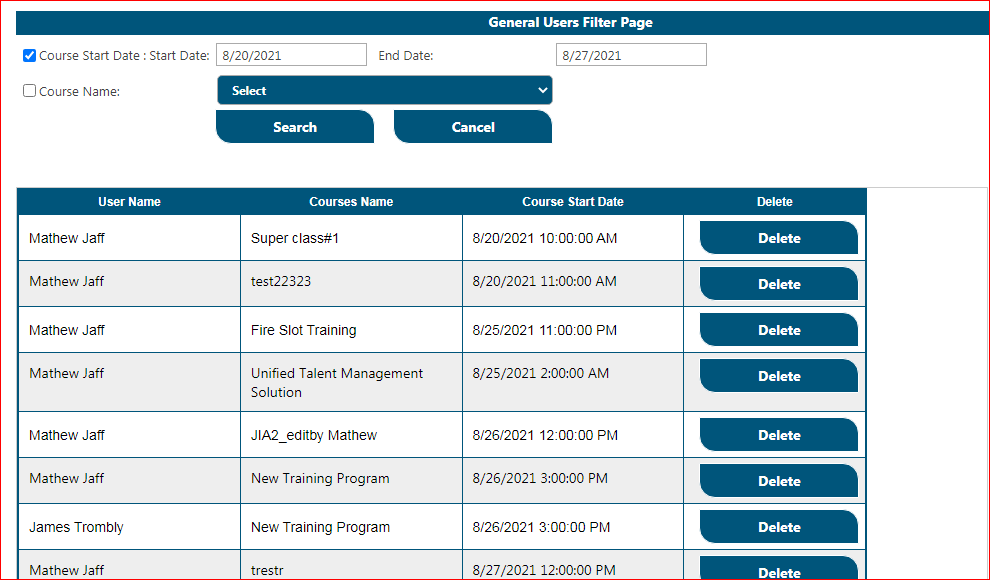
General User Page
Here user can remove his/her Training signups by clicking Delete button.