Using Smart Police
Created by Greg Katz, Modified on Wed, 2 Apr, 2025 at 10:56 AM by Greg Katz
Working on Smart police Module
- Go to DHQ home page
- Click on Smart police Tab
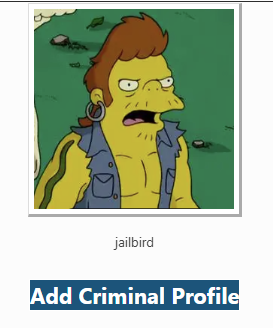
- Select Add criminal profile link
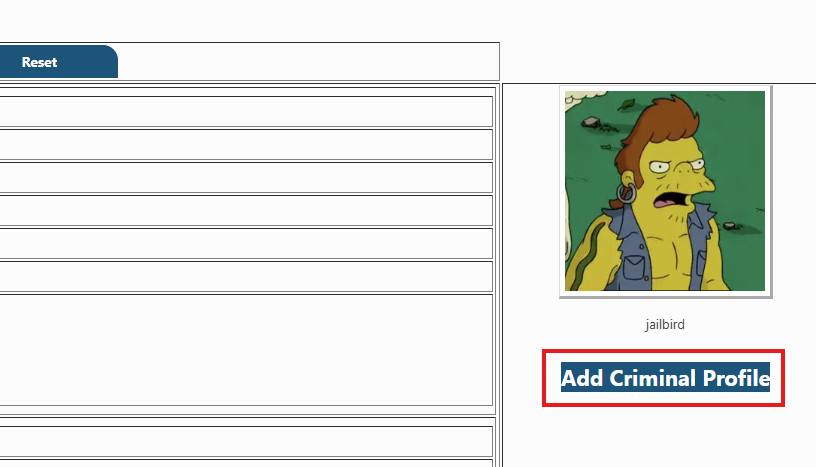
When you click on Add criminal record and save the content along with criminal photo & details.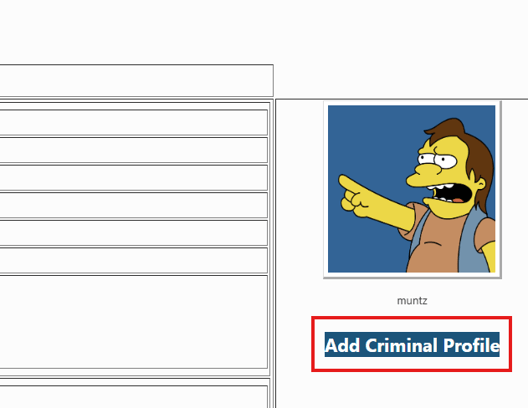
- Once records have been saved it will show like this.
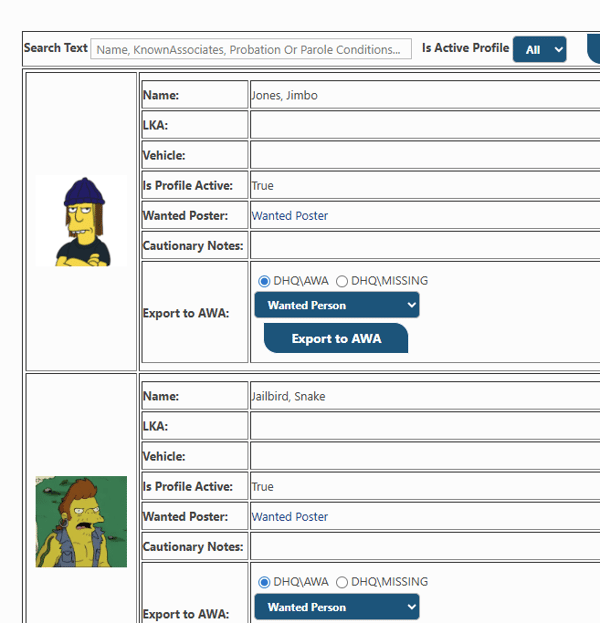
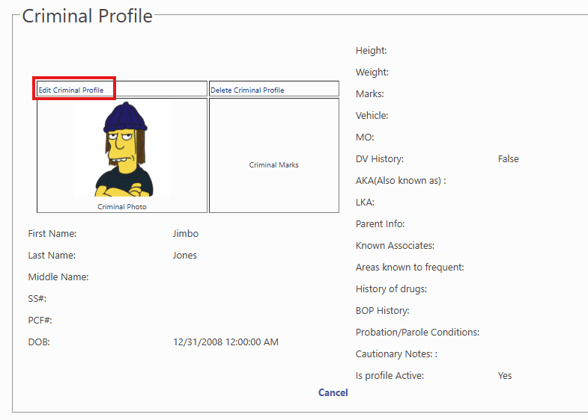
- To edit records or add more information click on Photo it will redirect you on edit page and click on edit criminal profile.
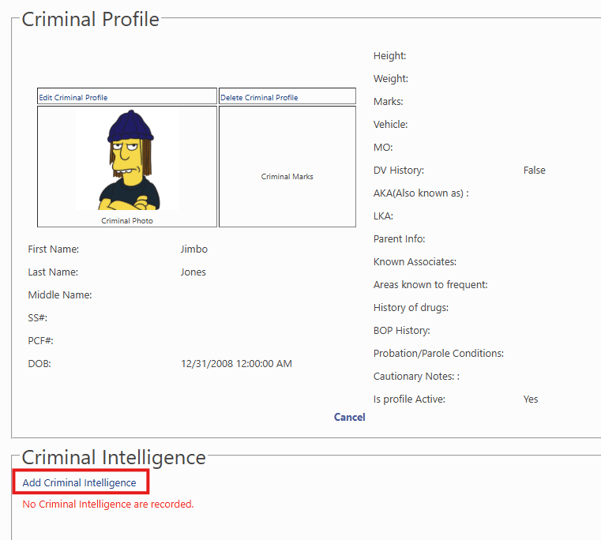
- To add Criminal Intelligence report, click on “Add Criminal Intelligence link”
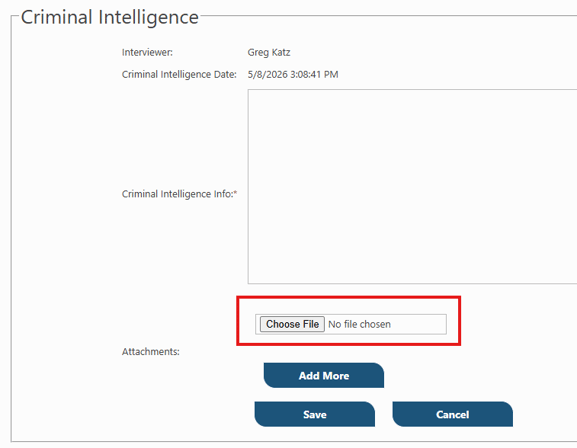
- Here Smart police user can add attachment for Criminal Intelligence record.
- To add Criminal Home visit information, Click on link "Show"
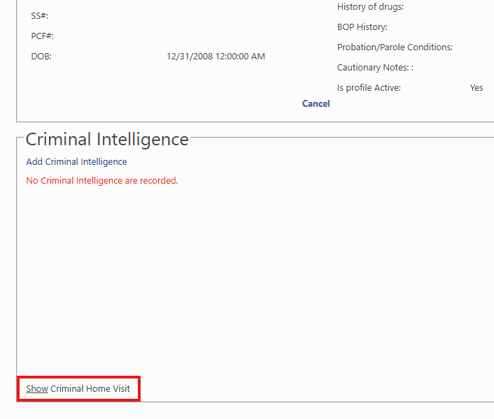
- Then click on "Add Home Visit"
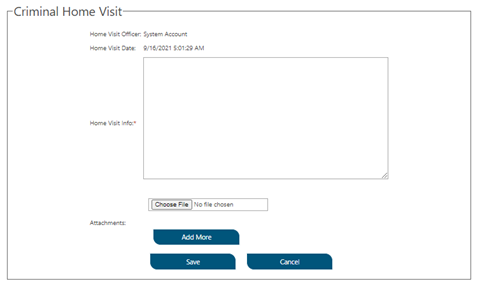
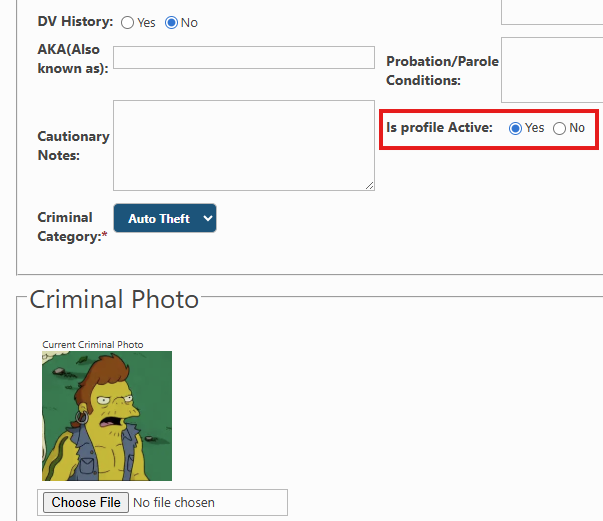
- Once records have been saved it will show in image rotator, and you can also set any criminal profile not to show in image rotator by setting is active field to FALSE.