
Click here to download the PDF

Change Case Filing
How To Change a Case Filing Type (You will need certain permissions to completed this action)
Navigate to the Case Filing Ledger section at the bottom of the Case Details screen and select the filing type that needs to be changed.
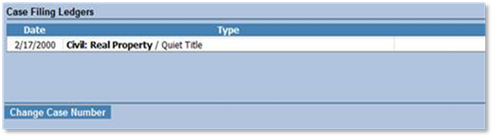
This will take you to the Case Filing Ledger screen. From here, navigate to the bottom of the Ledger and look for the “Change Filing Category” button. This will give you a drop down of the Case Filings you have to choose from.
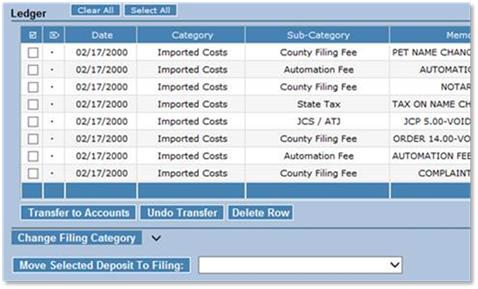
Once the correct Filing type is selected, the “Change Filing Category” button will update to read “Update Filing Category”. Clicking this button will change the filing type of the case.
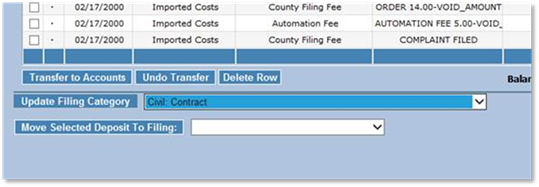
After you change the Case Filing type, make sure the costs on the ledger screen are correct for that particular filing type.