
Email Settings
Enter the SMTP or Mailgun settings for your organization.
Note: Your organization may limit the number of e-mails that can be sent out at once. Please check with your internal IT department if you plan to send any large letter batches or expect a high volume of sales with related e-mails.
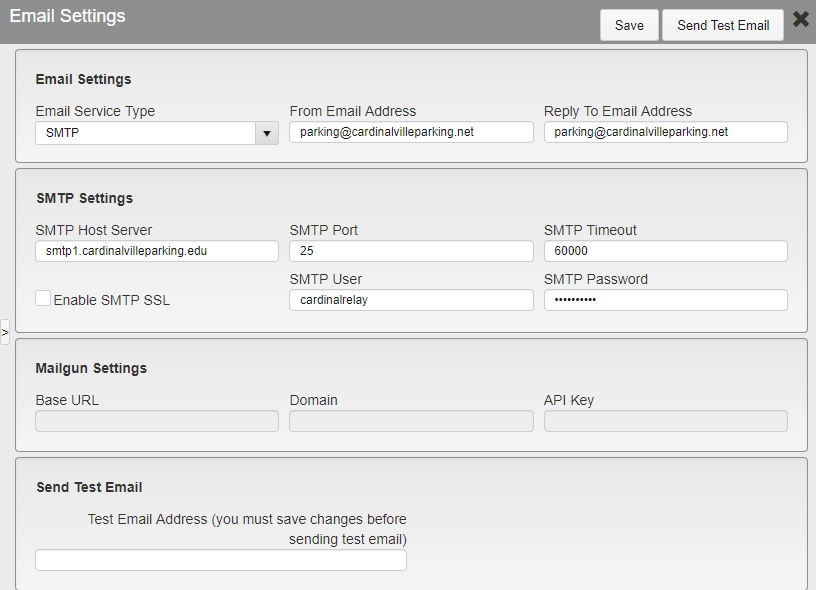
Email Settings
Email Service Type - Select if your organization uses SMTP or Mailgun.
From Email Address - Enter the e-mail address that e-mails sent by TickeTrak will be listed as from.
Note: This feature may not work with all SMTP settings.
Reply To Email Address - Enter the e-mail address that replies to e-mails sent by TickeTrak will be sent to.
SMTP/Mailgun Settings - These are the settings that allow TickeTrak to interact with your e-mail server.
Send Test Email - Once the settings are saved, you can send a test e-mail to ensure that the settings are working. To do so, enter the e-mail that you wish to receive the test message at, then click the Send Test Email button in the upper right.