
No recent searches
Popular Articles

Sorry! nothing found for
Adding the ISSVIEW User
Created by Russ Hartle, Modified on Tue, 11 Nov, 2025 at 10:26 AM by Russ Hartle
The ISSVIEW User is generally used as an account for 3rd party vendors to access In-Synch RMS data through existing or custom developed database views. This user doesn’t have access to individual table data. The most common use of the ISSVIEW user is for Crime Mapping and Analytics software like CrimeReports.com or CommunityCrimeMap.com. This user account should be automatically created by an RMS software update, but can be manually added using the following steps:
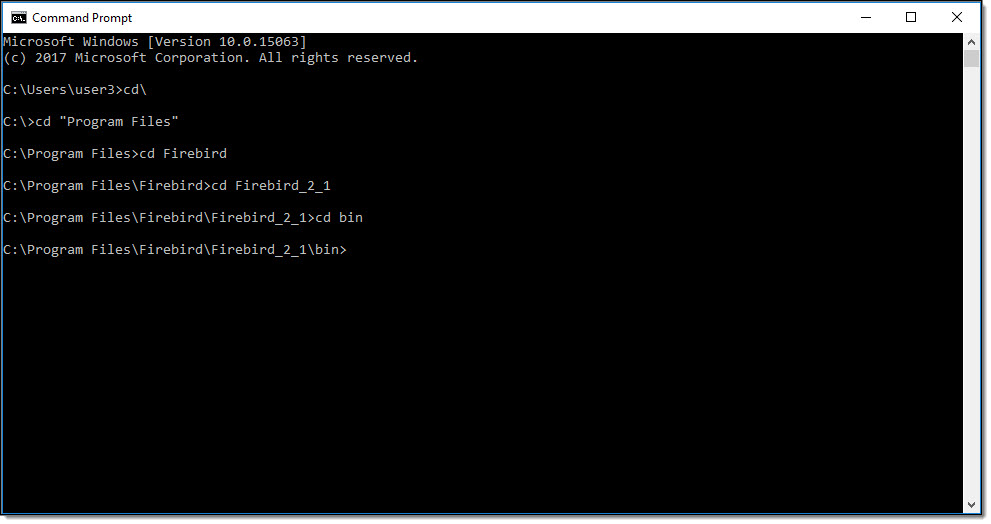
Open a new CMD window and navigate to the bin directory of the Firebird installation. In this example the bin directory is located: “C:\Program Files\Firebird\Firebird_2_1\bin”
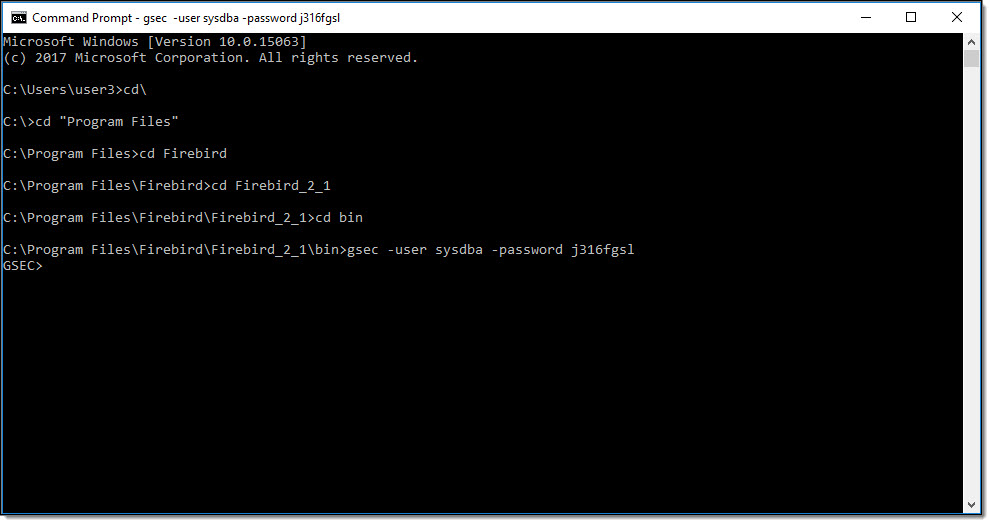
Type the following command (without quotes): “gsec -user sysdba -password j316fgsl” and then press the “Enter” key to start the GSEC Utility.
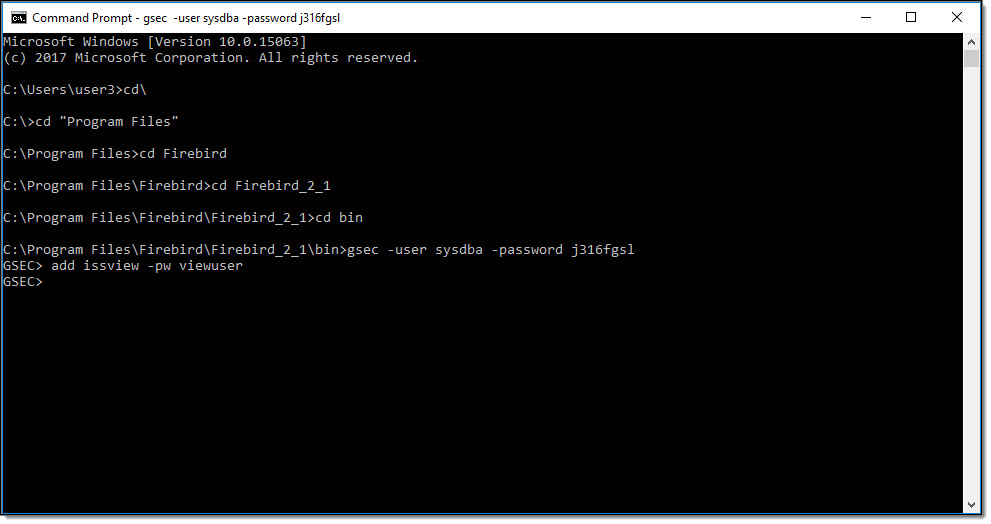
Type the following command (without quotes): “add issview -pw viewuser” and then press the “Enter” key.
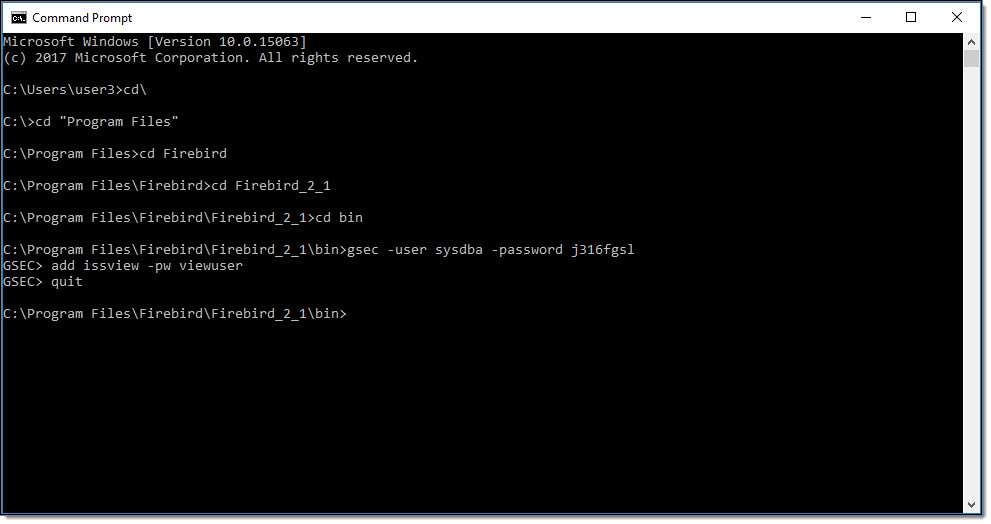
Type the following command (without quotes): “quit” and then press the “Enter” key to exit the GSEC utility.
Close the CMD window.
Was this article helpful?
That’s Great!
Thank you for your feedback
Sorry! We couldn't be helpful
Thank you for your feedback
Let us know how can we improve this article!
Feedback sent
We appreciate your effort and will try to fix the article
X