
No recent searches
Popular Articles

Sorry! nothing found for
Employee Data
Created by Russ Hartle, Modified on Fri, 12 Sep, 2025 at 3:38 PM by Russ Hartle
Employee Data
1. Click on the Employee Data tab.
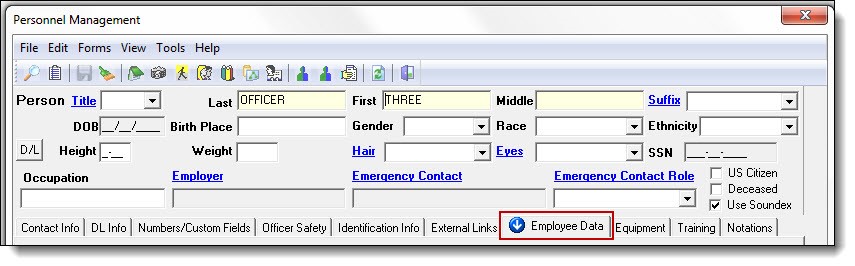
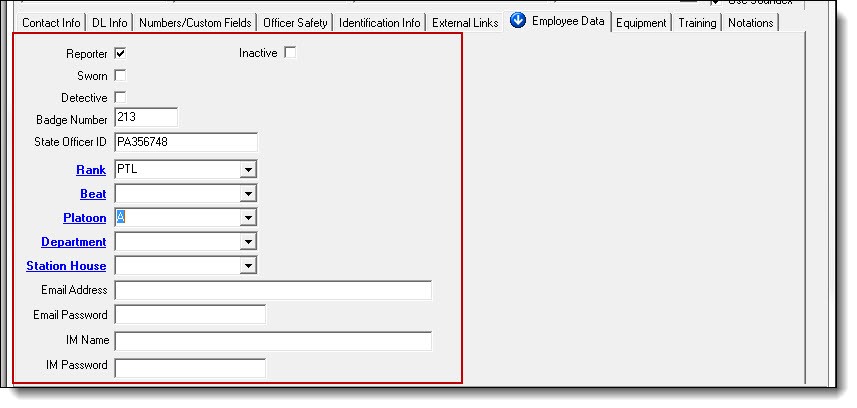
2. There are various fields that can be tracked in Personnel Management, including badge number, rank, state officer ID, department, etc.
!Did You Know?
Reporter must be checked in order for the officer to work on cases and be available from the various drop down lists throughout the RMS. The Sworn checkbox is used to activate LEOKA information on cases in Admin Review. The Detective checkbox is for internal tracking purposes and does not affect any lists in the RMS.
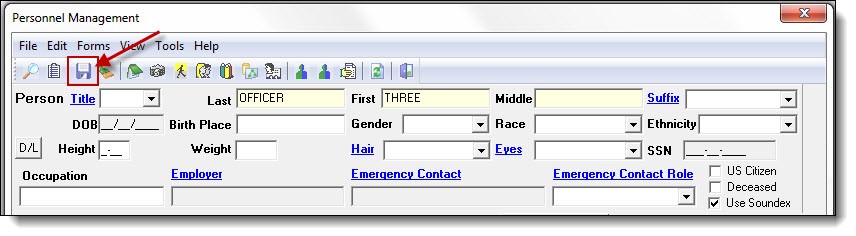
3. After filling out the Employee Data tab, click the “Save” button on the Personnel Management window to save the updated information.
Was this article helpful?
That’s Great!
Thank you for your feedback
Sorry! We couldn't be helpful
Thank you for your feedback
Let us know how can we improve this article!
Feedback sent
We appreciate your effort and will try to fix the article
X