
No recent searches
Popular Articles

Sorry! nothing found for
Hotlists Management
Created by Russ Hartle, Modified on Thu, 11 Sep, 2025 at 3:38 PM by Russ Hartle
Hotlist Management
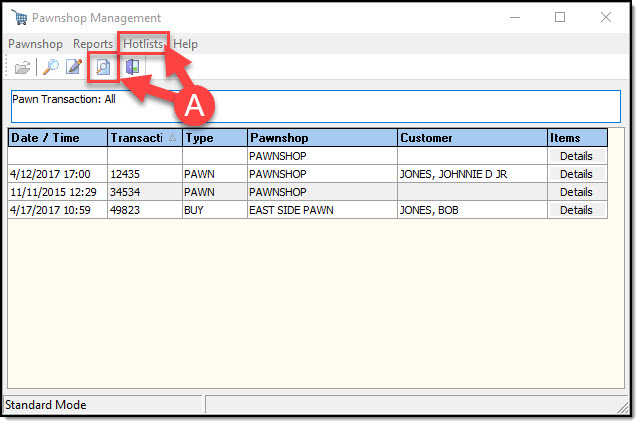
Hotlist Management can be accessed through the Pawnshop Management window by pressing the button or selecting the option through the Hotlist Menu (A).
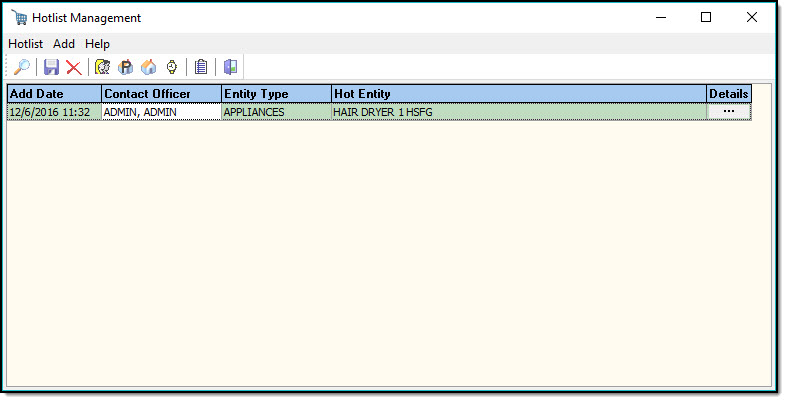
Hotlist Management allows you to manage your Hotlist reports. You can add, or remove Persons, Organizations, Vehicles, Property, and Addresses to the Hotlist report. You can search the Hotlists for specific items, and export that information to Excel. You can create Hotlist reports to print or email.
Was this article helpful?
That’s Great!
Thank you for your feedback
Sorry! We couldn't be helpful
Thank you for your feedback
Let us know how can we improve this article!
Feedback sent
We appreciate your effort and will try to fix the article
X