
No recent searches
Popular Articles

Sorry! nothing found for
Manage Notices
Created by Russ Hartle, Modified on Fri, 20 Jun, 2025 at 3:09 PM by Russ Hartle
You can create and send late notices for tickets that are older than the number of days specified in the Agency Setup Module.
When you first install InSynch RMS, you should design your parking ticket notices. The Design Notices button (A) on the toolbar will open an editor in which you can customize the default notice letter.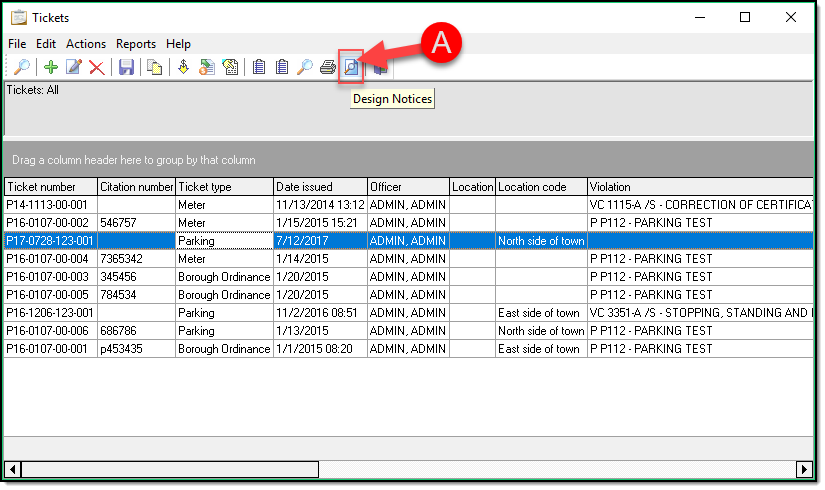
Managing actual notices is handled through the Notices and Print Notices buttons on the toolbar.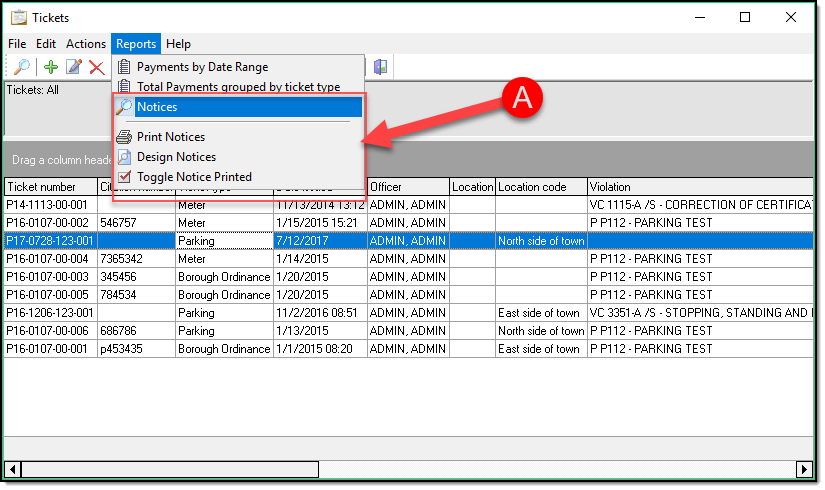
- Notices will show a list of tickets that are past-due.
- Print Notices will generate and print the actual notices.
After previewing the parking notices, click print (A) to actually print the notices.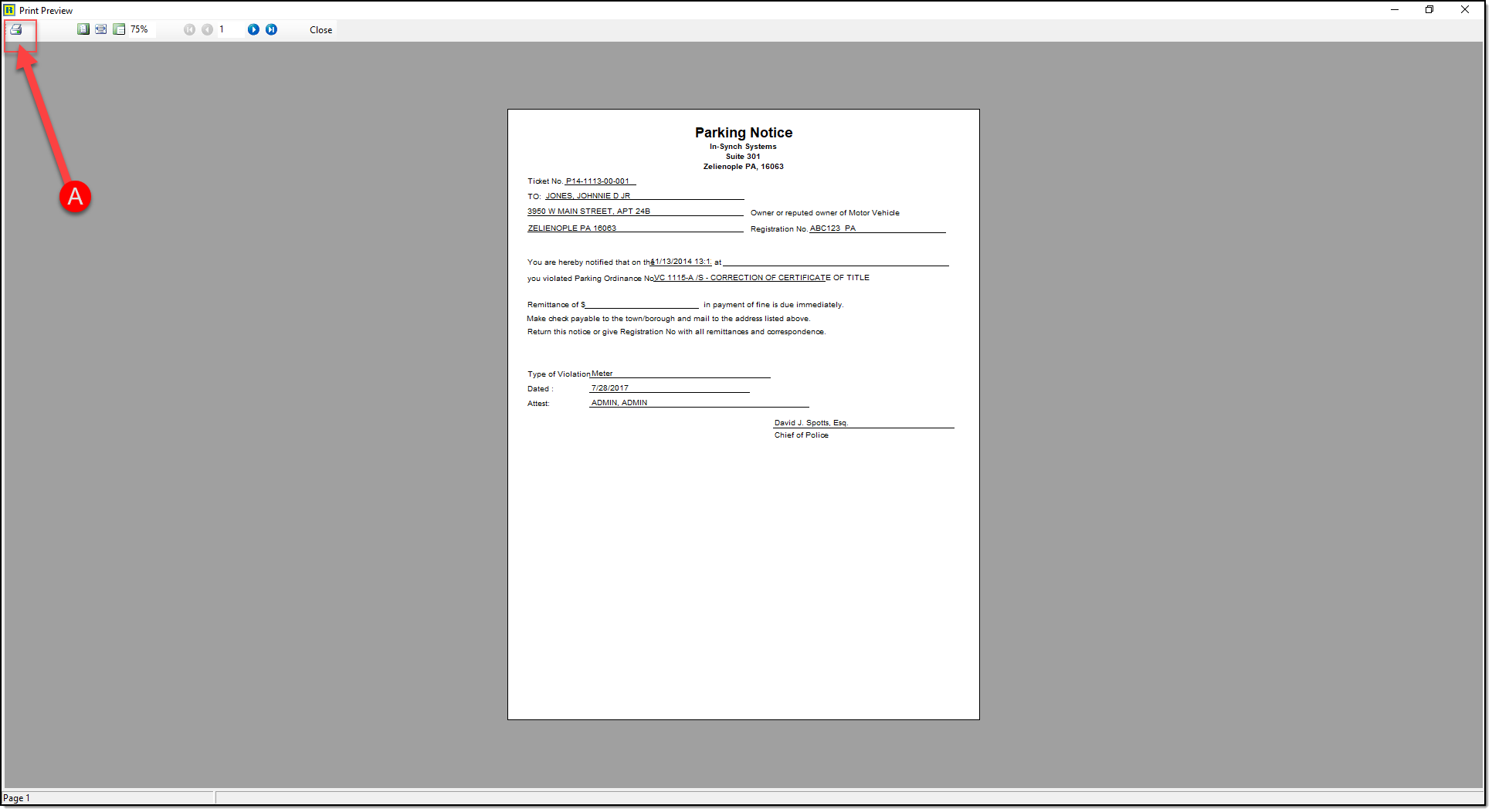
Was this article helpful?
That’s Great!
Thank you for your feedback
Sorry! We couldn't be helpful
Thank you for your feedback
Let us know how can we improve this article!
Feedback sent
We appreciate your effort and will try to fix the article
X