
No recent searches
Popular Articles

Sorry! nothing found for
Multiple Search Criteria
Created by Russ Hartle, Modified on Fri, 20 Jun, 2025 at 2:35 PM by Russ Hartle
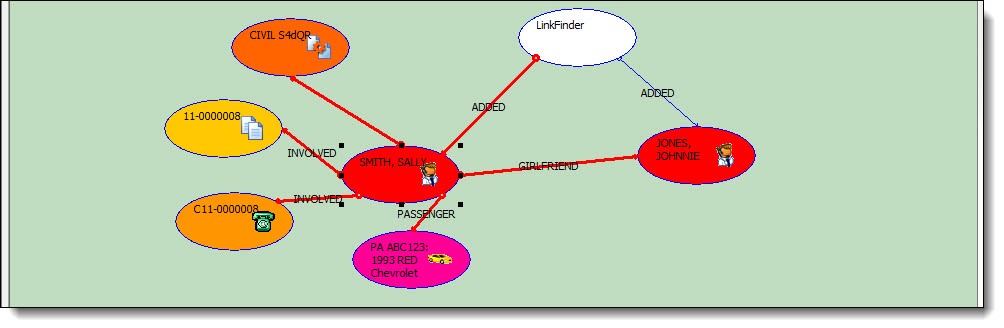
1. When selecting the initial search criteria, you may choose more than one item to start the search. Search and choose your first item from the “Add An Object” section, then search and choose a secondary “Add An Object” item. Both criteria will display in the LinkFinder window.

*Tips:
Follow the earlier instructions for details on adding the initial search criteria.
2. You can manually select cross-reference material and double-click in the nodes to search for a connection between the initial items.
Was this article helpful?
That’s Great!
Thank you for your feedback
Sorry! We couldn't be helpful
Thank you for your feedback
Let us know how can we improve this article!
Feedback sent
We appreciate your effort and will try to fix the article
X