Profile

This option allows users to view/edit the details of their profile.
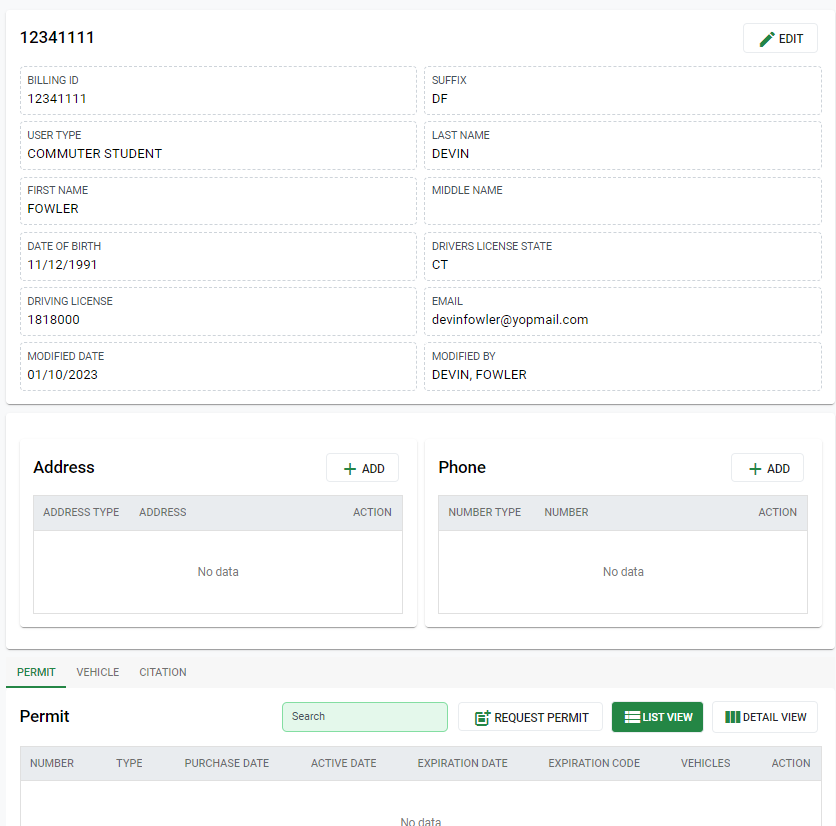
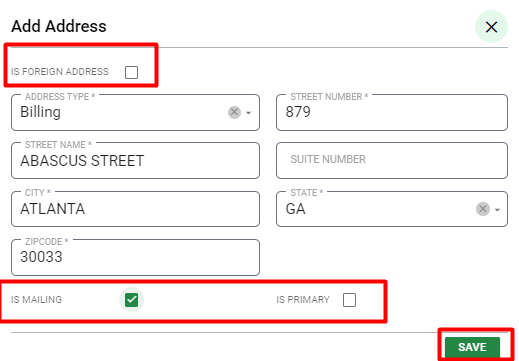
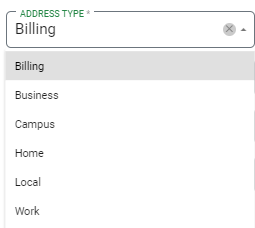
Users can also create permit requests from their profile, but will need to add a billing address, if they do not already have one entered. If needed, they can add an address by clicking the Add button in the Address section and entering the required information.
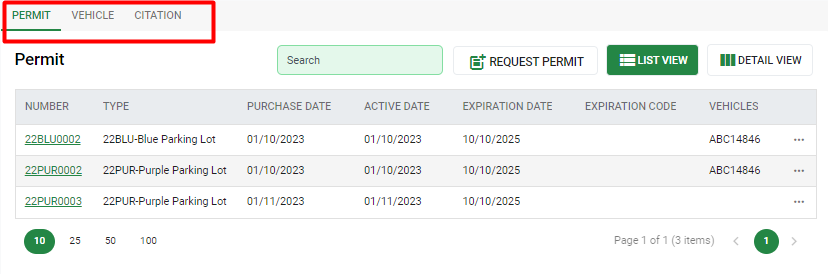
All Permits, Vehicles, and Citations can be viewed at the bottom of the page. New permits can be requested by selecting that option within the Permit tab. New vehicles can also be linked to the user by selecting the New option within the Vehicle tab.
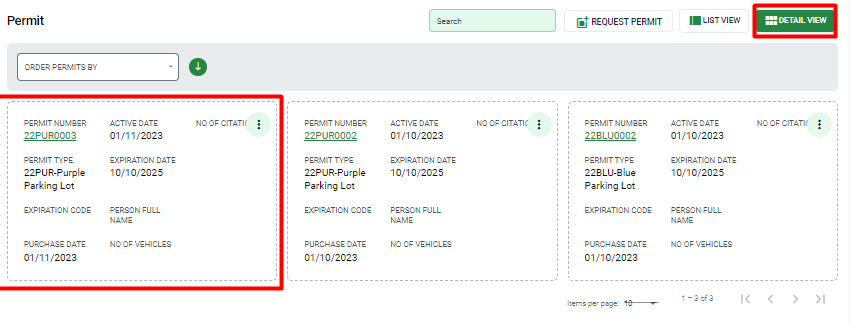
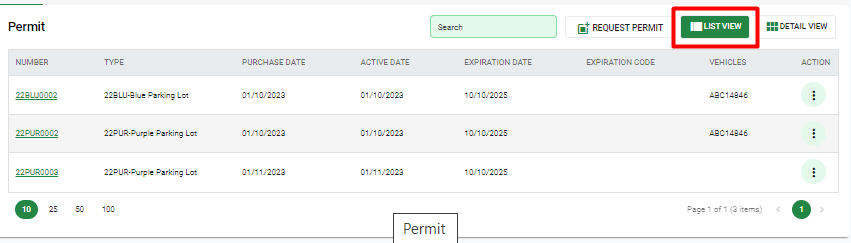
List View – This option displays records as a vertical list with only key information for each.
Detail View – This option displays records as a card format with more details than List View. This view is best used when viewing from a mobile device, like a tablet or smart phone.