
Handheld Management
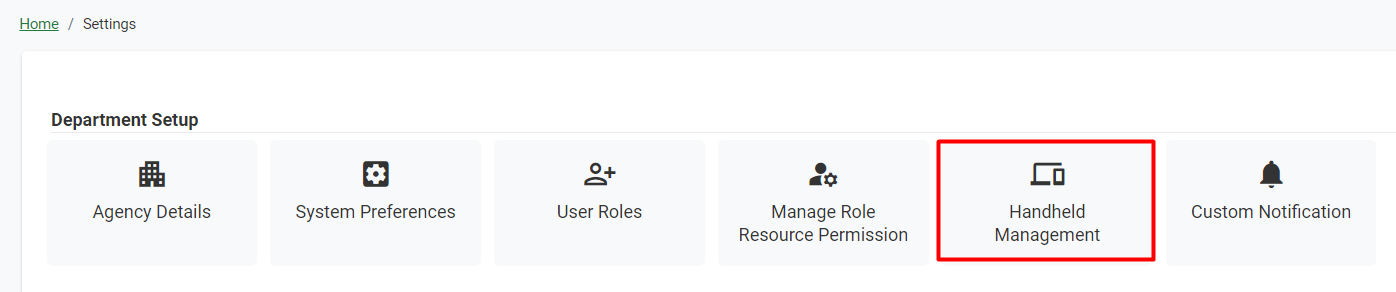
Figure 42 Settings >> Handheld Management
From this tab, an admin can add or manage agency handheld devices.
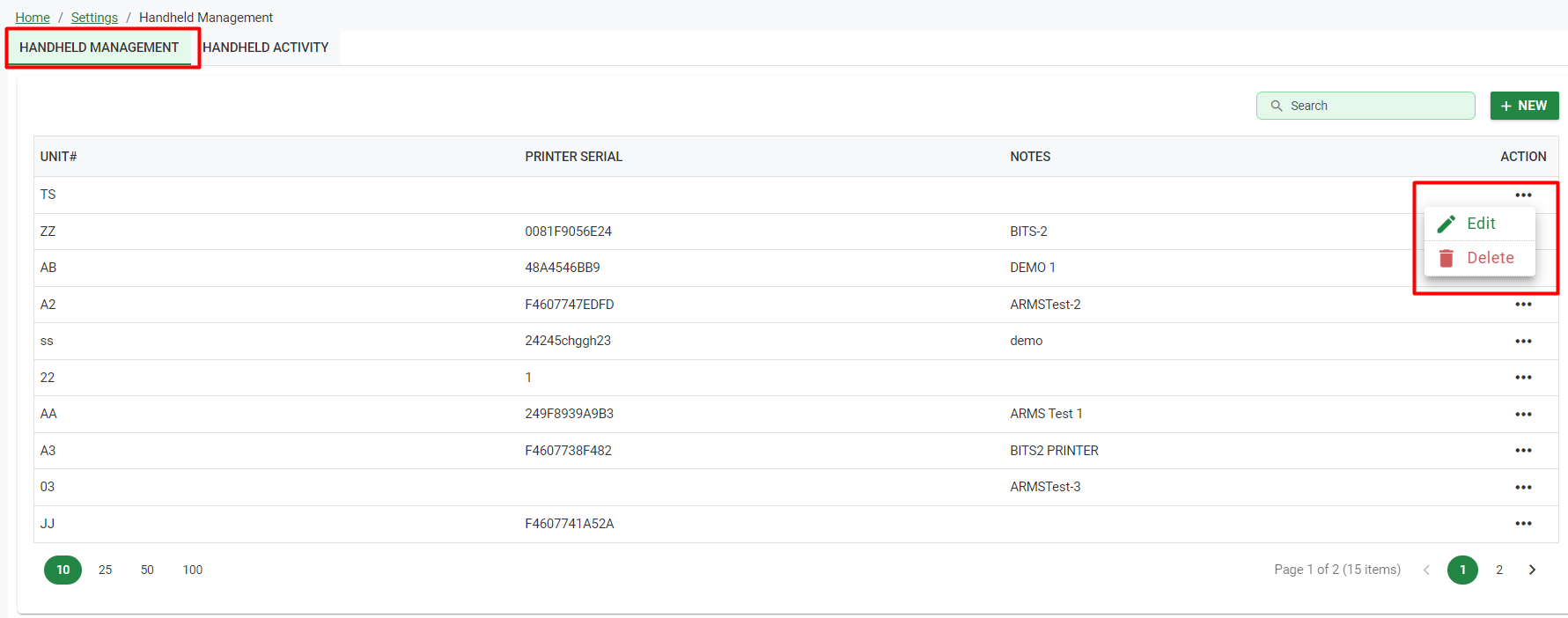
Figure 43 Handheld Management
Add/Edit Handheld – Selecting New allows the Admin to add a new handheld device to their system, setting its Unit Number, Printer Serial, and inputting Notes. Once the handheld has been added to the system, the Admin can select the Edit Action, where they can get the Secret Key needed to input into the physical handheld device, which can be entered manually with the displayed code, or by scanning the QR code with the handheld itself. Once finished, the handheld is ready for use by the department.
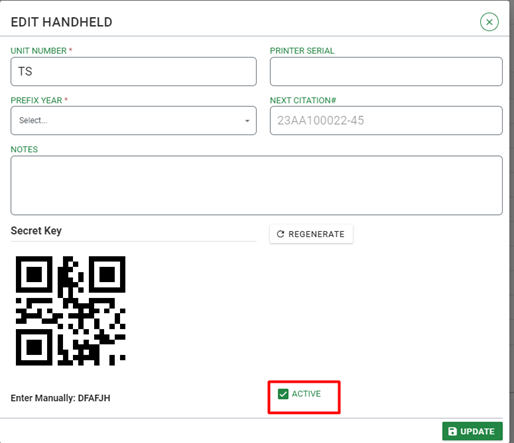
Figure 44 Dialog >> Edit Handheld
Handheld Activity – This tab displays citation statistics for all agency handhelds. The default List shows all handhelds, their Current Cite#, and the total number of citations issued, broken down for each handheld by Week, Month, and Year. Average Cites By Day Of Week displays citation statistics in a bar chart for each day. Average Cites By Time Of Day displays citation statistics in a line chart for each hour of the day.
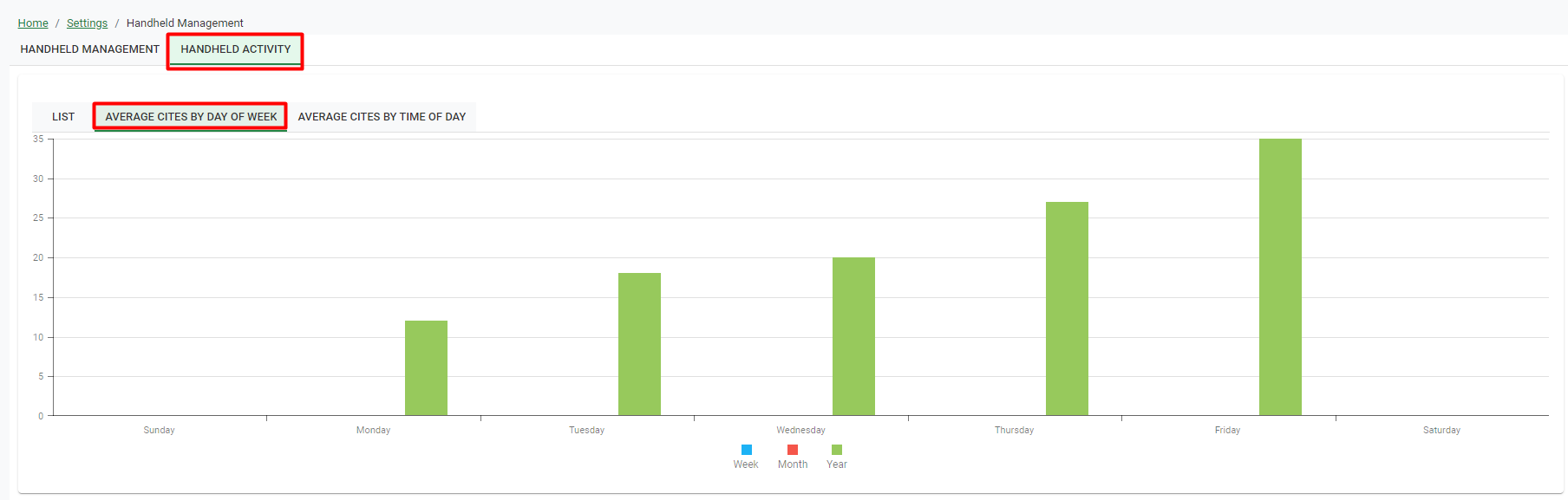
Figure 45 Handheld Activity >> Average Cities by Day of Week