
Permit Type
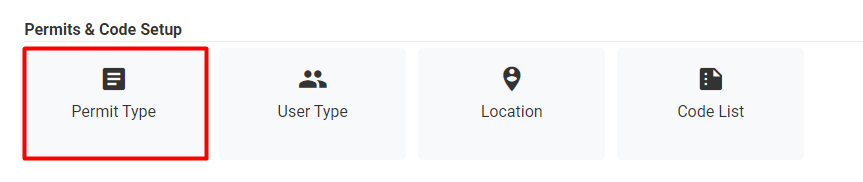
Figure 43 Settings >> Permit Type
This tab helps admins to set different permit types and navigate to user type mapping of permits.
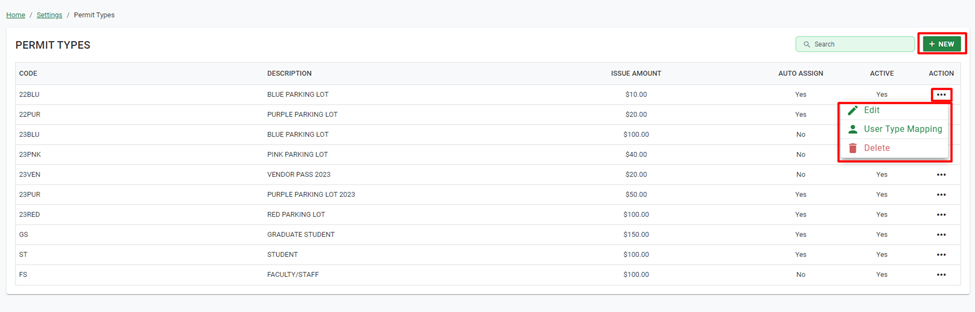
Figure 44 Permit Types
Add/Edit Permit - For each Permit Type the Admin can set Code, Description, Preamble, Digits after Preamble, Starting Number, Ending Number, Issue Amount, Max Number Per User and Max Number of Vehicle. The admin can also set permits as Available Online, Auto Assign Number, Remove From Inventory, and Active.
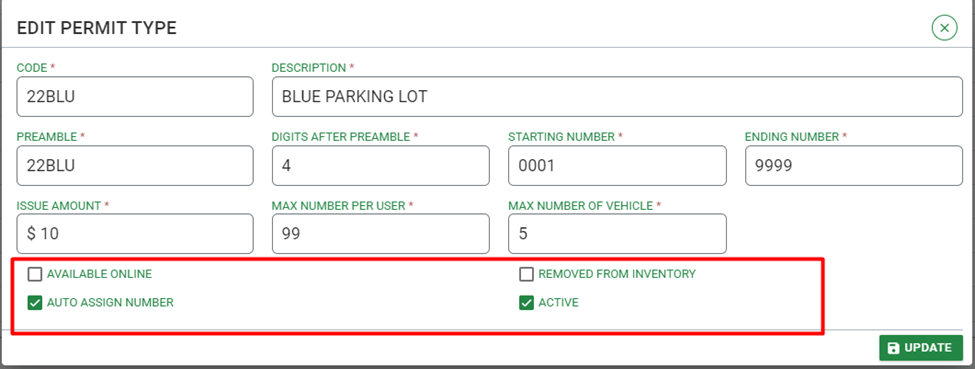
Figure 45 Dialog >> Add/Edit Permit
User Type Mapping – It shows all user types associated with the permit type.
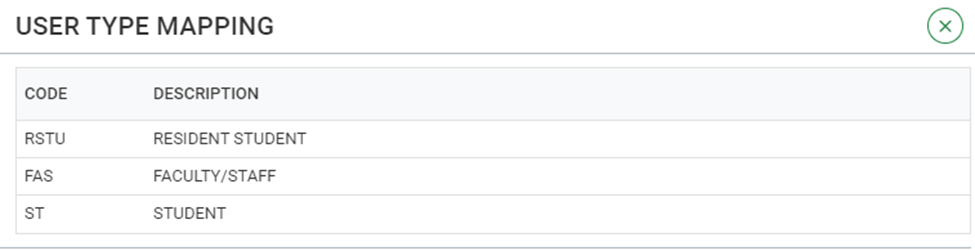
Figure 46 Dialog >> User Type Mapping
Delete – It allows to delete selected Permit Type. It will not allow user to delete selected permit type if it is associated to any User Type.

Figure 47 Delete Permit type