
Code List
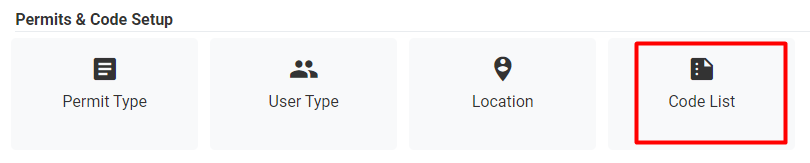
Figure 55 Settings >> Code List
This section allows the Admin to add/edit entries that populate most of the drop-down menus within ARMS Parking. All codes are organized by Category and located in Lists within its Category.
For example, all persons entered in ARMS Parking require a User Classification. If an agency wanted a new User Classification, then they would navigate to the Code List, select a Category of Person, and a List Name of Classification. Once this is selected, they can click New, and add in the needed code and save it. Now the new User Classification will display in the corresponding drop-down menu in Person Detail options. The same process can be followed for almost all needed codes within ARMS Parking.
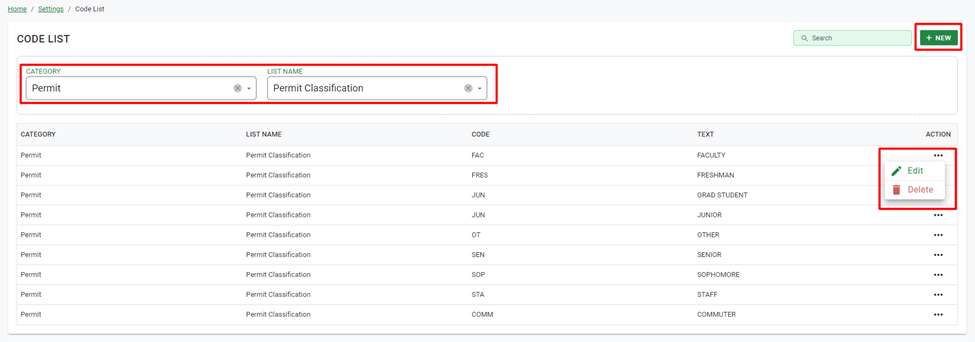
Figure 56 Settings >> Code List
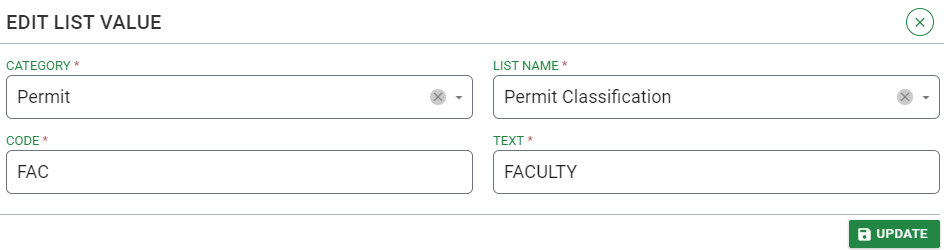
Figure 57 Add/Edit List Value