
Modifying an Existing CAD Event
Once a CAD Event has been created it can be found and modified at any time. Information in the Call Details area can be added, modified, or removed as well as Units that are assigned to the call.
To modify an existing CAD Event the first step is to find the CAD Event that needs to be modified. This can be done by either using the find function (Ctrl-f) or by paging backward or forward one record at a time (Ctrl-n or Ctrl-p, next and previous, respectively). Another way is to double-click on an existing call in the Open Calls List which will in turn show the details of that call in the Call Details area.
Once the event has been found the CAD interface can be put into modify mode put using the Ctrl-m function.
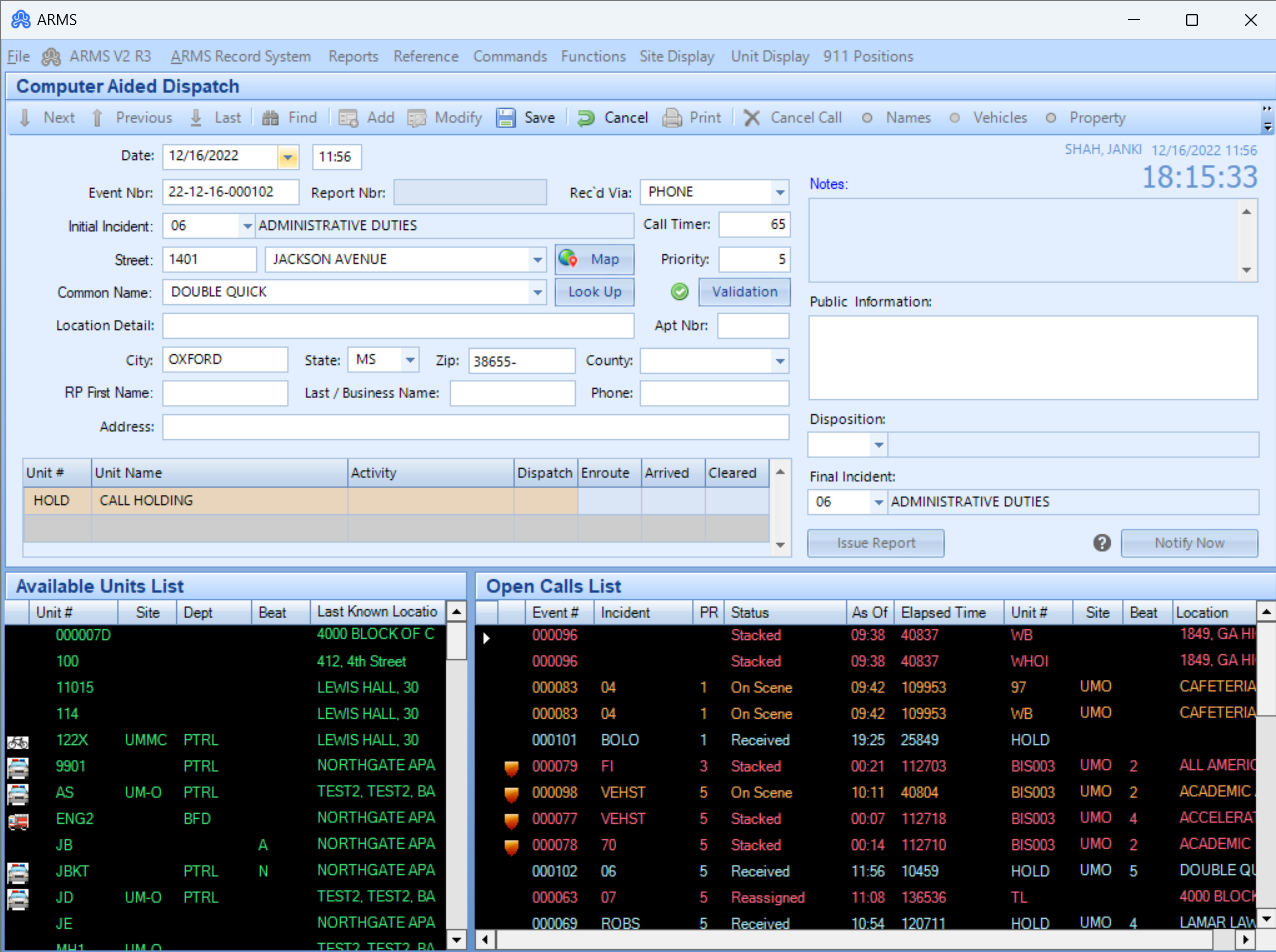
Use the mouse or the tab button to move the cursor into the desired field, just as it is done when adding a new record. Once changes are made to the desired record, click the Save button.