Permit
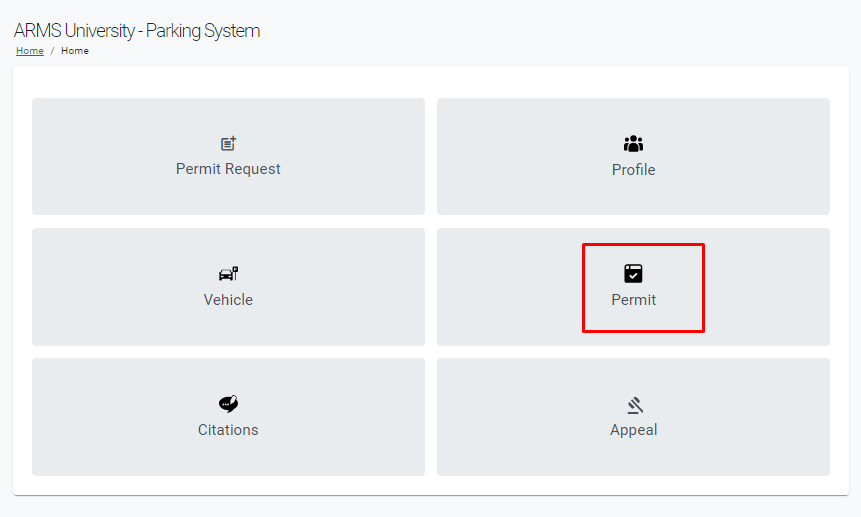
The Permit section lists all permits, active or expired for the user. Pending Permits can be viewed under this section.
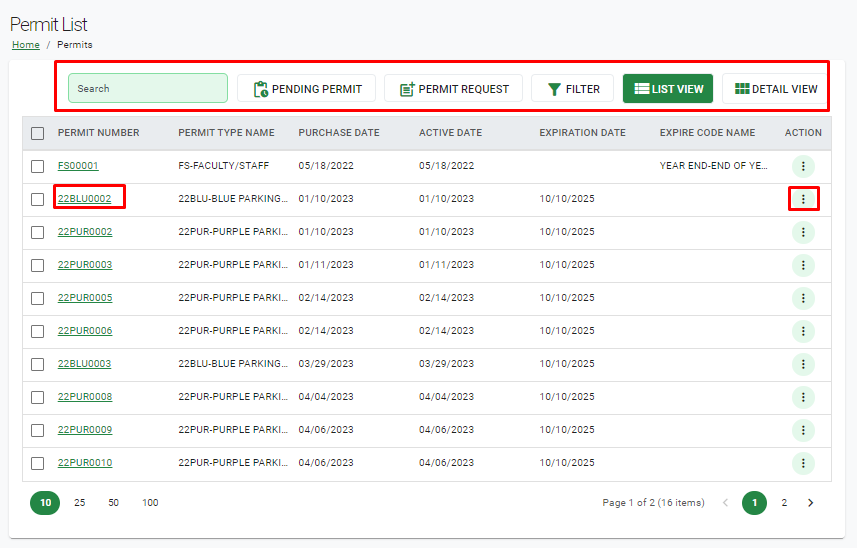
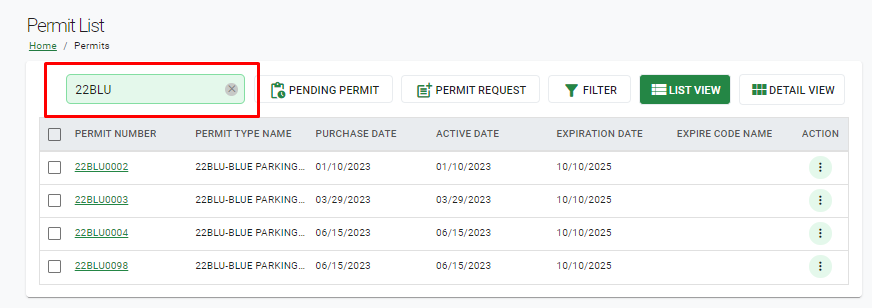
Search – This will allow the user to search for a specific permit from the permit list. Users can search permits by Permit Number, Permit Type Name, Purchase Date, Active Date, Expiration Date, and Expire Code Name.
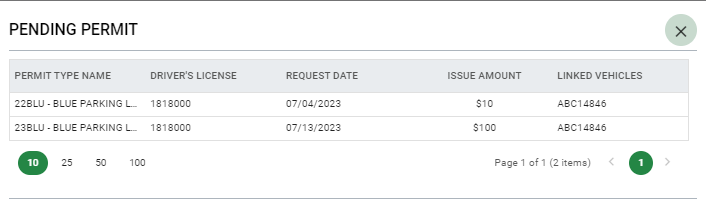
Pending Permit – Selecting this option allows the user to view their pending permit requests.
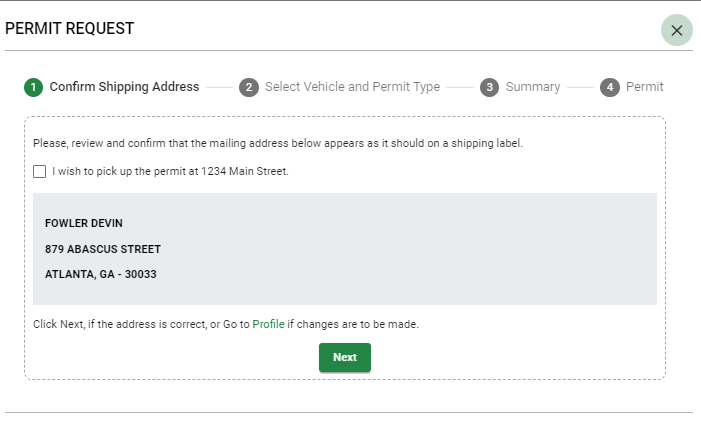
Request Permit - This request option functions the same as it does on the Parking home page.
Filter – This allows the user to filter permits by different fields.
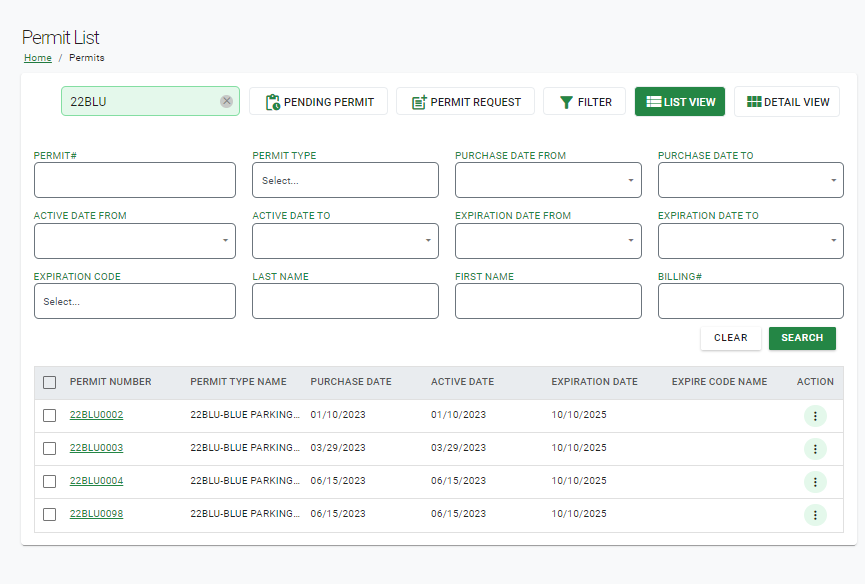
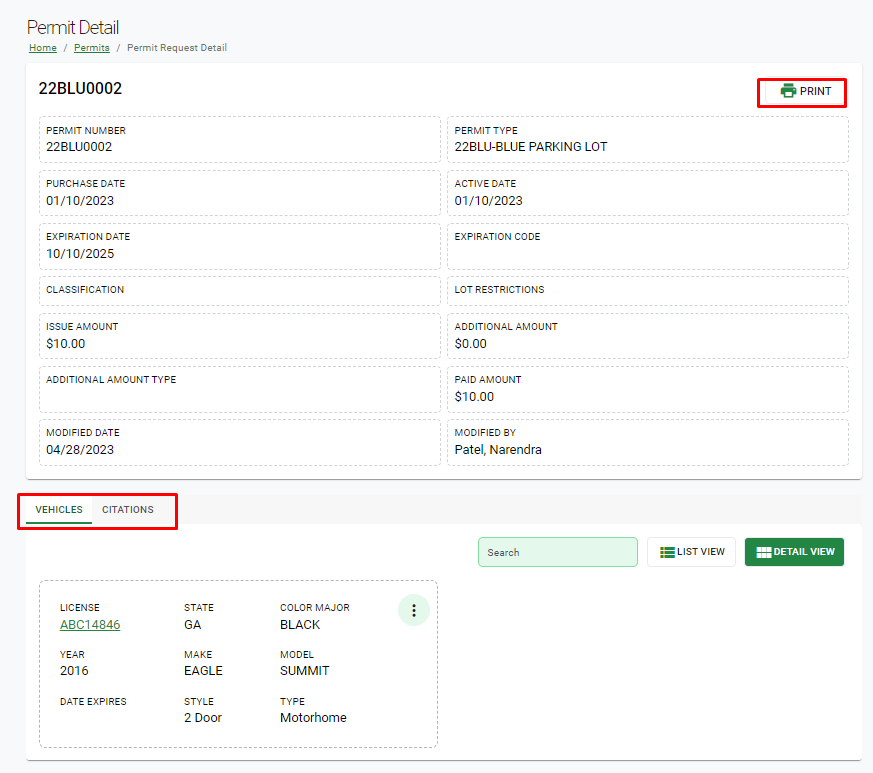
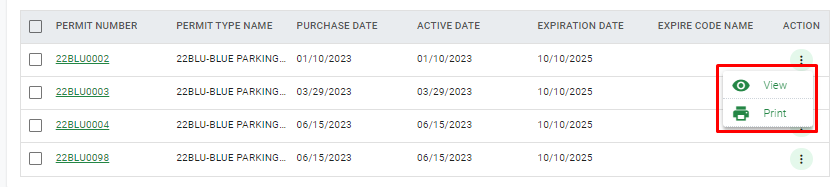
Details for individual permits can be viewed by selecting the desired permit's number, or by clicking the Action option on the record and selecting View.
The Permit Detail page displays all details for the selected permit, as well as all vehicles and citations associated to it.