
Citation List
The Citation section displays all citations issued to the user.
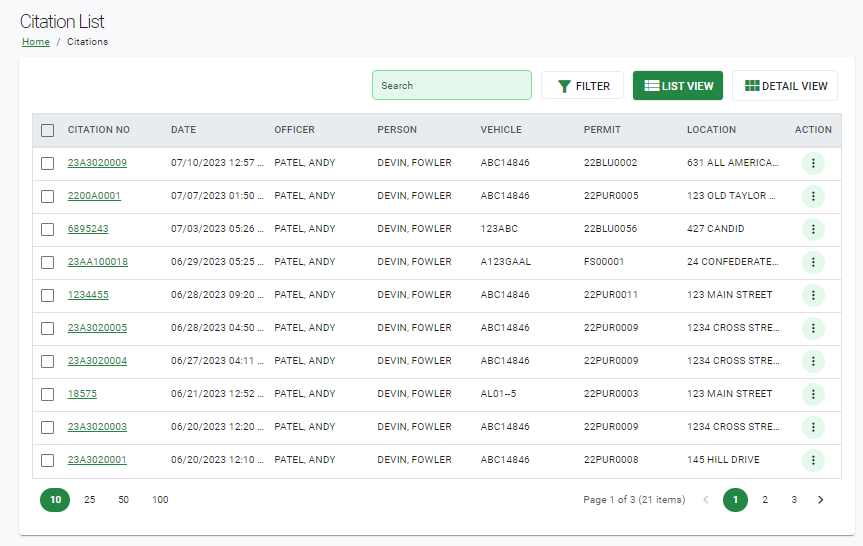
Selecting the Citation Number allows the user to view all details associated with the specific citation, as well as printing the record and/or the receipt.
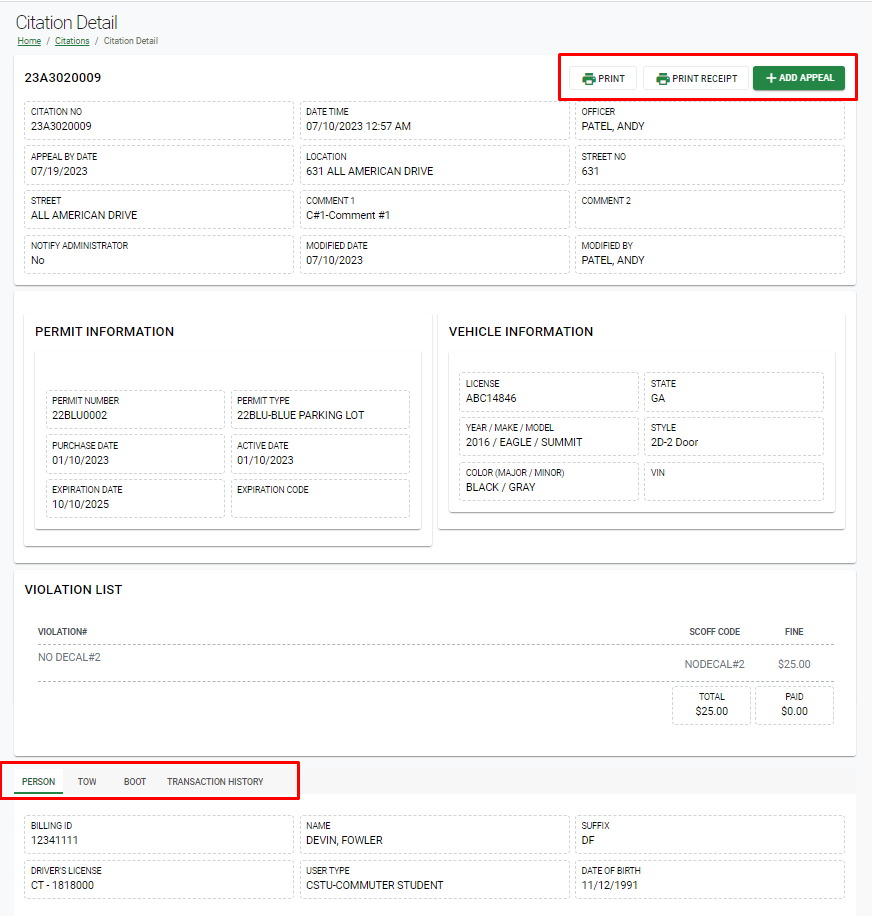
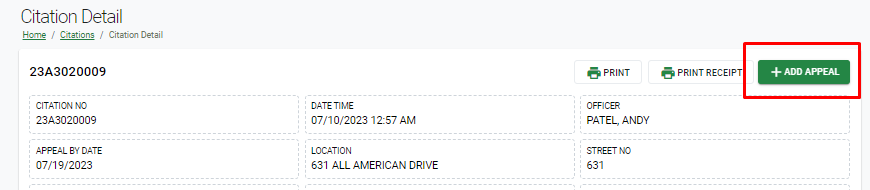
If the appeal period has not yet expired, the user can add an appeal request for the citation by clicking the Add Appeal button, which is located next to the print options.
Once the Add Appeal button is selected, the appeal details are automatically attached, and the user can enter their reasoning for appealing the citation, called the Student Narrative.
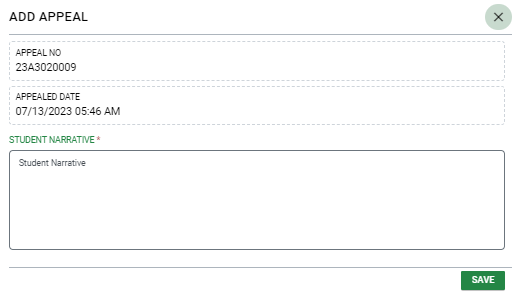
After entering the Student Narrative, the user can click Save, which submits the appeal for review.
