Stolen Bicycles in ARMS
You can create a case in ARMS for a stolen bicycle that was reported on the Bicycle Registration website.
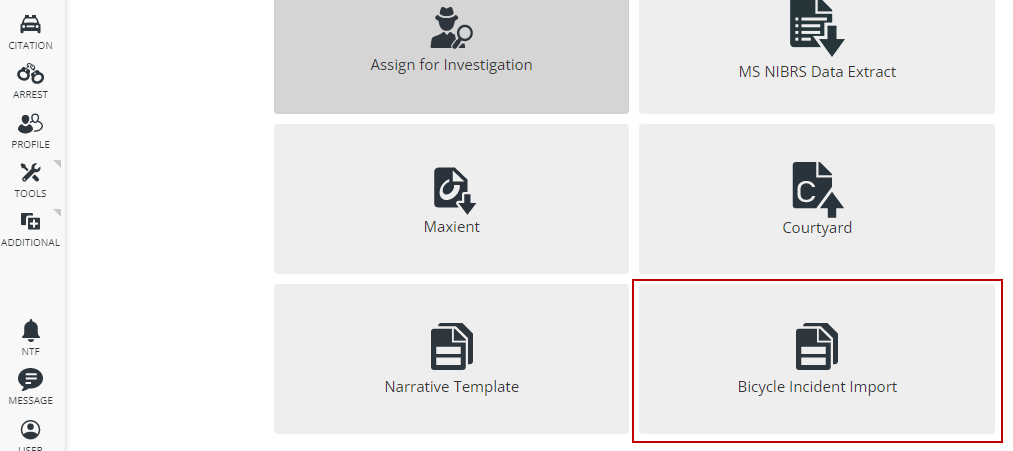
Start by going to the Case Management module within ARMS. Select the Bicycle Incident Import button.
If the Bicycle Incident Import button is not showing, you'll need enable that permission. Go to Settings > User Access.
Within User Access select the Case Management tab on the left. Enable Bicycle Registration. You are now able to create the case.
In here, you can see all reported stolen bicycles and search by Incident Number and Stolen Date from/to.
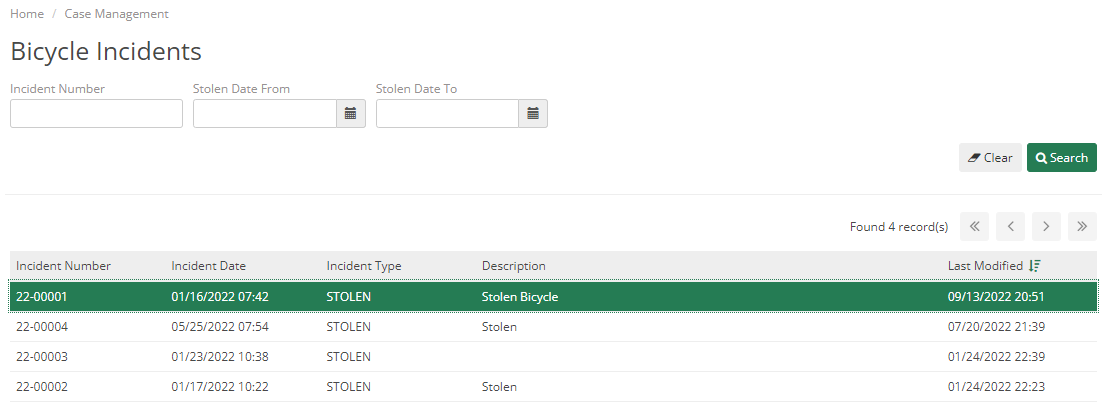
You can double-click on one of the stolen bicycles to see the General Information and Bicycle Information.
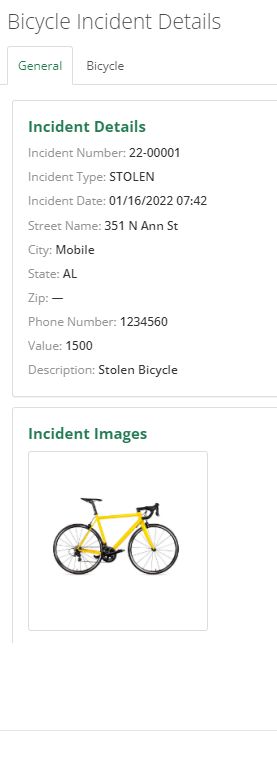
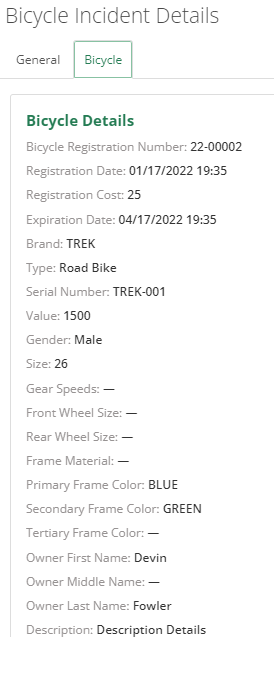
To create a case using this information, click the Import Case button.
The information will be added to a new Case Report and the information will fill in some fields on the Face Page tab, the Narrative, and add the stolen bicycle as a piece of property.
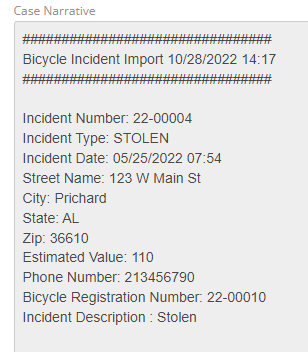
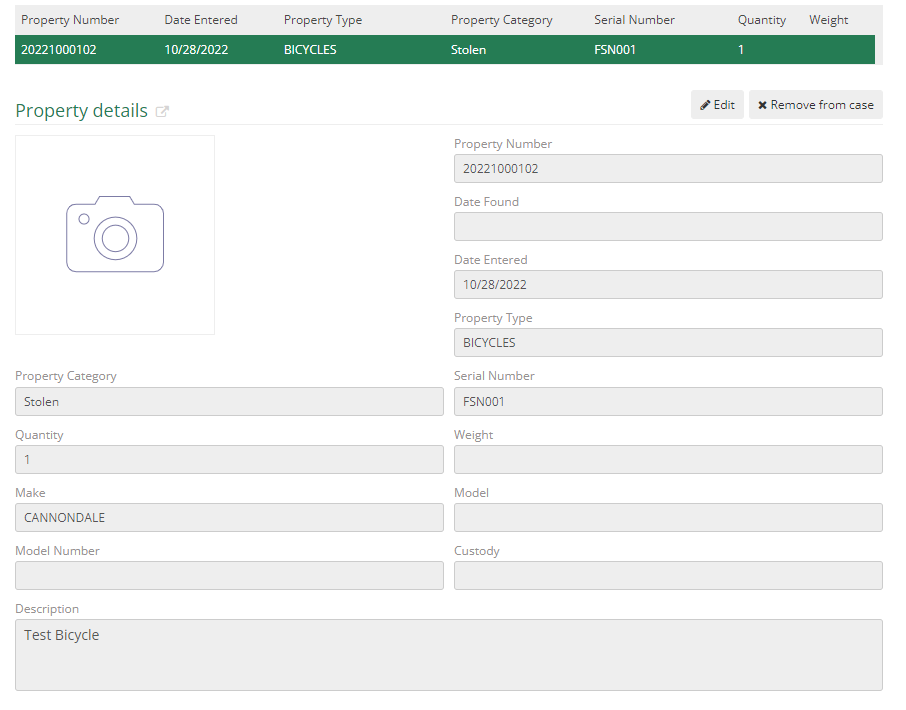
Report Center - Bicycle Stolen Incident
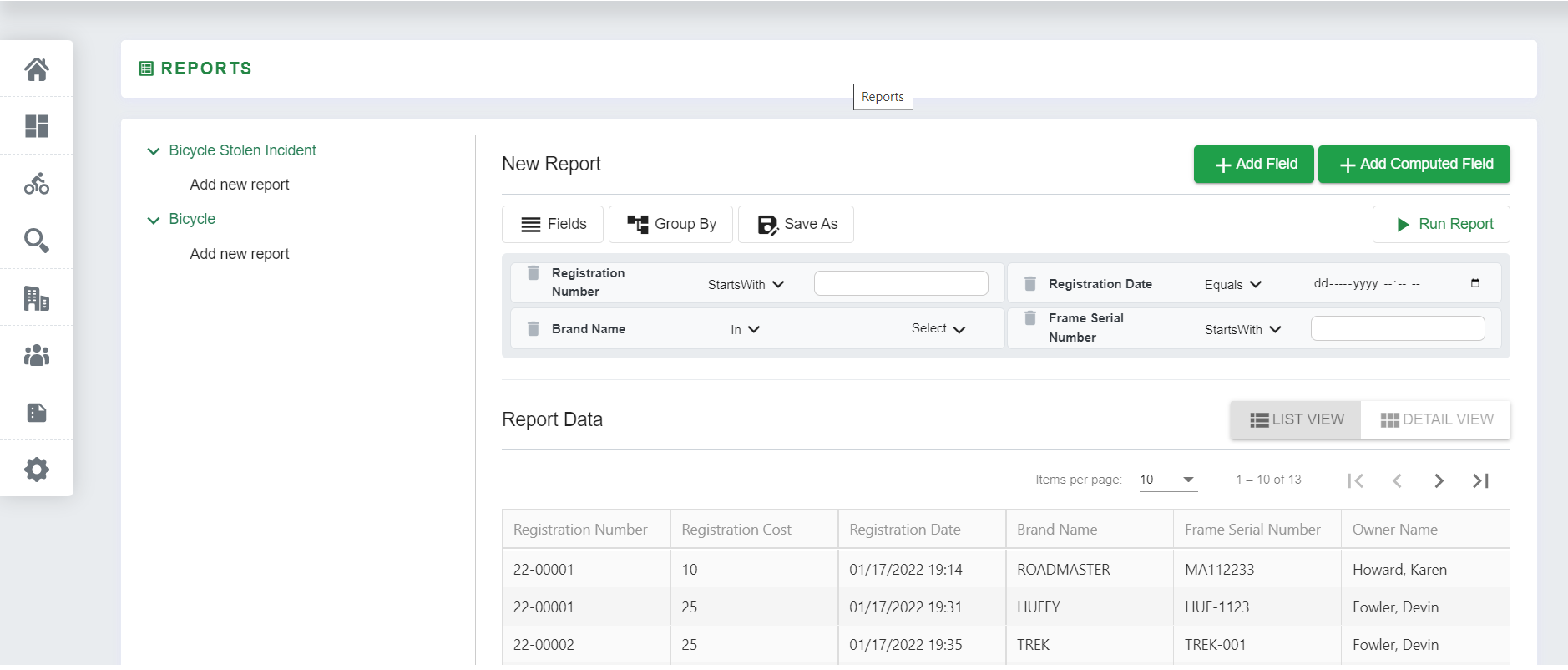
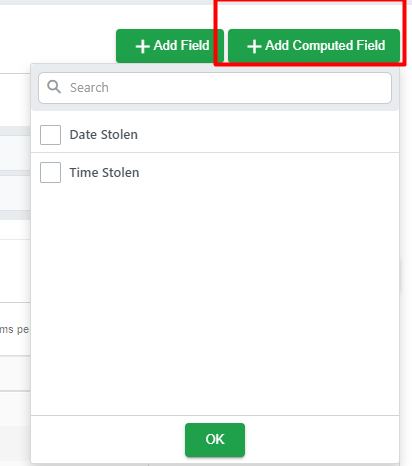
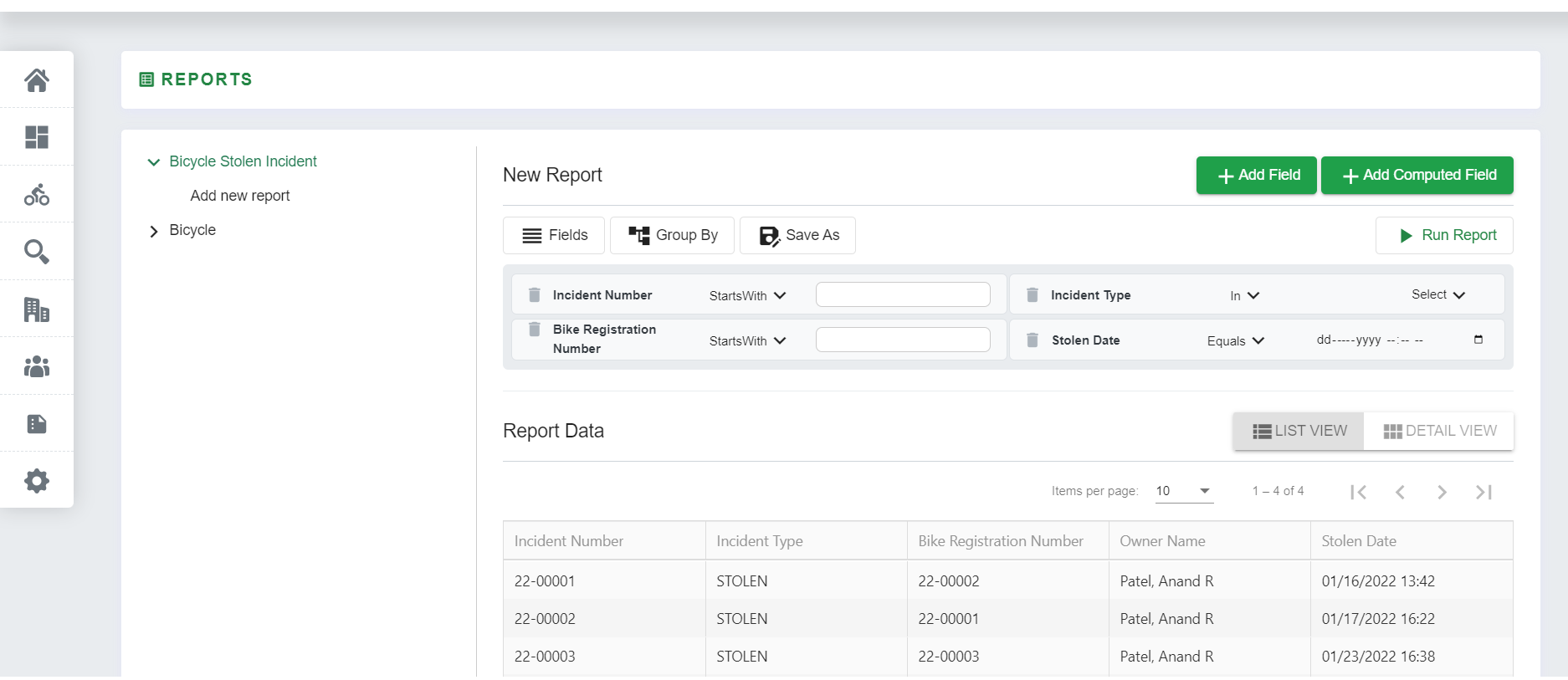
Report Center in the Bicycle Registration module provides the ability to create a customized report per the agency's needs. Fields and Computed Fields can be added to the report. Fields can also be grouped. Click Save Report to use the same report template for future reports.
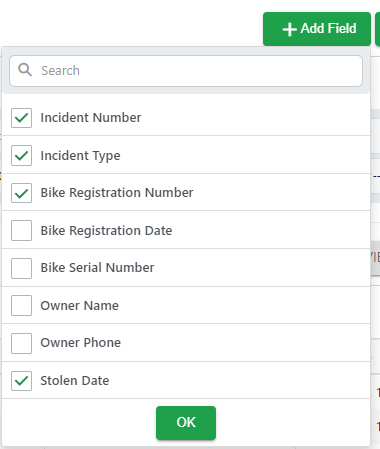
All Reports can be viewed in LIST VIEW and DETAIL VIEW format.
On the side menu, you can go to “Report Center” and go to “Bicycle Stolen Incident”, this module allows you to generate reports of stolen bicycles.
Report Center - Bicycle
In the side menu go to “Report Center” and go to “Bicycle”, this module allows you to generate a report of all bicycles added to the system.