
The Complaints section is used to add criminal or citizen complaints to a Case report. This will allow you track complaints without having to arrest the subject. Please note that the person the complaint is against must first be attached to the case as an involved party.
Adding a complaint
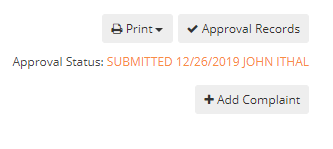
To add a complaint go to the complaint tab in your case and select the Add Complaint button.
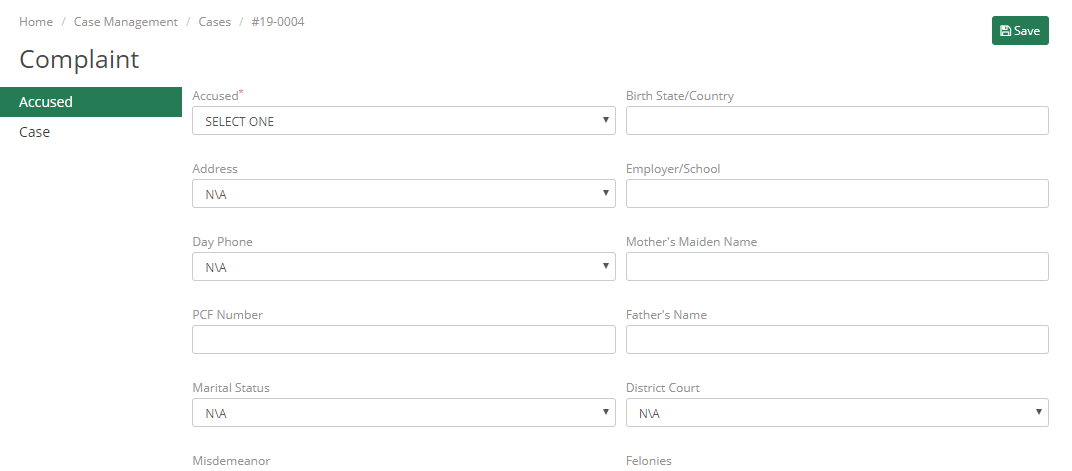
Select the person the complaint is against and fill out the complaint form.
|
Accused – Person the complaint is against |
Birth State/Country – Place of Birth for the accused |
|
Address – Address of Person the complaint is against. Must be entered into the person’s name file |
Employer/School – Employer or School of the accused for students. |
|
Day Phone – Day time phone number of Accused. Must be entered into the person’s name file |
Mother’s Maiden name – Mother’s name for the accused |
|
PCF Number – Specific to Massachusetts. Court reference number. |
Father’s Name – Father’s name for the accused |
|
Marital Status – Marital Status for the accused |
District Court – What court will be handling the case if it goes to court. |
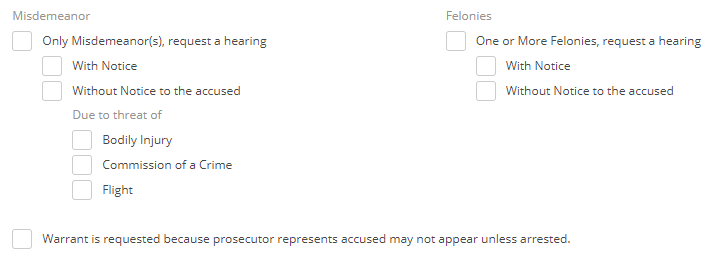
Specify if a felony or misdemeanor occurred, if a hearing is requested, and what the cause of the hearing request is.
|
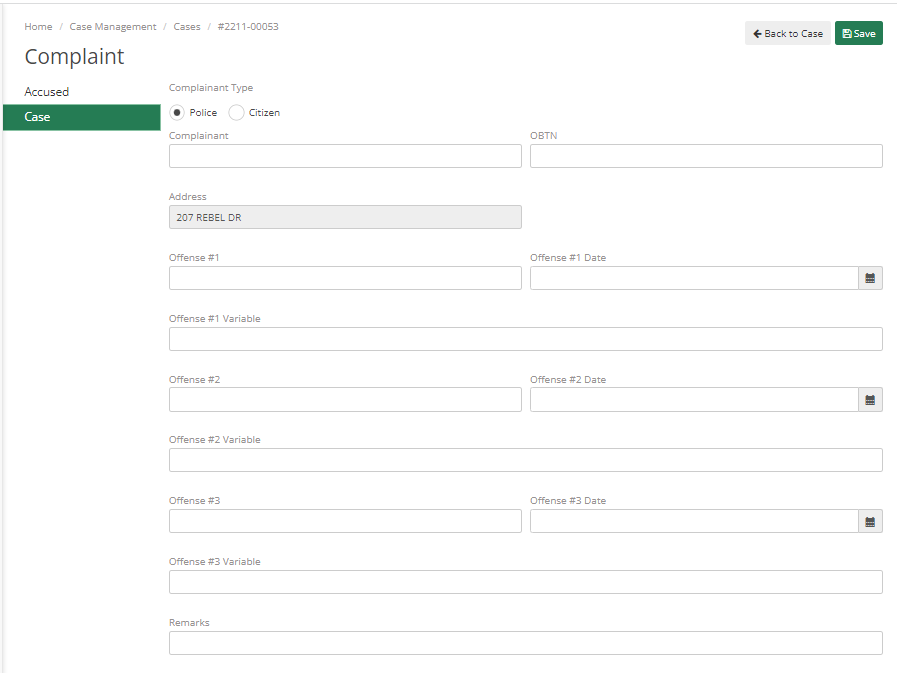
Complaint Type – Details if this is a police or citizen complaint |
Complaint – Person who is making the complaint. Must be in the Master Name file |
|
OBTN – Offender Based Tracking Number known as the booking number in ARMS. |
Address – Address where the complaint occurred |
|
Offense – The offense code. |
Offense Date – Date of the Offense |
|
Offense Variable |
Remarks – Full details of the complaint |