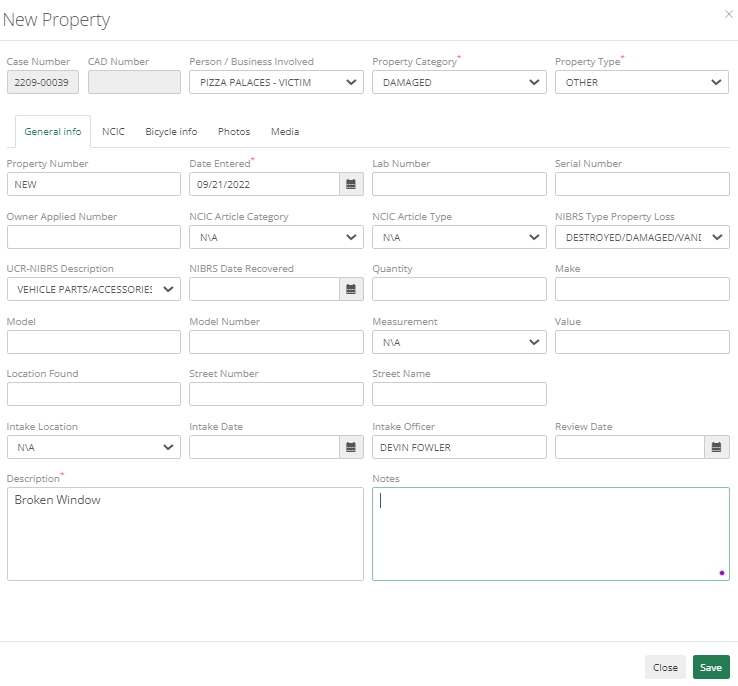
Property
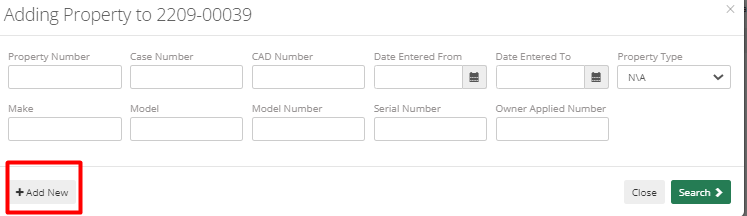
To add a piece of property in ARMS, select the Property tab within the case or choose the Property module from the ARMS home screen. Click the Add New button in the bottom left corner of the screen.
Fields change depending on the Property Category and Property Type selected. Officers need to enter data accordingly.