Courtyard into ARMS
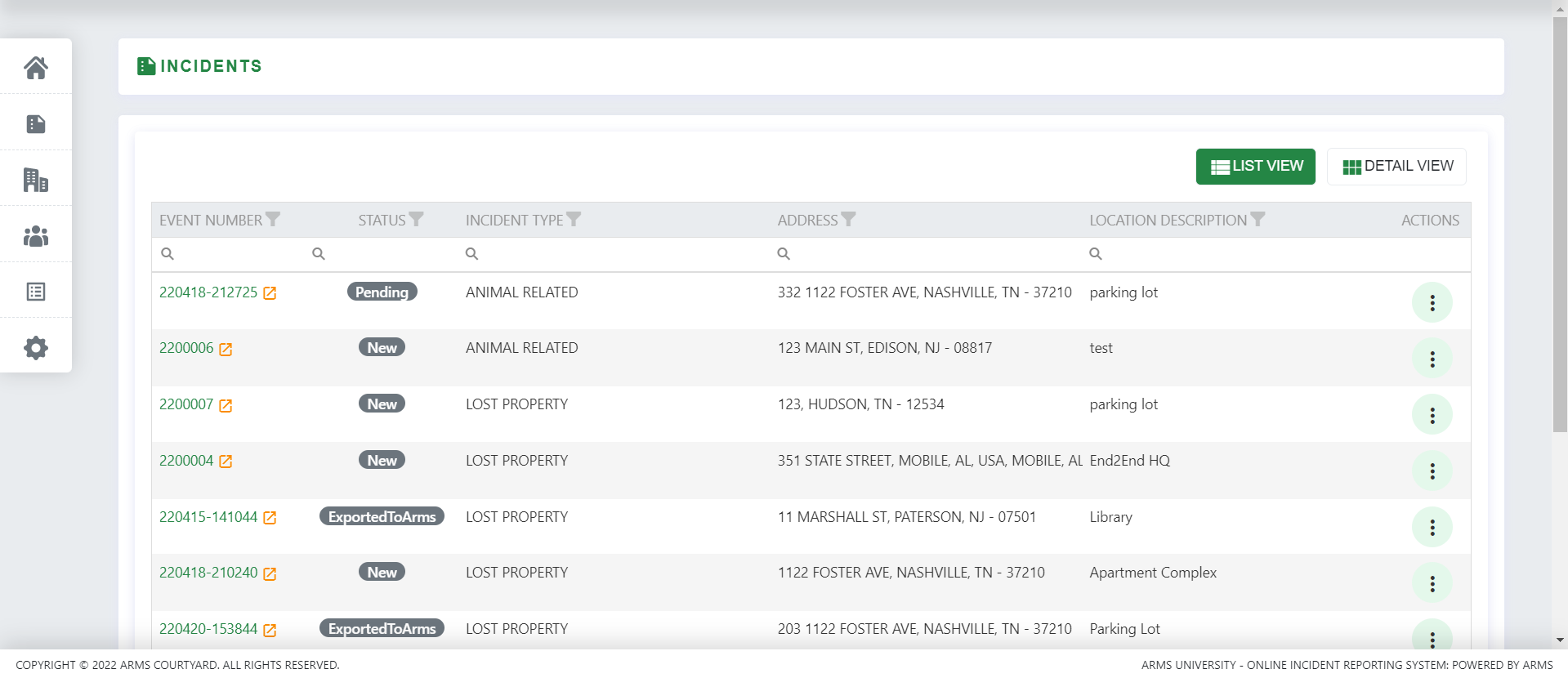
All the incidents entered into the system can be viewed from the dashboard as well as from the Incident tab on the side menu. All incidents can be viewed in LIST VIEW and DETAIL VIEW. On clicking any incident all its details can be viewed.
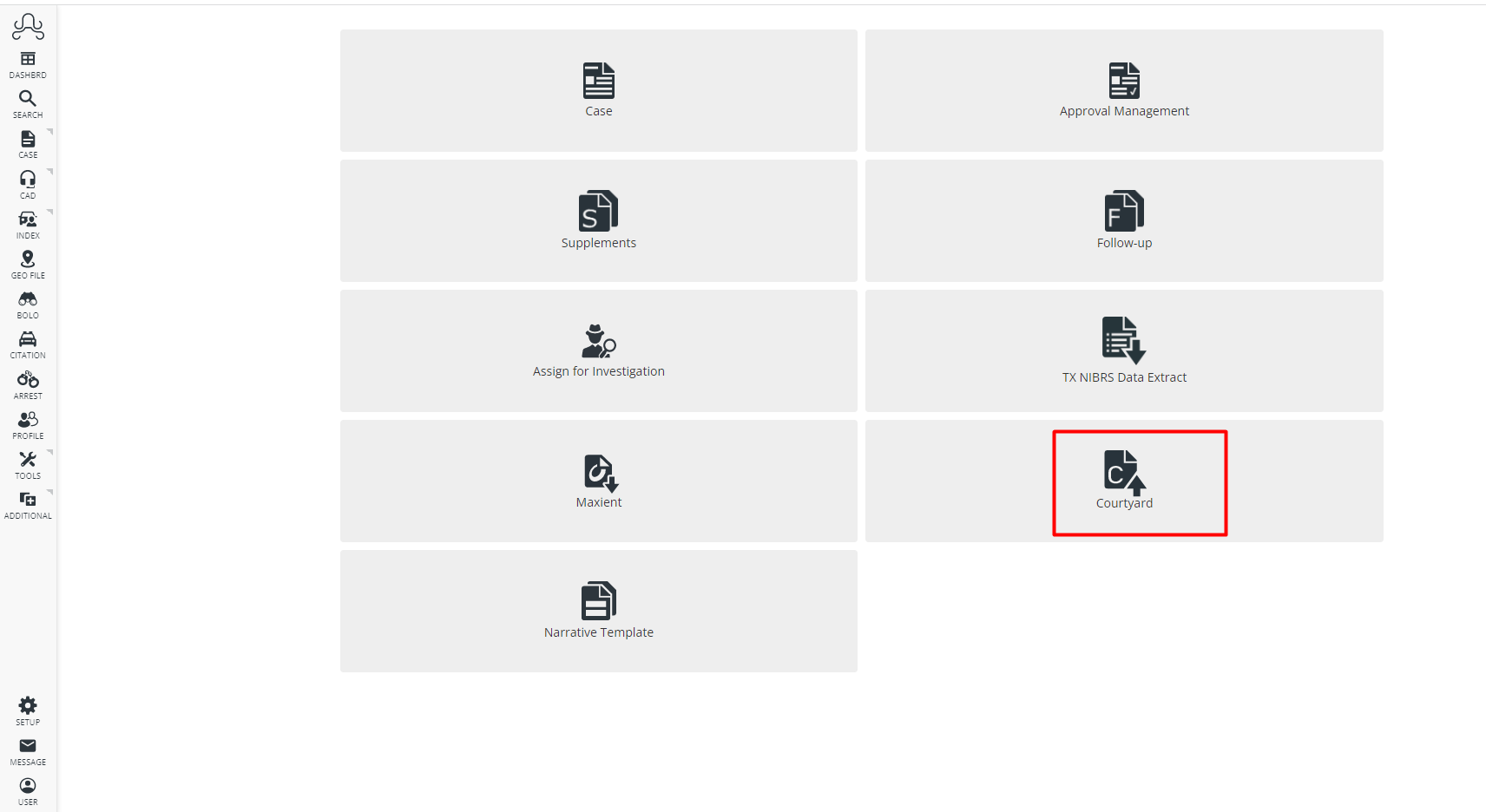
These incidents can be created as a case in ARMS. Once Courtyard is installed for your department you can go to your ARMS website and go to Case Management under which you will see the Courtyard option.
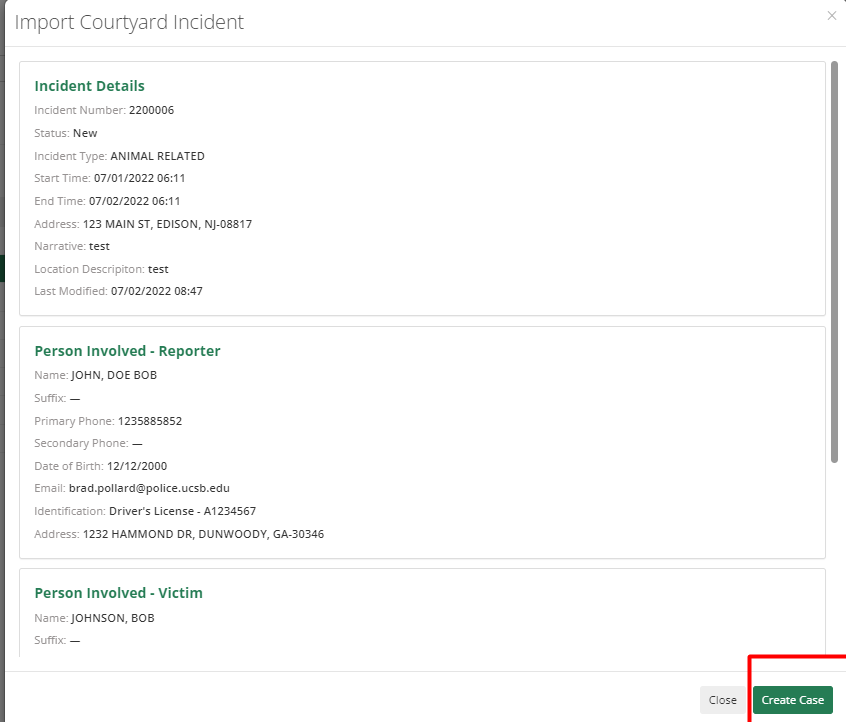
This option will show a list of all incidents added in Courtyard. To create a case, select the incident you want to create as a case, open it, and in the bottom right of case details, click Create Case.
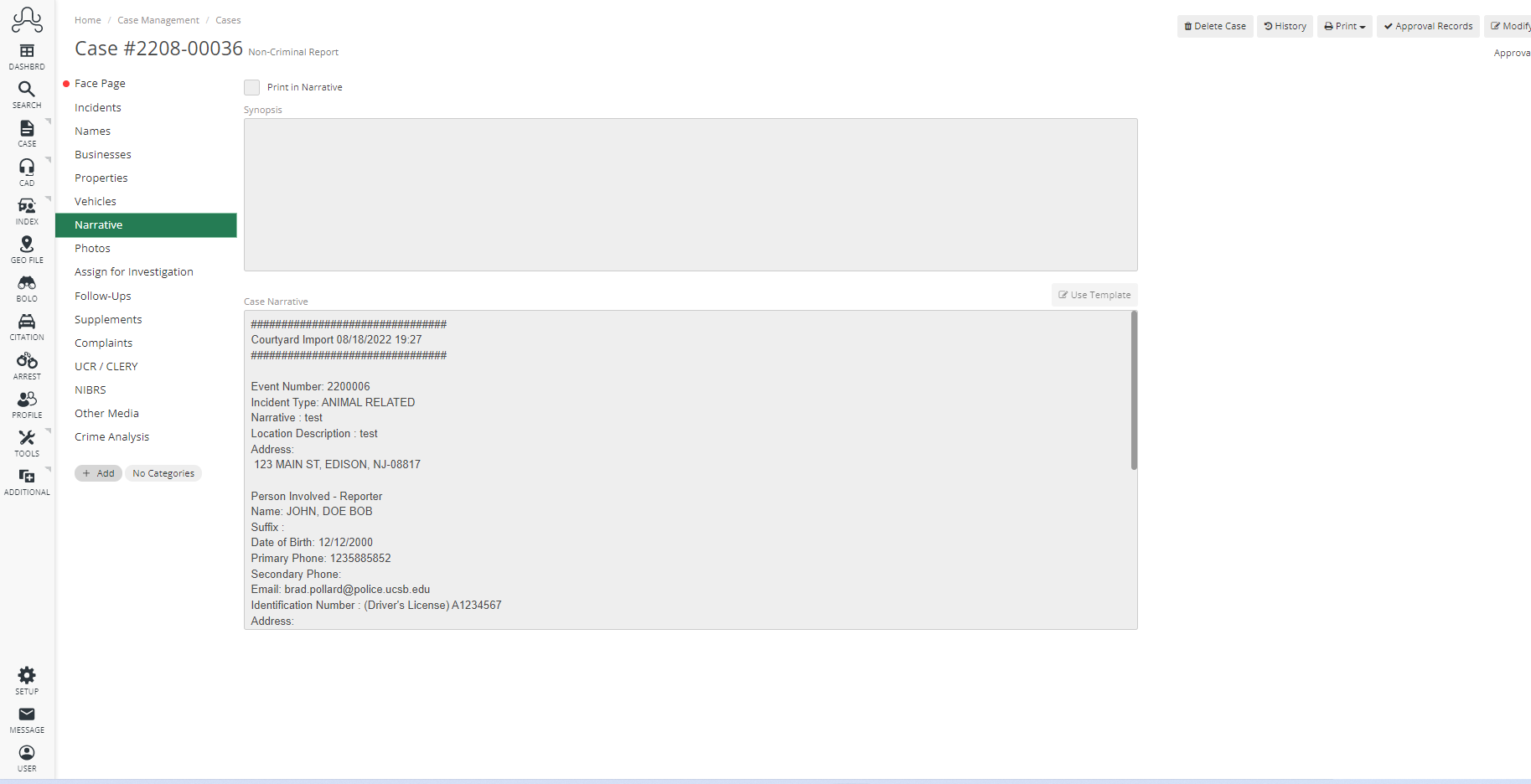
The narrative displays all of the information input by the student. Names that have been added by the User will not automatically populate in the Names tab of the Case. The reason being is that some names can be entered incorrectly.
Officers must verify all details from the narrative and add them accordingly to the case report. If photos are included of the incident, they will be imported.