
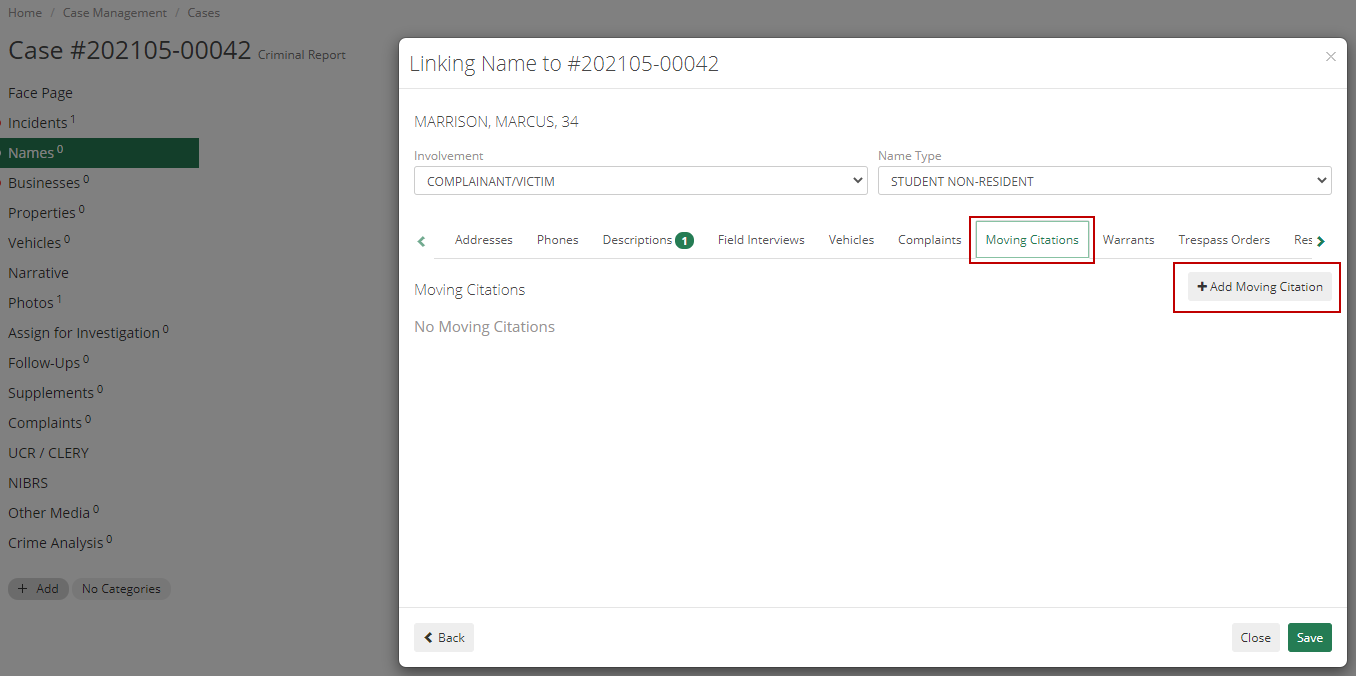
Moving Citations are traffic offenses committed when a vehicle is in motion. These can be added in ARMS either to a name in a case report in the Case Management module or to the Moving Citations module on the home screen. In Case Management, you'll choose or create a name to link to the case report, and when adding in the linked information there is a tab to add a Moving Citation.
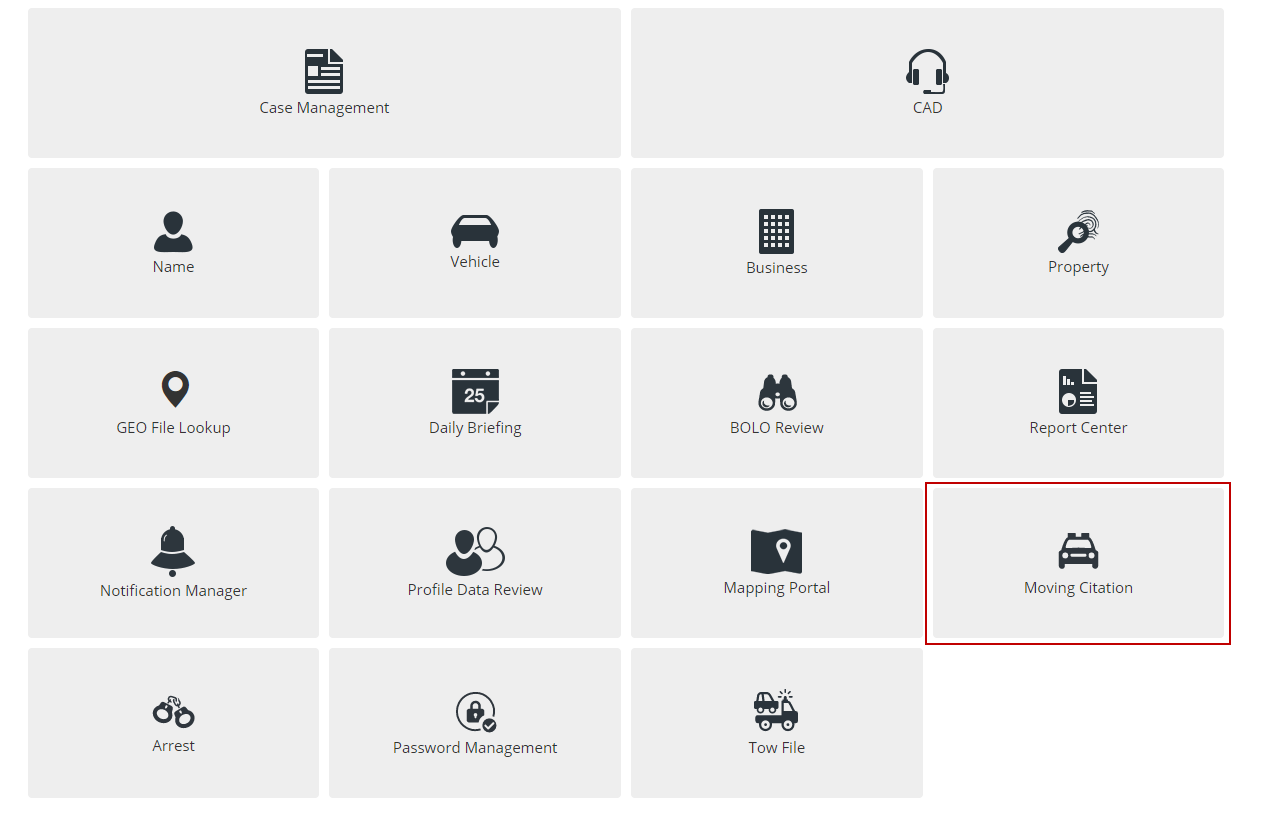
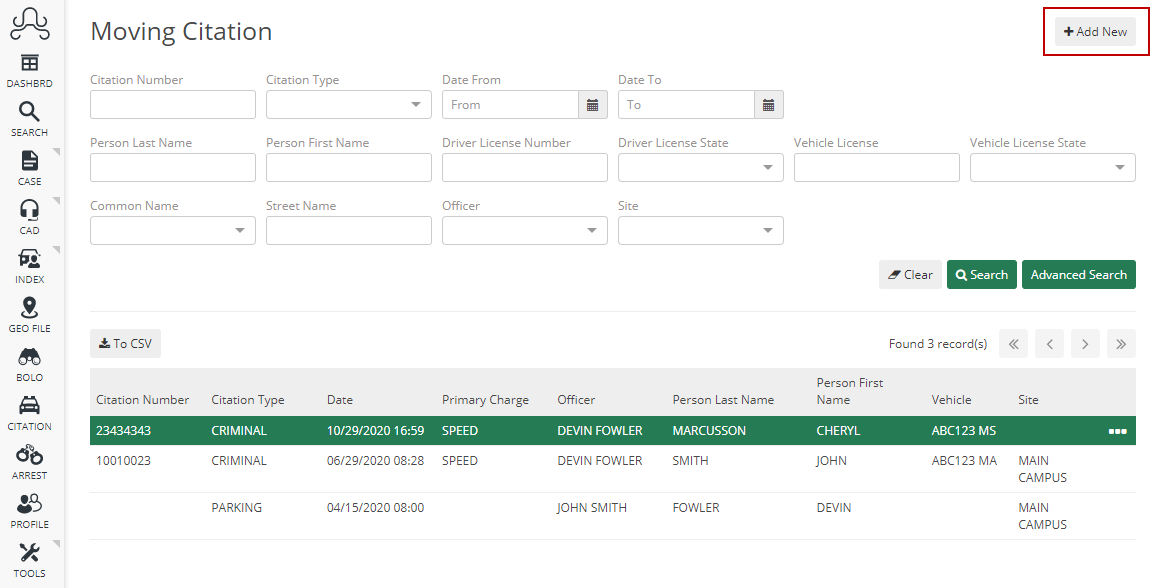
Additionally, you can select the Moving Citation module on the ARMS Mobile home screen. There you can both search the Moving Citations that are currently in the system and also add a new one by selecting the Add New button.
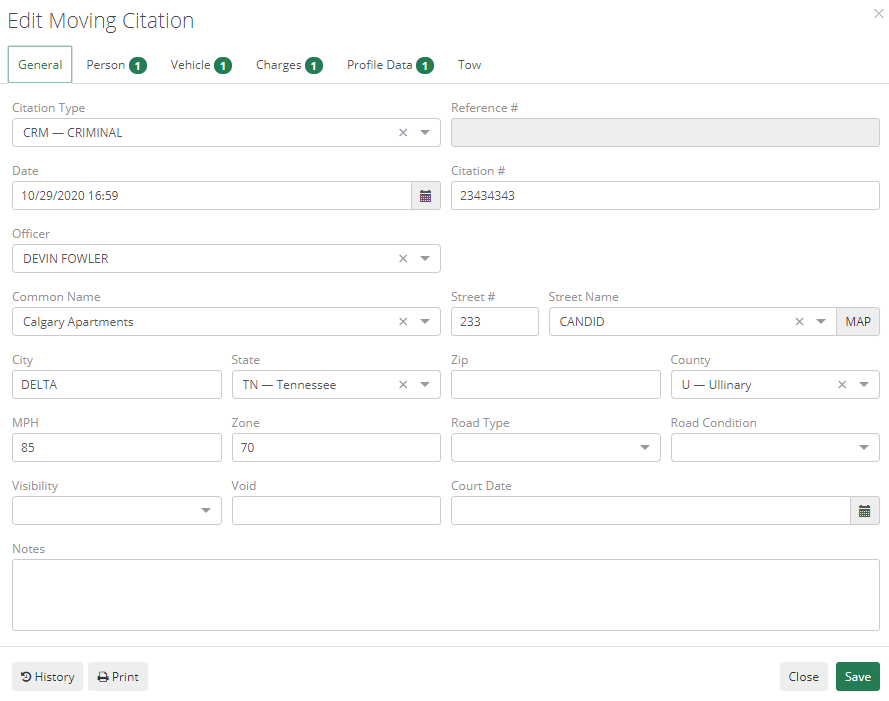
When adding a new Moving Citation, you'll have 5 or 6 tabs depending on if your state reports Profile Data or not. The other tabs are General, Person, Vehicle, Charges, and Tow. On the General tab, you have many fields for adding information on the Moving Citation in and below are descriptions of some of those fields:
- Citation Type - This is the type of Moving Citation you are filling out; you can customize the codes for this field in the code list
- Reference # - This is a link to where this Moving Citation was added if it was added in a Case or CAD Event.
Road Type, Road Condition, and Visibility are all codes that can also be customized through the code list.
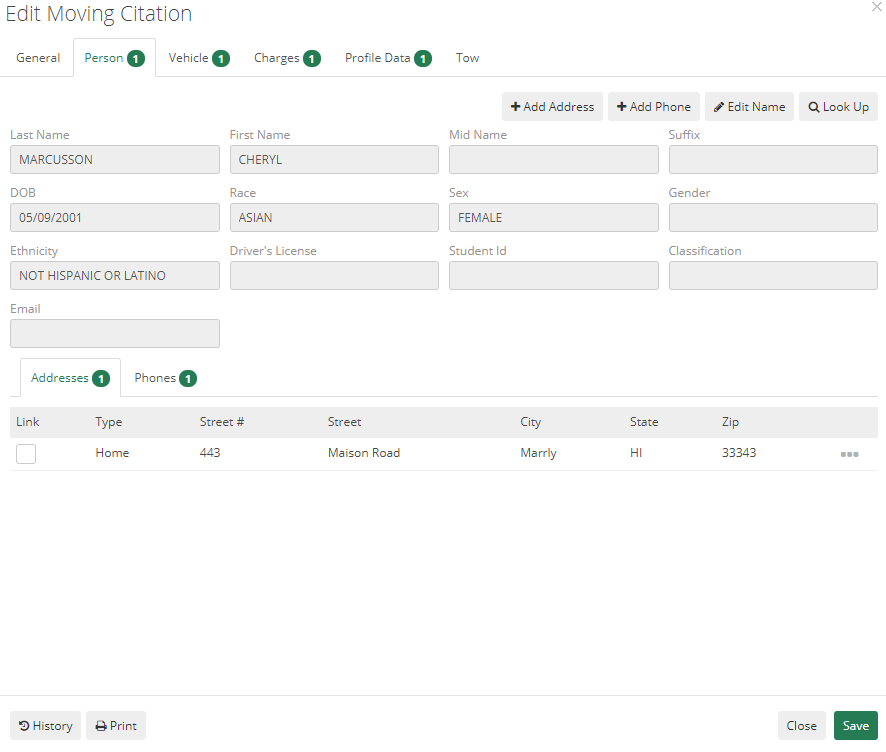
For the next tab, Person, if you are adding the Moving Citation to a name then the name information will automatically transfer over. This is where you can link the information for a person to the Moving Citation.
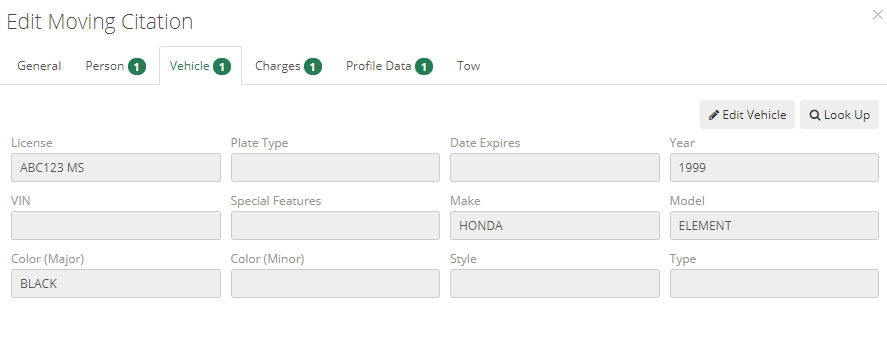
Next is the Vehicle tab which is where you can link the information for a person to the Moving Citation.
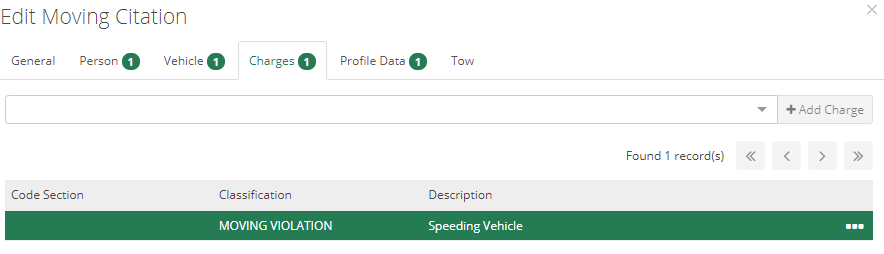
Then the Charges tab, which will allow you to search and select multiple charges from the drop-down menu. This menu is populated with any Crime Codes that are marked with the checkbox to show in Moving Citations in the Crime and Incident section of the Setup Menu.
The last two tabs (again, depending on if your state reports Profile Data) are Profile Data and Tow, which will allow you to add and link records in those modules to the Moving Citation.