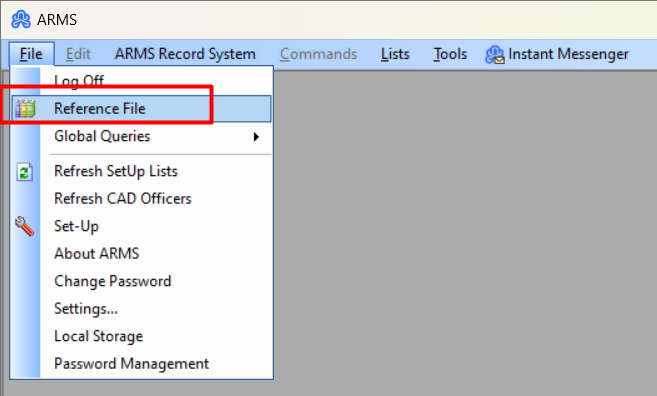
Within ARMS there is the 'Reference File' module that can be shared with employees in the ARMS system. This is used for adding text-based templates for your department to use.
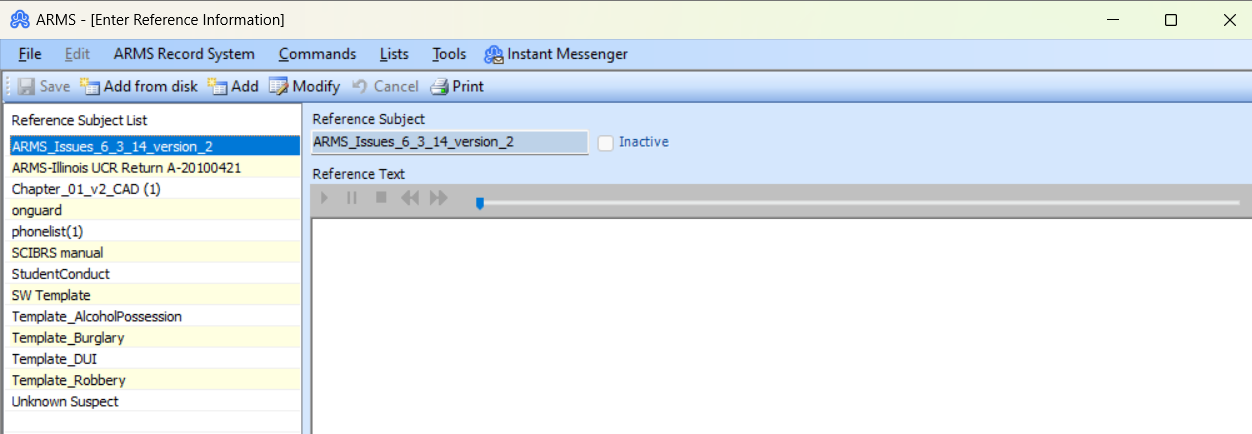
For example, you can have a series of required information for an Officer to fill out whenever they arrest someone for a DUI, Assault, Etc.
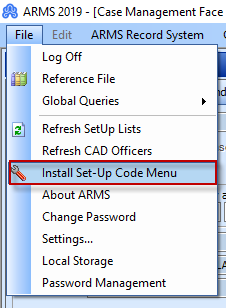
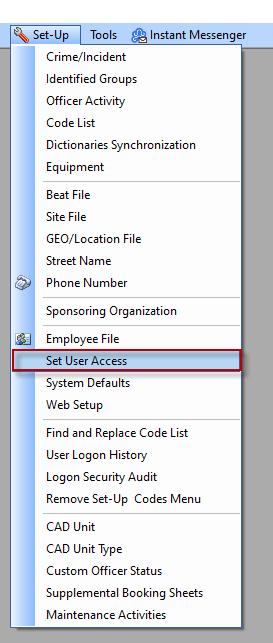
To give access to the Reference File Module you will need to edit the Employee's SetUser Access. Go to File-> Set-Up Code Menu-> Set Up-> Set User Access.
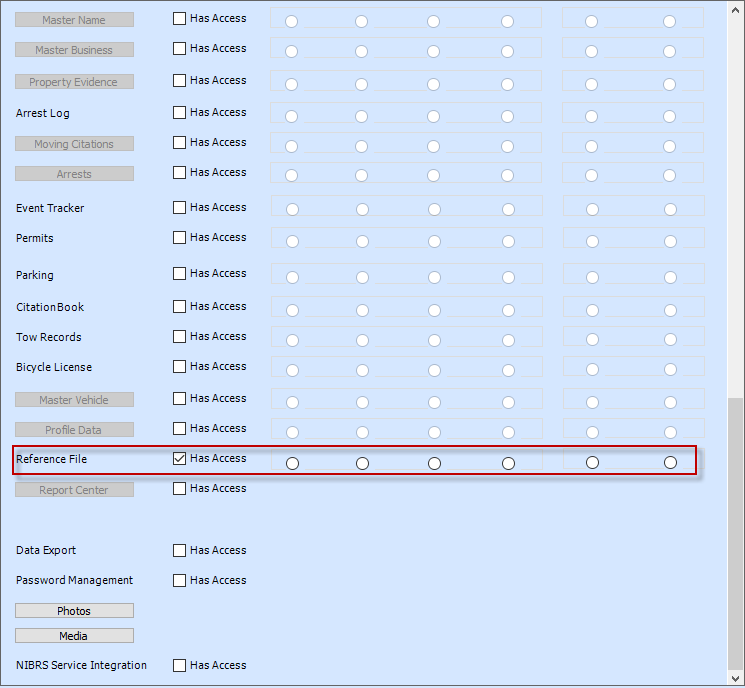
Click on 'Modify' and scroll down till you see the Reference file and make sure the box for 'Has Access' is checked. Then click 'Save'.