
In case when the error appears with the message” Authentication Services are not available”, IT will need to reset IIS through Command Prompt.
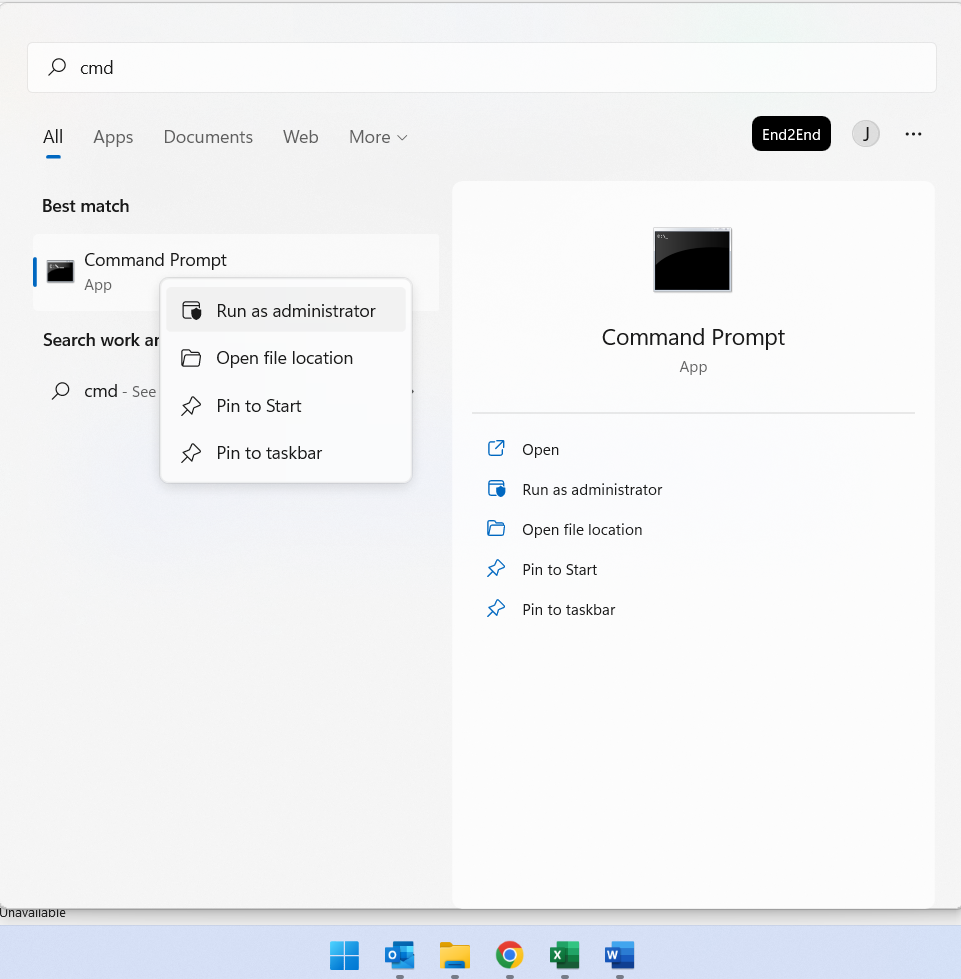
Step 1: To reset your IIS Server, click on the Windows icon and search for Command Prompt. Right-click Command Prompt and Click on “Run as administrator”.
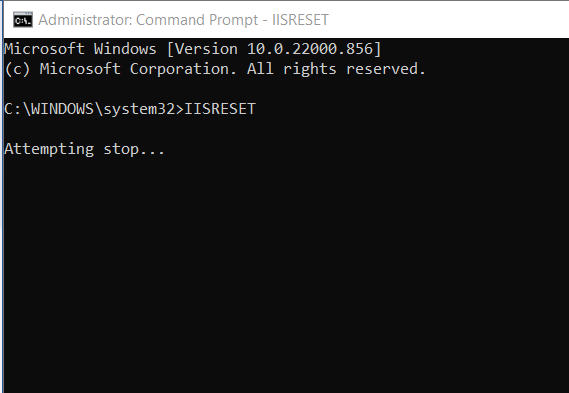
Step 2: In Command Prompt type “IISRESET”
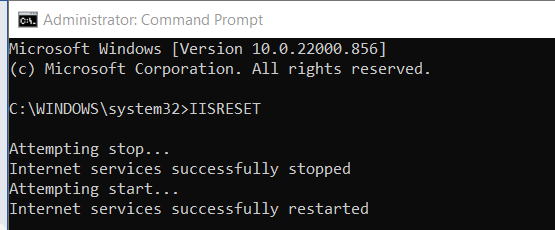
It will show that internet services are successfully restarted.
This will remove errors. If the error persists then the IT team needs to check for the SSL Certificate expiration date, to ensure that it is not expired.