
We've found that a common reason for being unable to save photos from ARMS to the workstation is related to NTFS permissions on the workstations for the folder C:\ProgramData\End2End.
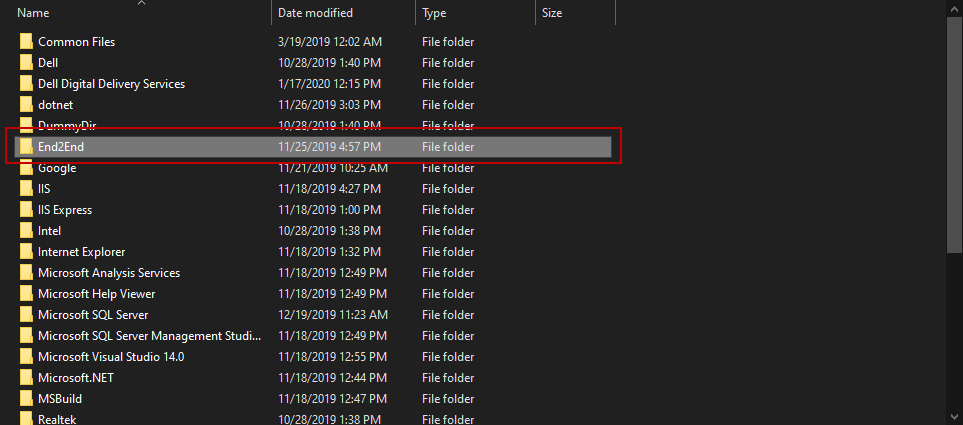
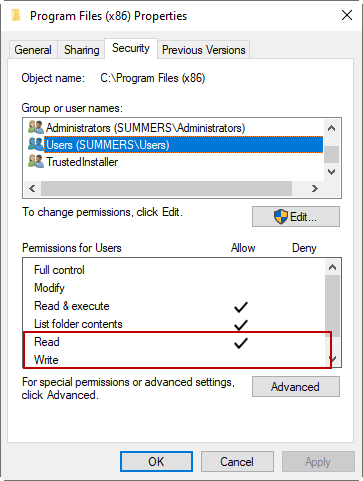
You'll want to allow Read/Write permissions for any domain users on that folder for any workstations that aren't allowing the save function.
Another common confusion regarding ARMS Media Downloading to a workstation is how long it takes for a file to download. The files are having to transfer from your ARMS Server to your workstation and this can take some time depending on the file size and the speed of your network. In order to view the progress of the file transfer you can go to File > Local Storage > Uploads.
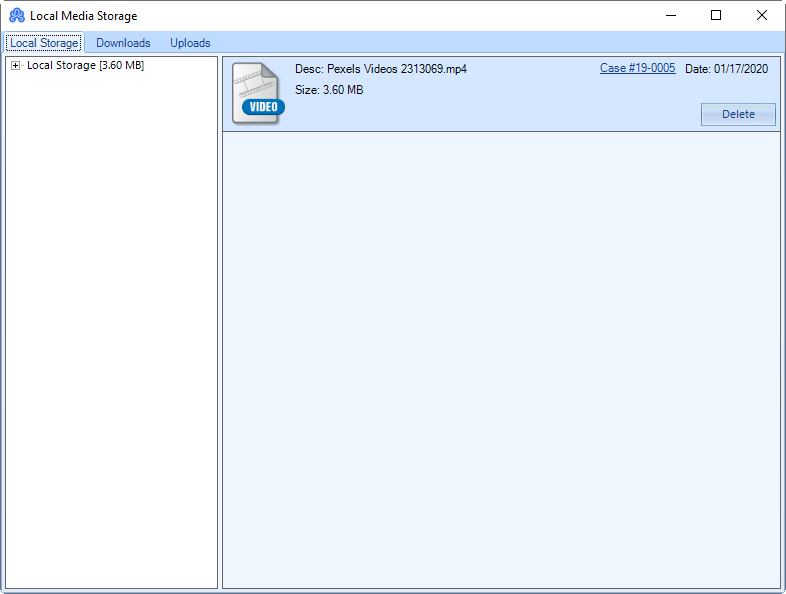
The ARMS Client does have a native photo viewer however it does not have a native video viewer. In order to view video files you must download the file to your machine then open it in a media player.