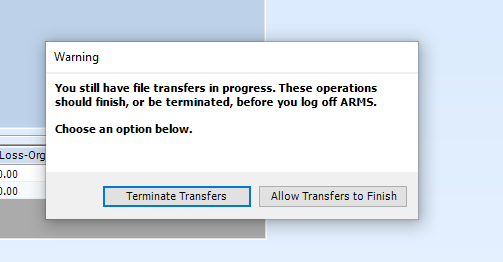
When client machines show the below warning while logging off, then the user should follow these steps:
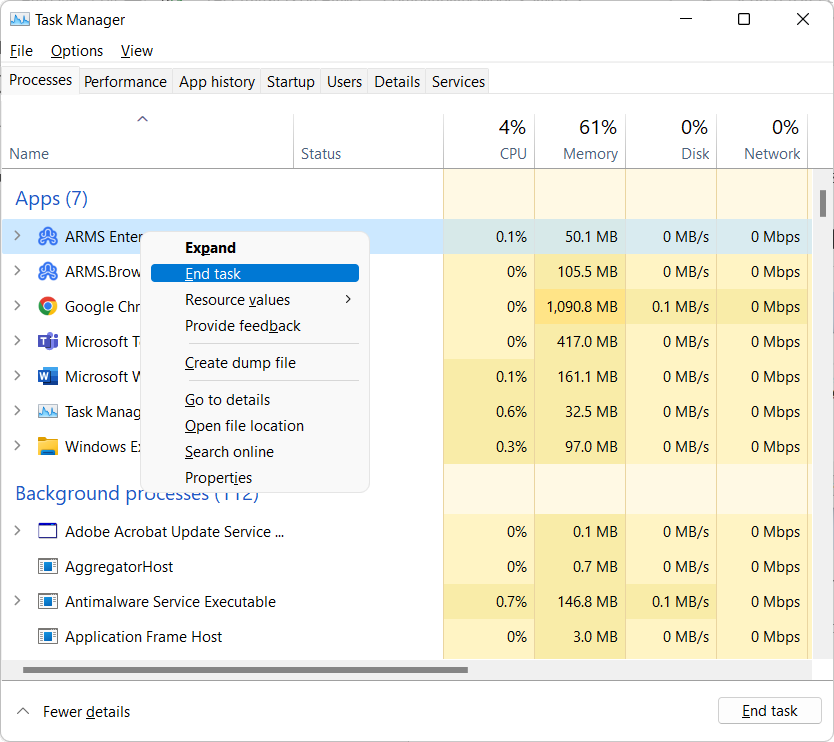
Step 1: Close ARMS completely or kill the task in Task Manager
To Kill from Task Manager: Go to Task Manager, by clicking Ctrl +Alt +Del
And then select ARMS and select End Task, this will completely close the app.
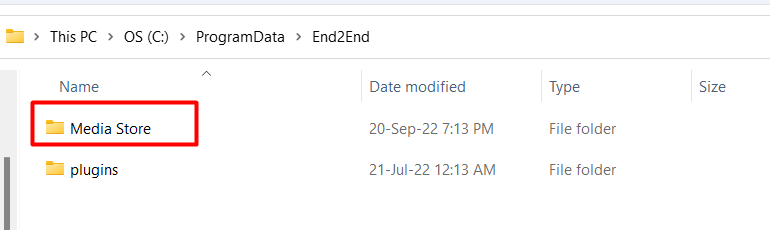
Step 2: Delete the Media Store folder located at "C:\ProgramData\End2End\Media Store"