
Ensure that your device is unmuted and the proper audio output device is selected.
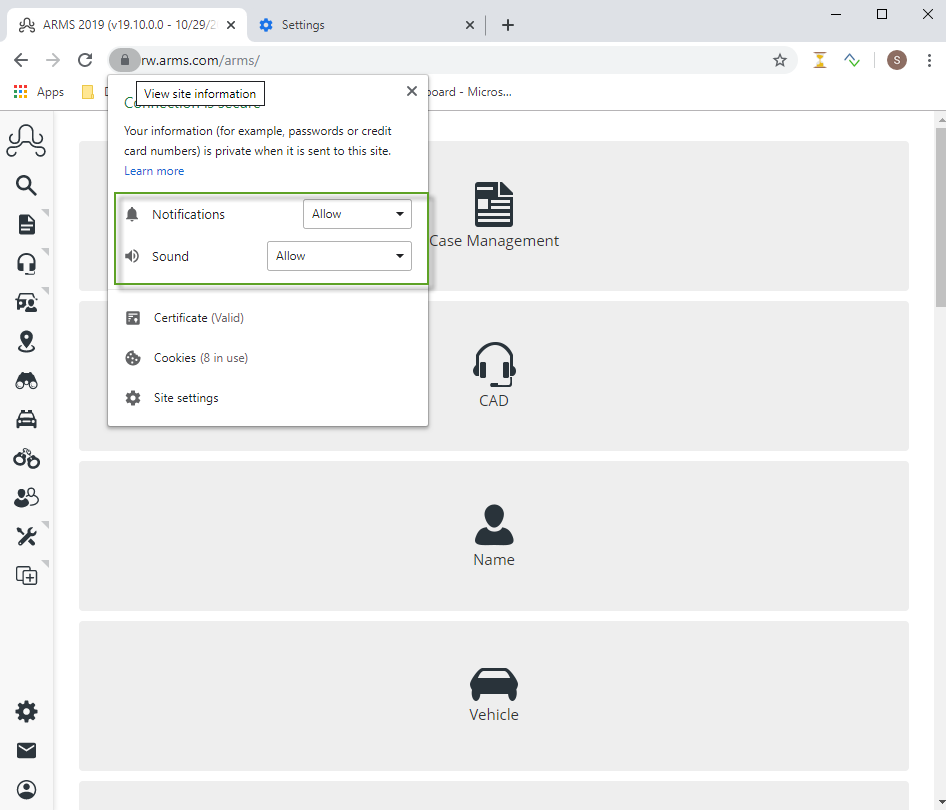
You will want to first check that both notifications and sound are enabled for the ARMS website in your browser. (ARMS Support recommends Google Chrome.)
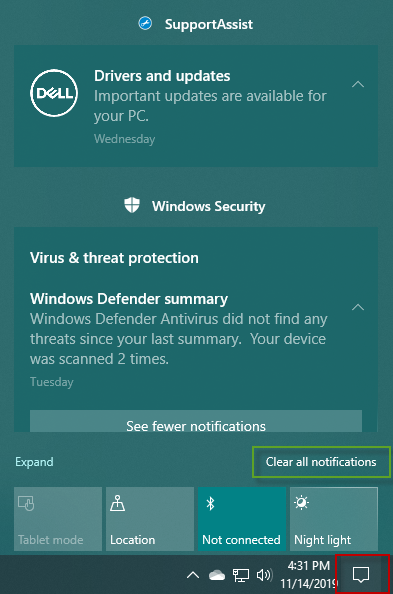
You will then want to ensure that your notification dock in Windows 10 is clear. You can do this by selecting the red box in the image below on your taskbar. From there, select clear all notifications.
Now, in the Open Calls screen, Windows will chime when you are added to a call.