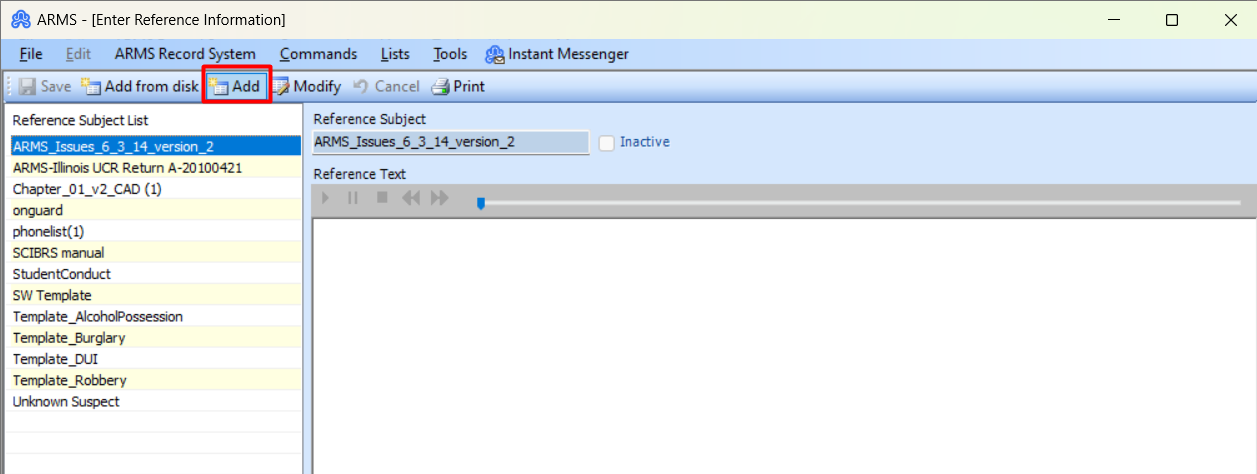
Add Reference file:
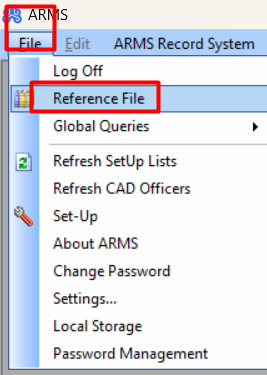
To add records to the reference file, go to File > Reference File.
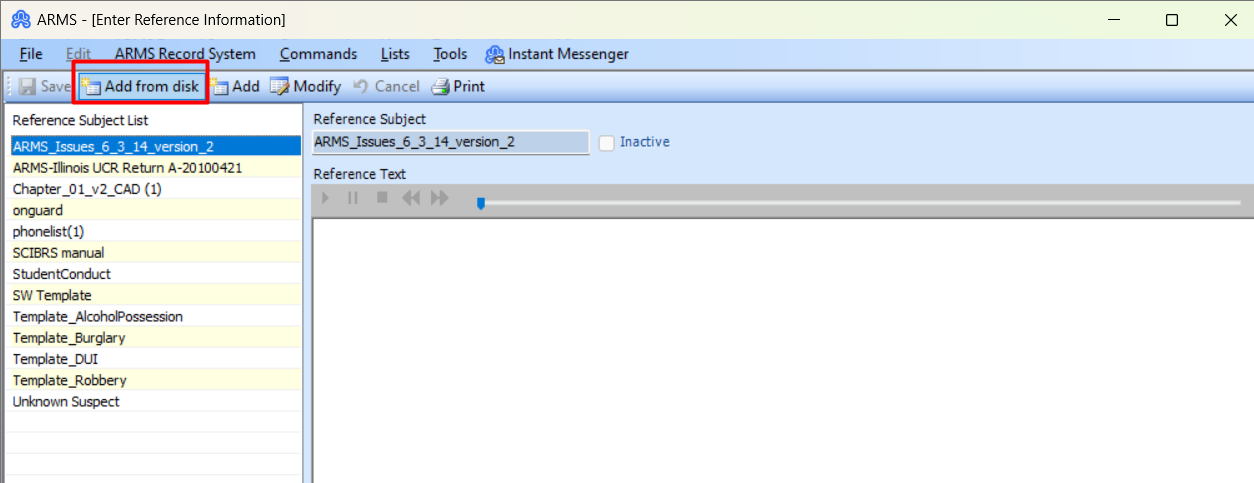
From there, the user can click on the “Add from Disk” button to attach a .PDF or any other file type.
If the user’s Reference File is text-based, they can click the Add button and enter the text into the available fields.