
You can modify the CLERY Codes in ARMS by going to File > Set-Up > Code List and selecting the Clery Category.
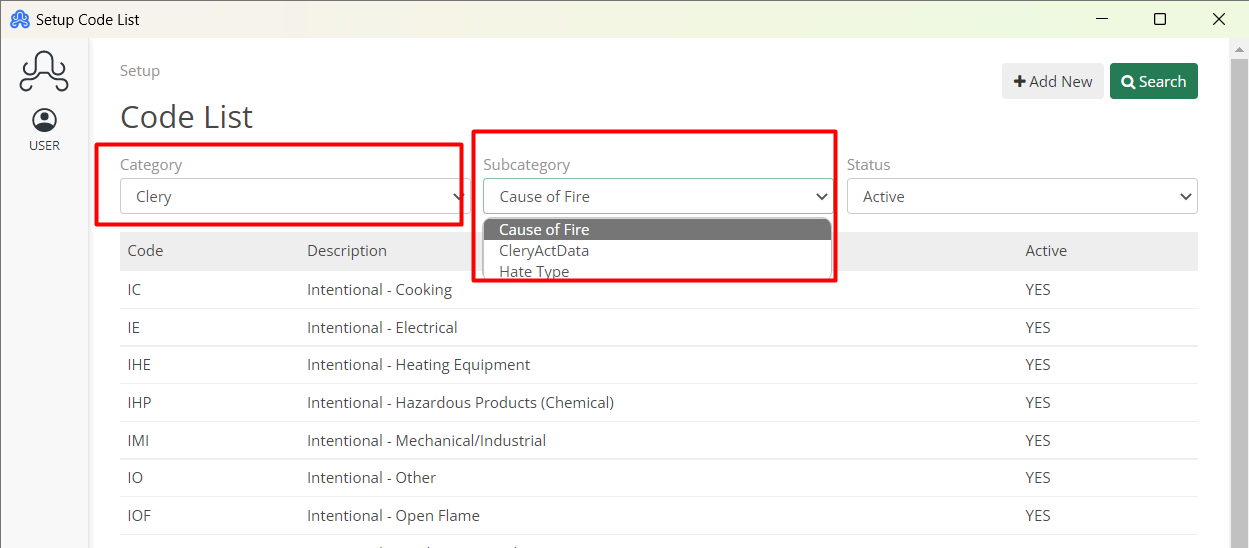
There are 3 Subcategories for Clery: Cause of Fire, CleryActData, and Hate Type. The codes and their descriptions in these Subcategories are completely customizable.
Similarly, other codes can be modified by selecting categories and there subcategories.