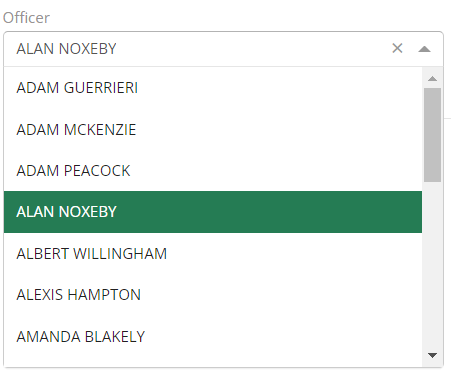
The Officer with permission to change Officers in the case report will need to take the following actions to modify which officer will oversee a case report:
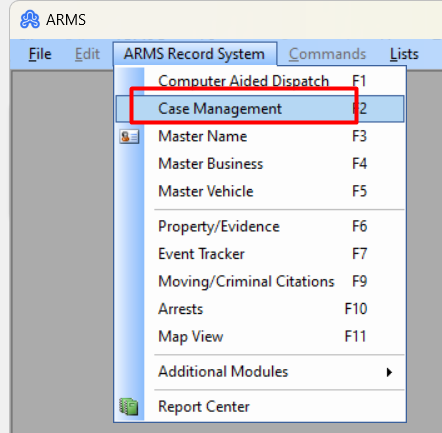
Step 1: Go to Case Management and find the case in which they would like to reassign the officer.
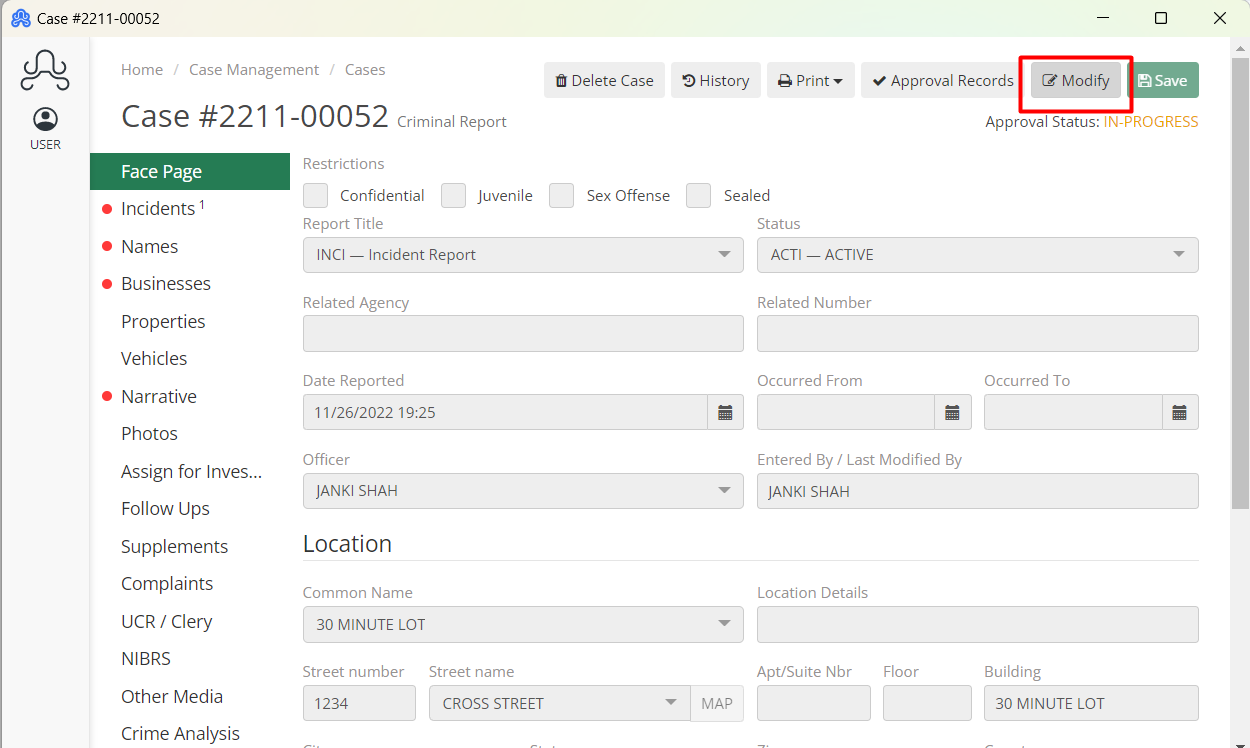
Step 2: Click on the Modify button to able to edit the Case.
Step 3: Select the officer they want to replace from the dropdown in the Officer field.
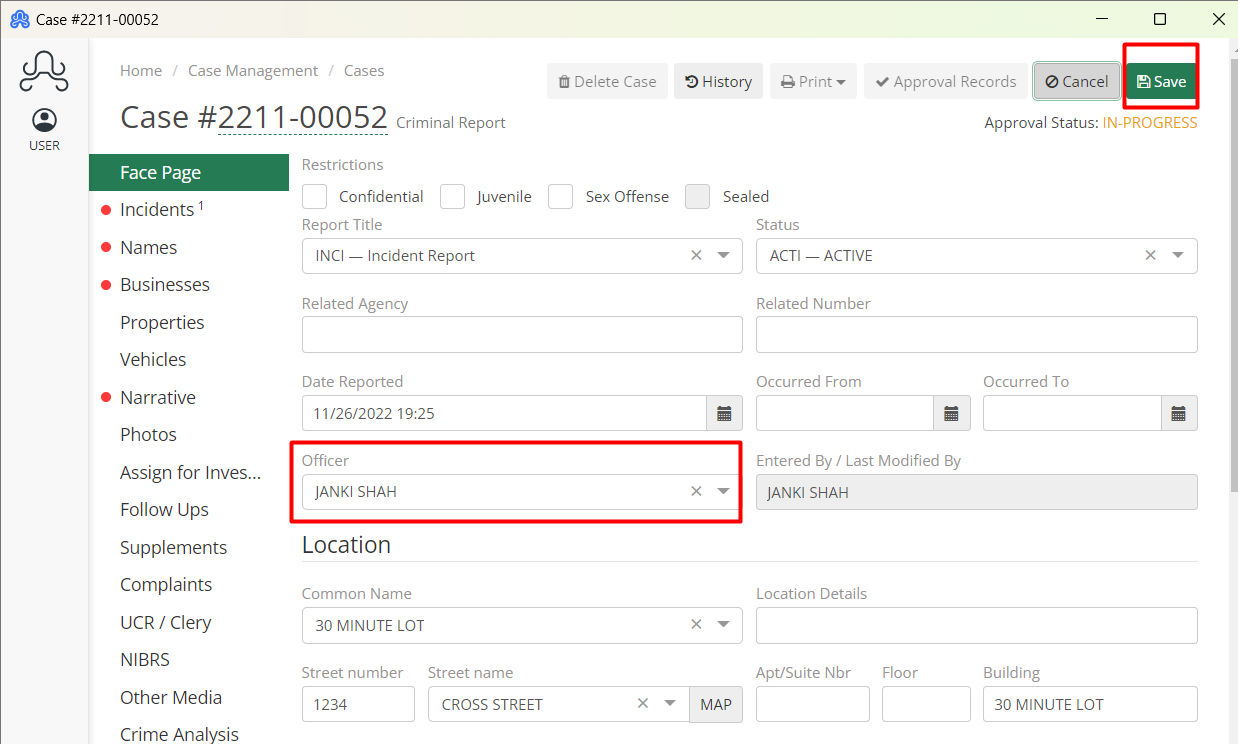
To change the Officer assigned to the case, click on the arrow and a drop-down box will appear the officer can enter the name/call number of the officer they would like to assign to the case.