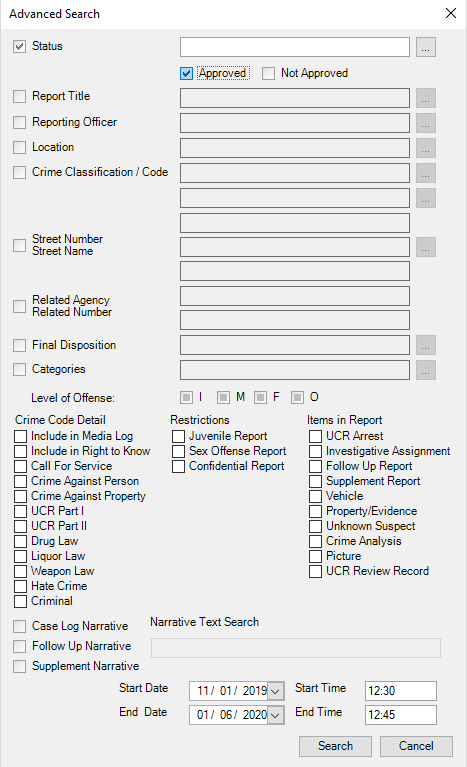
To specify a hour in a year you want to search in the Data Browser click on Case Management, then click advanced search. To specify the specific year go to the bottom of the screen and type in the year you want, along with the start time. You will then need to put the end date criteria. You can also add crime code details in this advanced search. Once all your details are set click search and it will populate your screen with the cases. An example of what your advanced should look like is shown below.