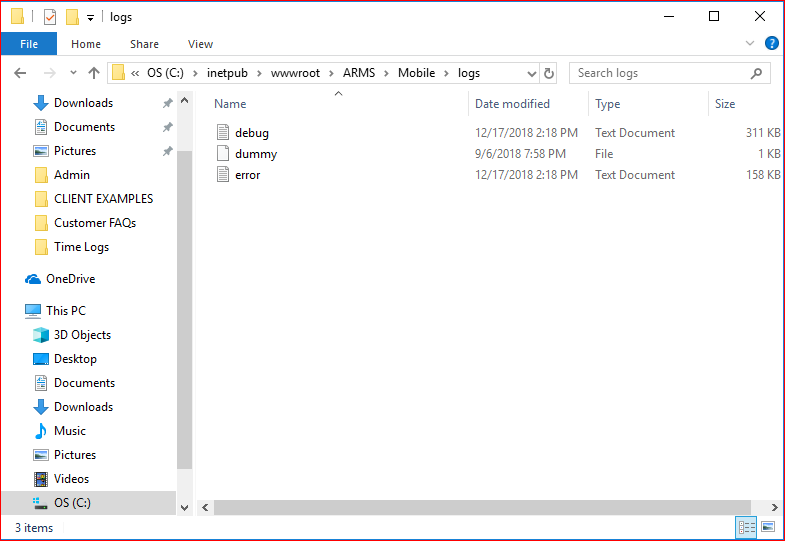
There are four different locations on an ARMS Server where Mobile ARMS logs can be found. ARMS Support Representatives should specify which report they require. If they do not, users can easily surmise which log they need based on where their error message occurred.
Simply attach the most recent log to our support ticket email and the Support Rep will use it to further investigate the question.
More specific error logs can also be found at the '\Reporting' and '\NotificationManager' locations if the noted errors or behaviors are present within those modules.
General Mobile Logs can be found on this file path: C:\inetpub\wwwroot\ARMS\Mobile\logs