
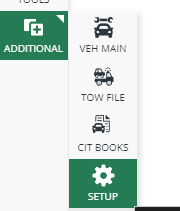
1. First you will need access to the setup menu, you can enter the setup menu via Additional -> Setup
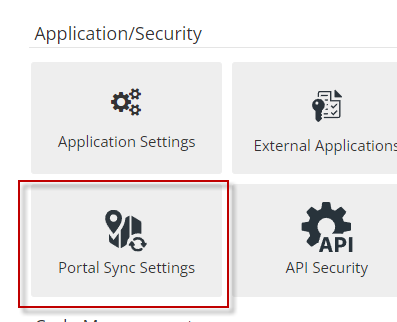
2. Then you will need to select Portal Sync Settings under the Application/Security heading:
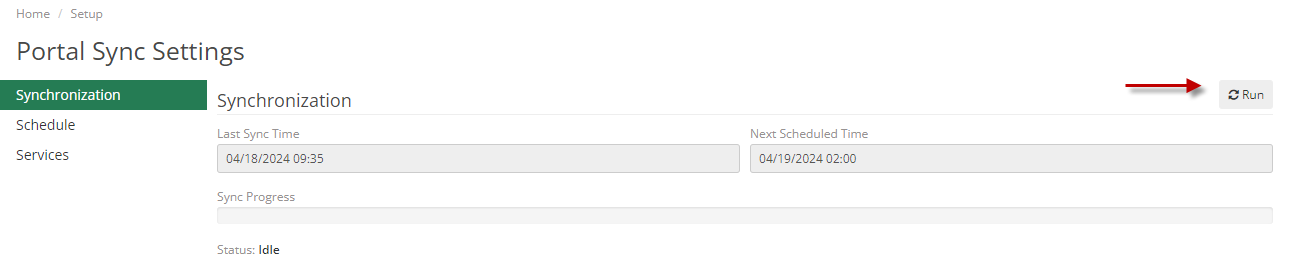
3. Finally, you can hit the Run button in the upper right of the screen:
If the Portal Sync Settings menu option is greyed out or if you run into any other questions while performing this, please let our team know.