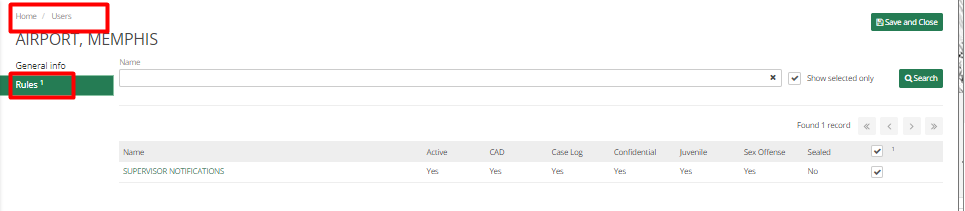
Rules are used to create a subscription which generate an email, that a user can receive based on a specific crime code, specific location, all locations or all crime codes.
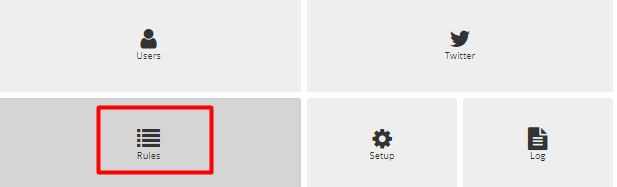
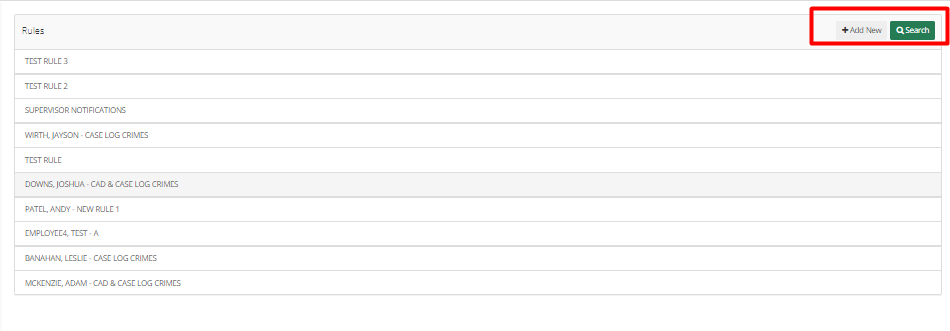
To set up Rules, go to Notification Manager > Rules > Add New
The first page shows General information about Rules, for this rule an Administrator can select from the types of Crime codes and location codes.
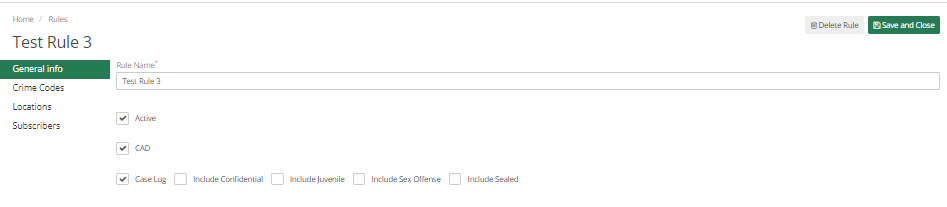
If the Administrator wants this rule for all crime codes, check all the checkboxes.
The Next Tab is Crime codes, here an admin can choose from crime codes for which the users need to be notified of this rule. Similarly, the admin can create Rules for Locations.
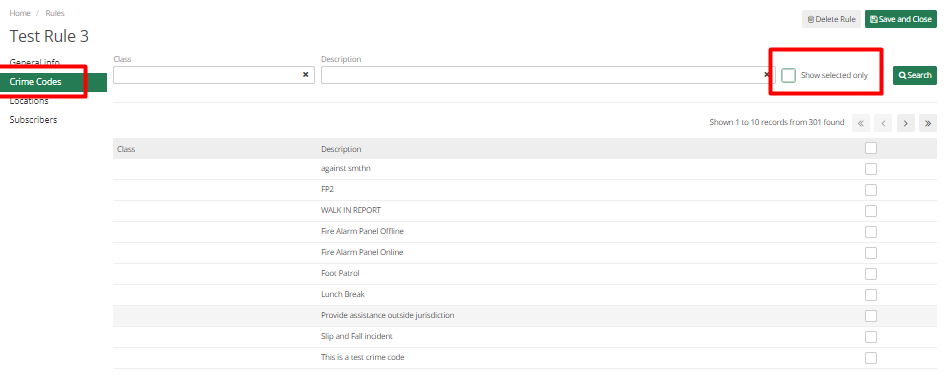
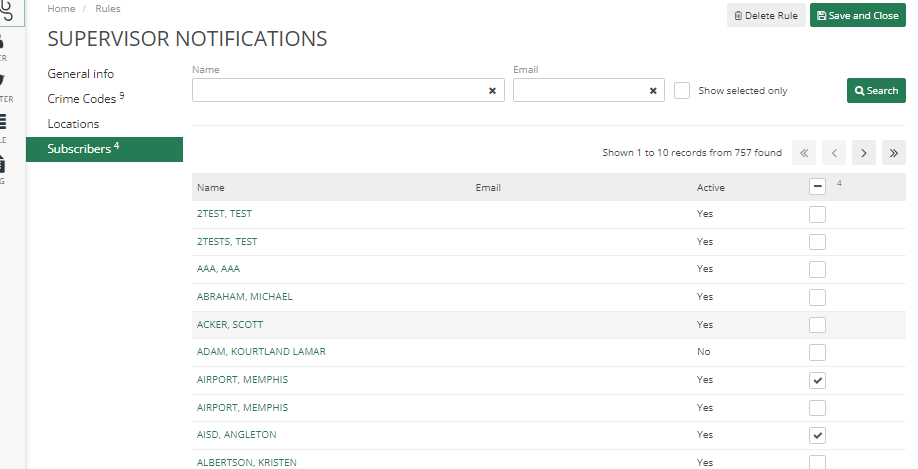
The administrator can set these rules and then assign them to users or subscribers. Subscribers can be searched and selected by using the search option in this.
Department users can set up Rules for a specific user by going to Notification Manager>Users> Select User and going to Rules Tab. On this tab, rules can be selected for that user.