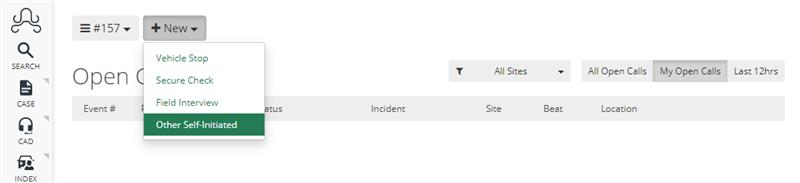
If the officer cannot self-initiate a CAD call, then the ARMS admin of the department will need to verify the correct user permissions.
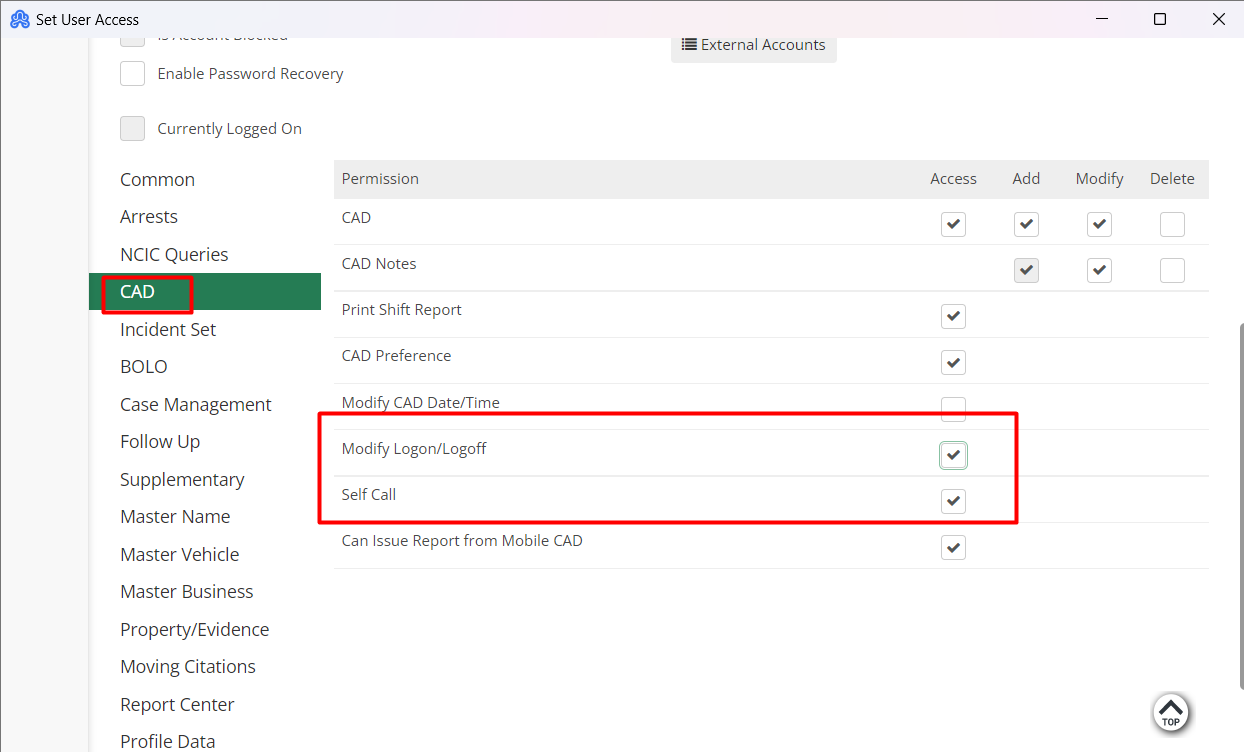
To confirm the settings, click on Additional > Setup -> User Access.
Admin will then need to give the "Modify Logon/Logoff" and “Self-Call” access to log into CAD.
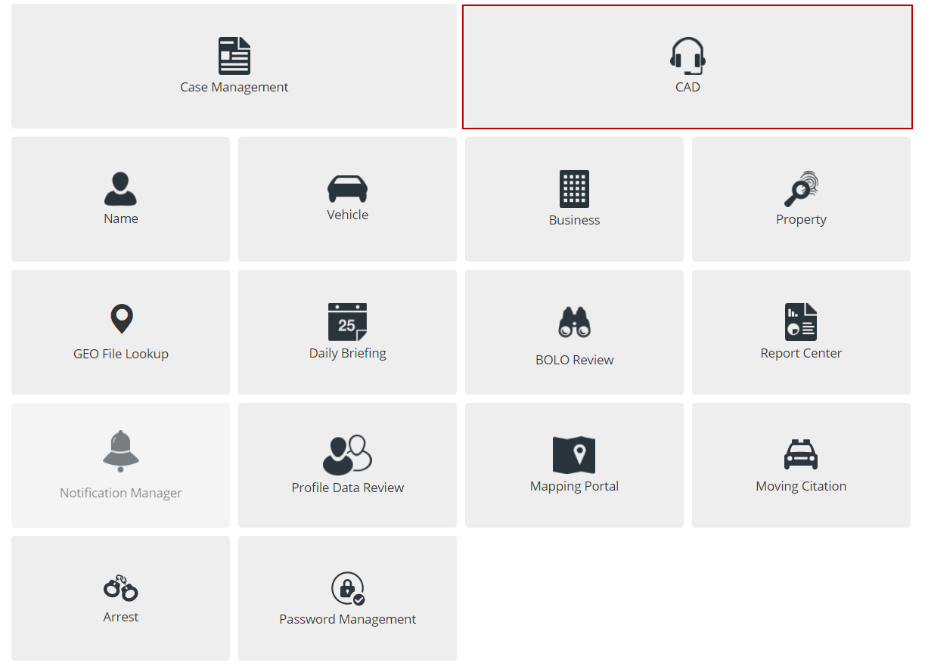
Once the user access permissions have been verified then the user will need to make sure they are able to log into CAD on Mobile. To do this the user will need to navigate to the Mobile dashboard and click on CAD.
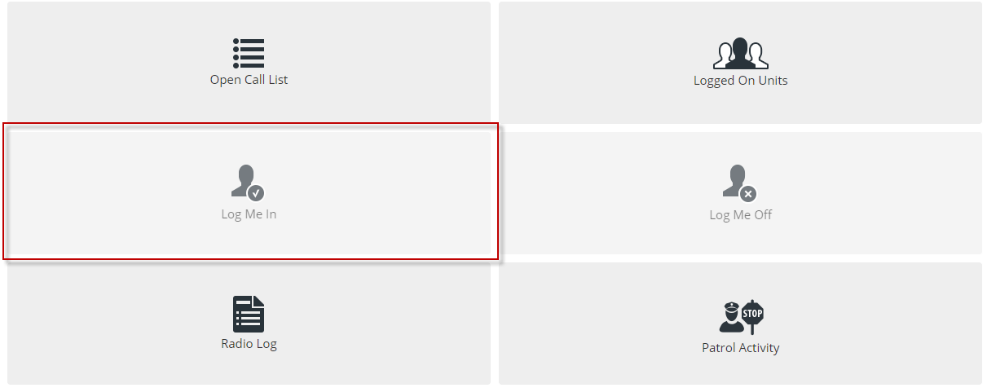
In CAD the officer/user will be able to click on "Log Me In”.
Following this, the officer will be able to click on the "New" button and will be able to "Self-Initiate".