
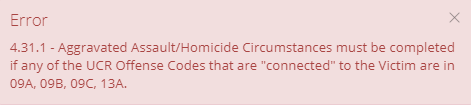
If a User receives a 4.31.1 error message while completing a NIBRS Review, the User will want to complete a few simple steps.
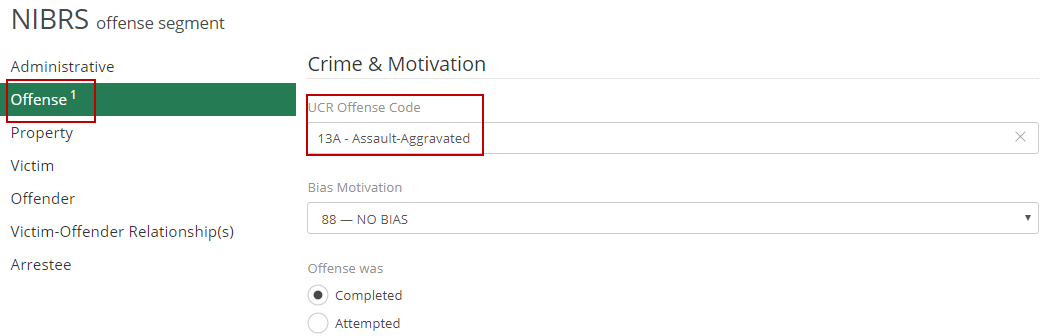
The user will first want to verify that the UCR Offense Code connected to the victim is supposed to relate to the error message and case. To confirm that this is the correct code navigate to the Offense Segment and locate "UCR Offense Code".
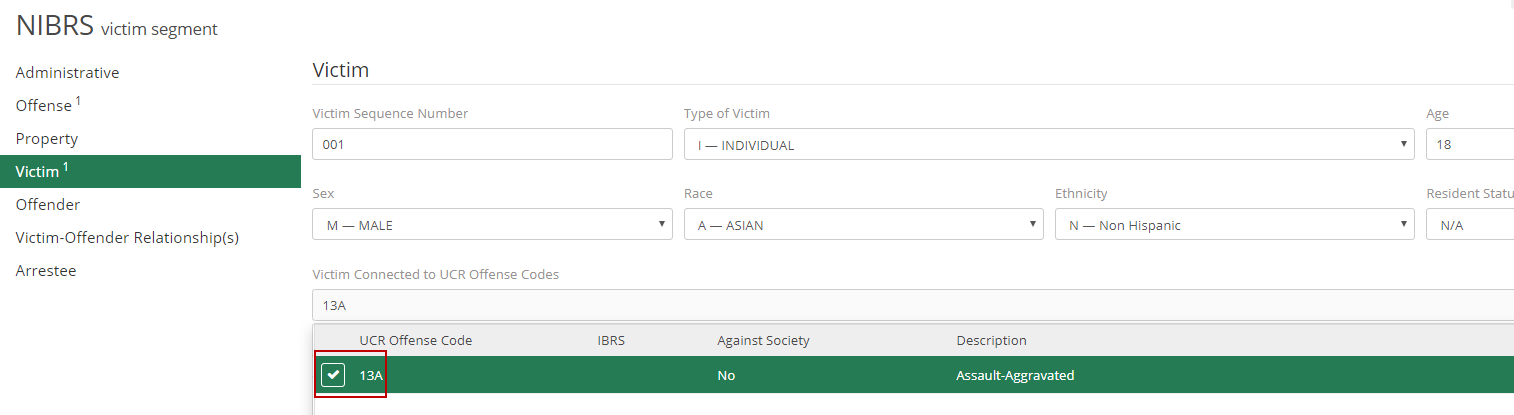
If the above is correct, check the box in the "Victim Connected to UCR Offense Codes" in the Victim Segment.
After both of these have been confirmed and toggled on, the last action the user will want to make is select a 'First Circumstance' under Aggravated Assault/Homicide Circumstances.
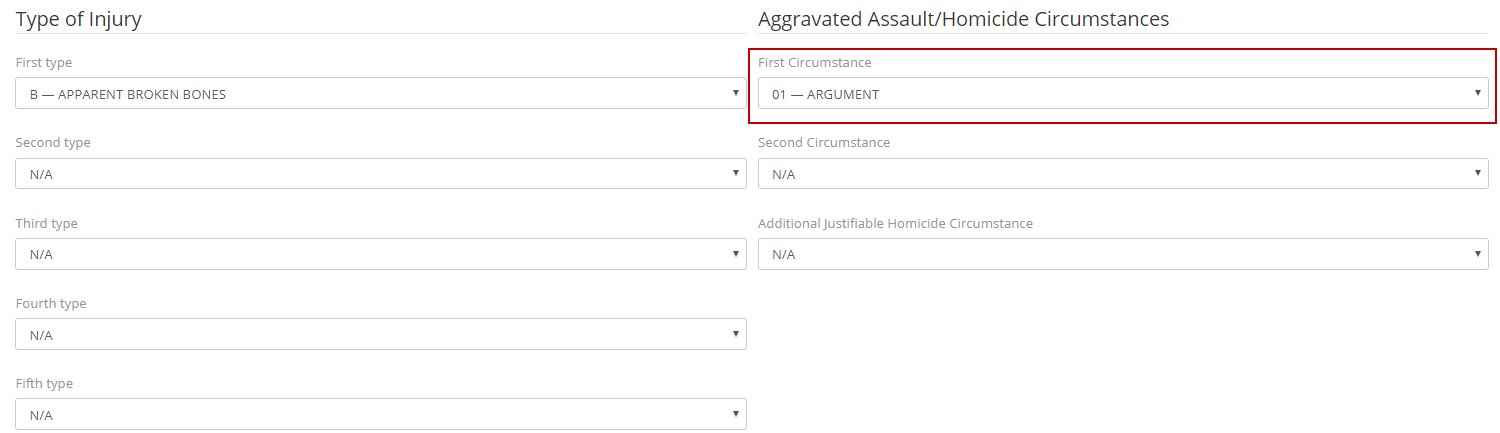
The user can then click save, and the specific error message will be corrected. If any further error messages occur please review our other FAQS, or contact ARMS Support.