
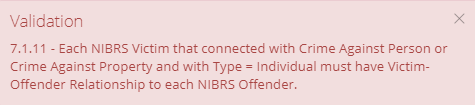
If a user receives a 7.1.11 error message while completing a NIBRS Review, the user will want to complete a few simple steps.
The user will first want to navigate to the Victim-Offender Relationship(s) tab to add a relationship.

In this tab the user will want to select what type of relationship the victim has to the offender. For example, if the victim was a friend of the offender. The user will want to select "Victim Was Friend". If there are multiple victims, repeat the process. Then click save.
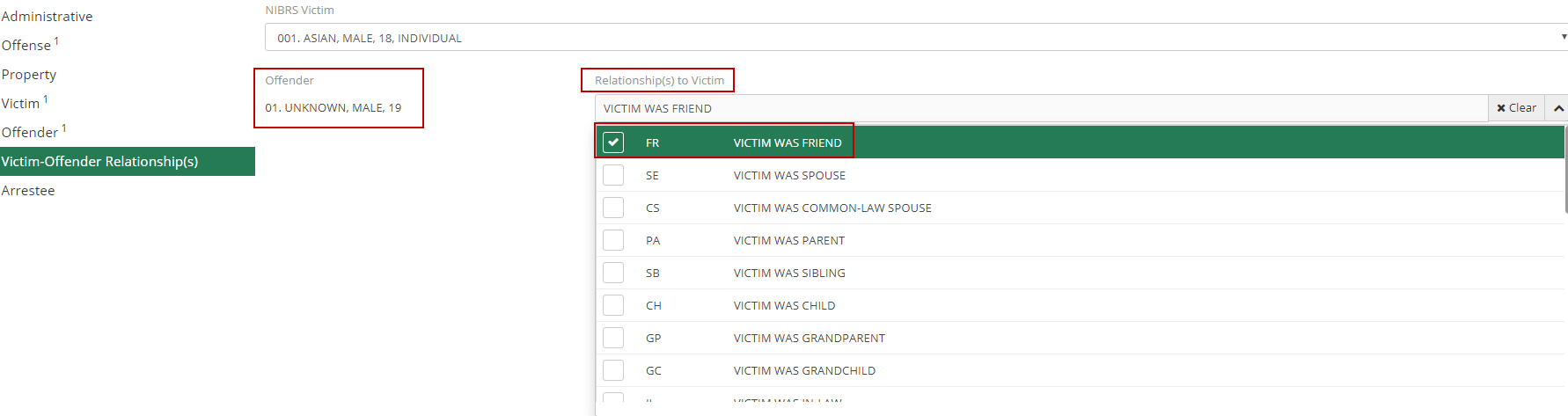
Once this Victim-Offender Relationship has been created, click 'Validate All' to see if the error still persists.

If the error was corrected by these previous steps, the user will receive a success notification.
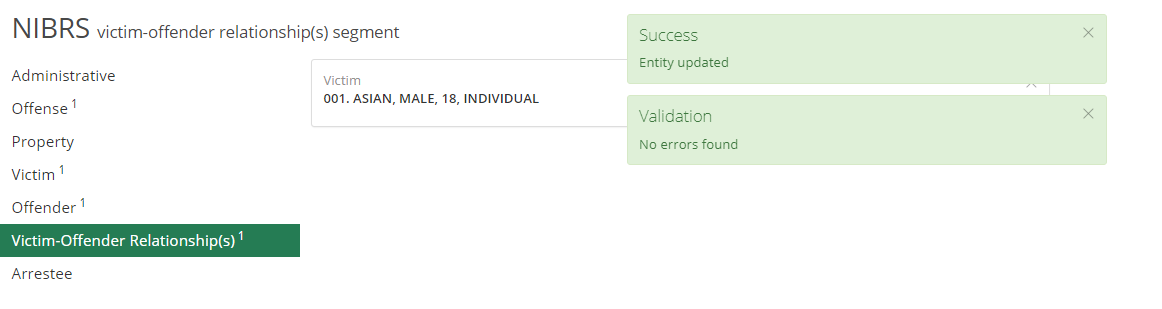
The user can then navigate to the Arrestee segment or finish up the NIBRS review. If any other error messages arise, please browse our other NIBRS FAQs, or contact ARMS support for further assistance.