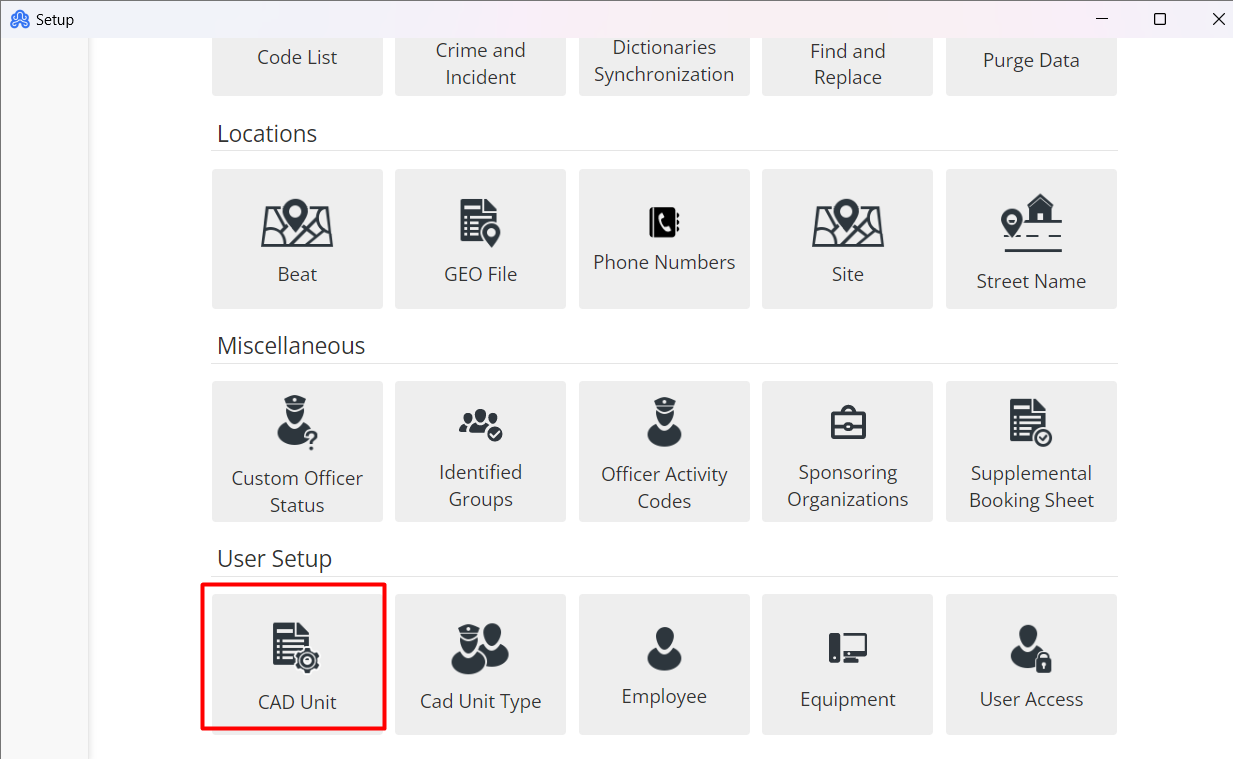
If a Dispatcher is trying to add/modify new employees to a Unit # they will need to navigate to File > Setup > CAD Unit.
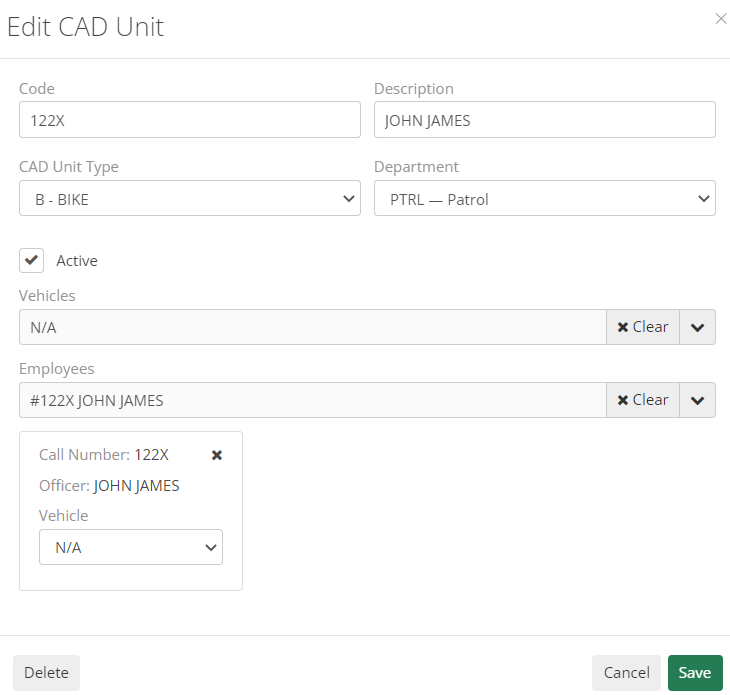
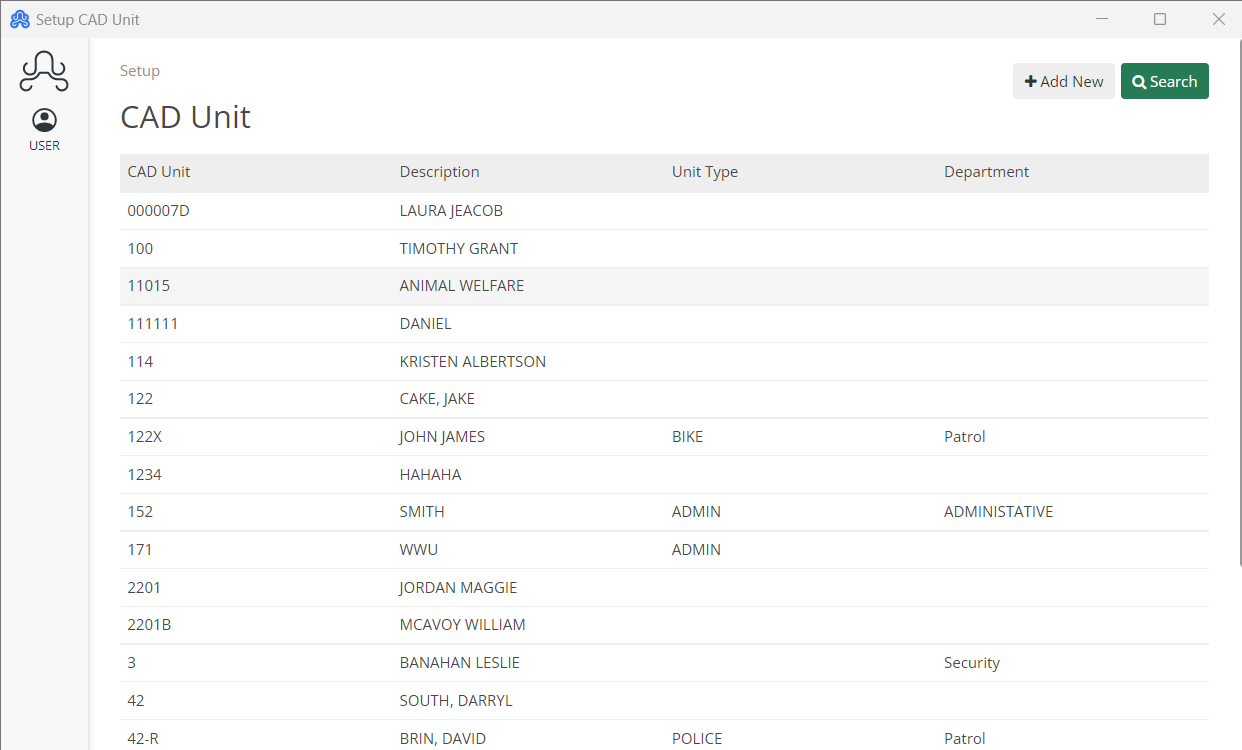
On the CAD Unit screen, they will be able to modify the Unit# with the appropriate employee after they have been created. The officer should be visible in the available Employees list if they are available.
Furthermore, any details associated with the Unit # can be changed here.
Once the user has been associated, the dispatcher will need to log the officer off and then back on. Shown below is what this should look like.