
If users are not able to view Beats in CAD Unit Maintenance when trying to log on as an officer, there are a few things that they will need to verify and complete to get this display.
Be sure that the department has the Beat files created in File >> Set-up >> Beat File.
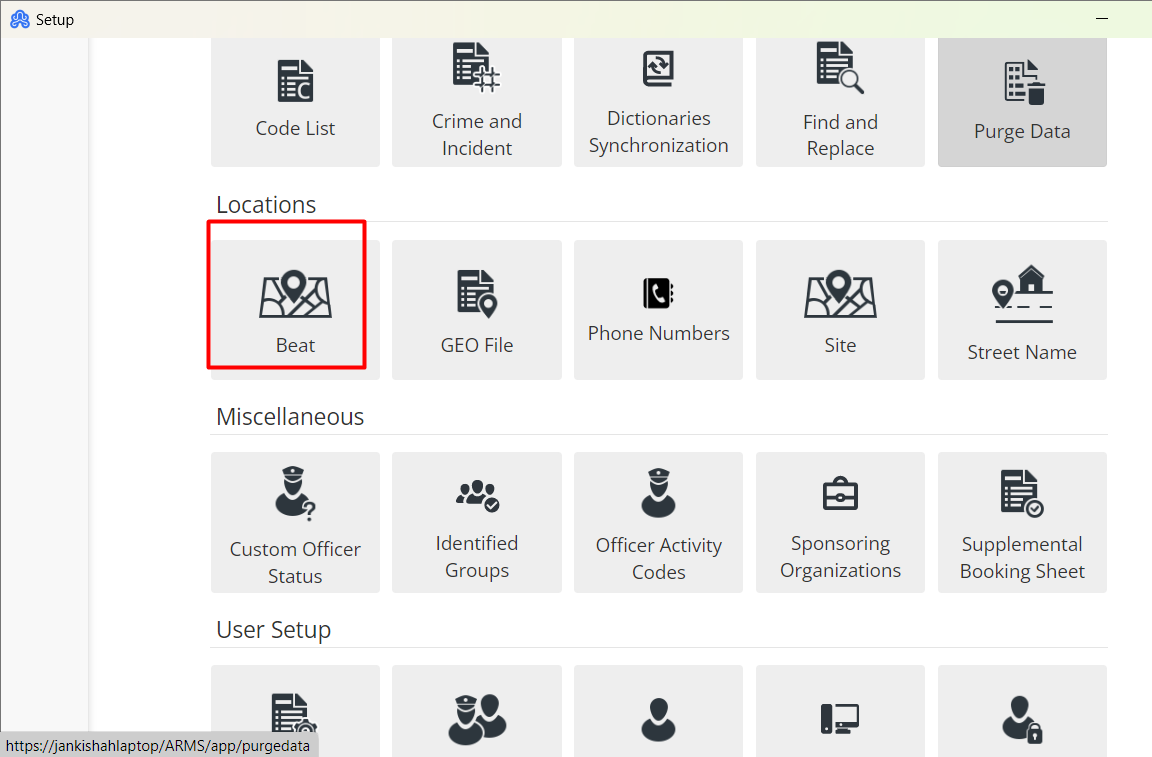
Here you can add, modify, or inactivate beat files. Once these have been created and marked active, the Beat will display in the drop-down box in CAD Unit Maintenance.
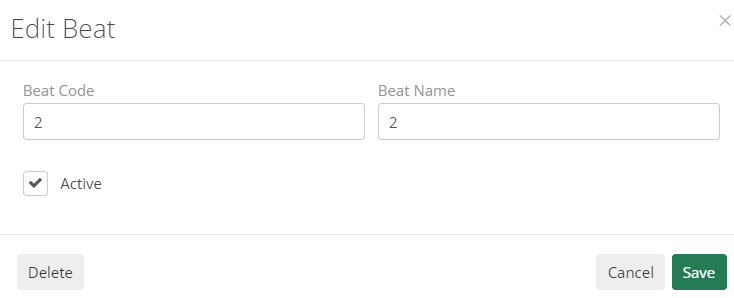
NOTE: For Beat files to work properly for the department, the user will want to make sure the correct Beat code is on each GEO File the officer is needs to be assigned to.
A Beat is meant to mark an officer in that location. If the code is not on a Geo File, the Beat assigned would not be of use.