
If officers are not showing up on all the calls listed in the Dispatch Log by Classification report, and
The Dispatch log is going to show the activity of a Unit on a call then for this to populate correctly verify these steps:
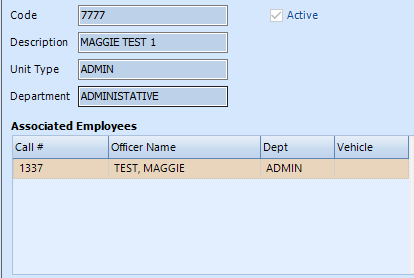
- CAD Unit Associated to Officer that is active and dispatchable in User Access and Employee File. Refresh the CAD Officers list in File -> Refresh Cad Officers if changes were made here.
- The CAD Unit is logged on with the correct Officer Assigned and Vehicle (if needed).
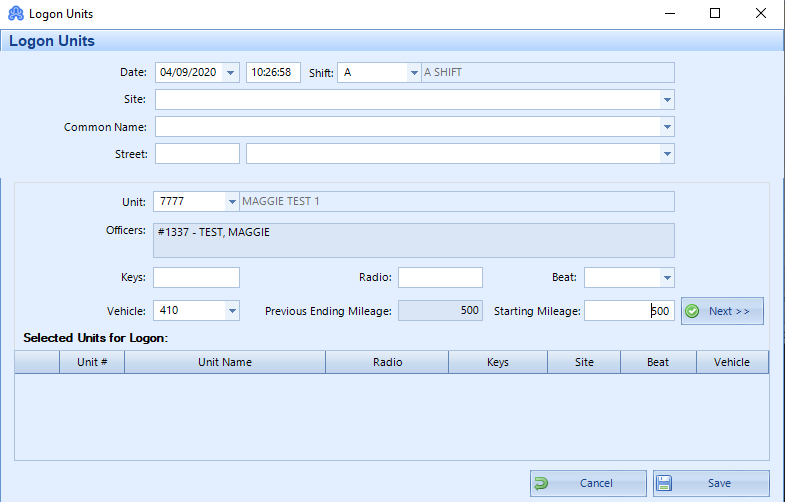
- Once the Cad Unit is logged on, add the officer to the call as needed. The report should show the activity of the officer. Once the call has been cleared with a disposition, view the Dispatch Log report to confirm the officer is still visible with the updated dispatched actions.
If the report is not updating with the officer’s name after doing the above, please contact ARMS Support for further assistance.